Apple's New iPad Pro Models Weigh Less Than iPad Air Models
Apple today introduced ultra thin iPad Pro models, which are the thinnest iPad models to date. In fact, Apple is using the tagline "thinpossible" to describe the new tablets, and with that reduction in thickness, there's also been a reduction in weight.
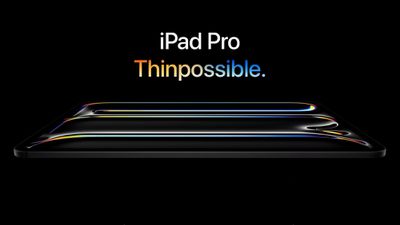
Both iPad Pro models are lighter than the iPad Air models, despite the iPad Air models having the "Air" name that has historically been used to denote a light weight and a thin design when compared to Pro devices.
- 13-inch iPad Pro - 1.28 pounds (579 grams)
- 13-inch iPad Air - 1.36 pounds (617 grams)
- 11-inch iPad Pro - 0.98 pounds (444 grams)
- 11-inch iPad Air - 1.02 pounds (462 grams)
The 11-inch iPad Pro is 5.3mm thick, while the 13-inch iPad Pro is 5.1mm thick, which Apple pointed out is thinner than the iPod nano. Both iPad Air models are 6.1mm thick, comparatively, and they have noticeably thicker bezels.
iPad Air pricing starts at $599, while iPad Pro pricing starts at $999.
Popular Stories
Some Apple retail employees have been told to warn customers against visiting to purchase an iPhone Duo without a pre-order on Friday, October 23.
Apple Store employees told MacRumors that they have been advised that there will likely be no iPhone Duo stock available for walk-in purchases on launch day. Staff have been instructed to discourage customers without pre-orders from coming in...
Verizon plans to charge customers $10 per month for the iPhone Handoff feature that Apple added in iOS 27. iPhone Handoff allows one phone number to be shared across two separate iPhones.
Pricing was included in Verizon's iPhone Duo announcement today, with the carrier confirming iPhone Handoff will work with the iPhone Duo and the iPhone 18 Pro models.
Verizon will support iPhone Handoff,...
Despite knowing that the iPhone Duo would face "severe supply constraints" due to manufacturing challenges, Apple chose to begin iPhone Duo pre-orders on Friday instead of waiting until it had more inventory ready, according to Bloomberg's Mark Gurman. In his Power On newsletter today, he called this decision a "major mistake."
"Let me cut to the chase: Apple made a major mistake here," he...