

Apple Wallet
By MacRumors Staff
Apple Wallet How Tos

iOS 26: Track Emailed Orders in Apple Wallet
In iOS 26, Apple Intelligence makes the Wallet app's order tracking feature genuinely useful by scanning your email for shipping details.
The ability to track orders in Apple Wallet isn't new – it's actually been around since iOS 16. But if you've never noticed it before, don't worry. Most people haven't used it either.
The feature initially struggled because it relied on merchants to...
Read Full Article (34 comments)
iOS 26: Save Physical Card Details in Wallet App
Apple's Wallet app in iOS 26 includes a new feature that lets you store physical card information alongside your digital payment cards. This allows you to quickly access account numbers, expiry dates, and other details without carrying the physical card.
It's a simple addition in iOS 26, but it brings the Wallet app closer to being a comprehensive card management tool, filling the gap that...
iOS 26: Silence Wallet App Promo and Offer Notifications
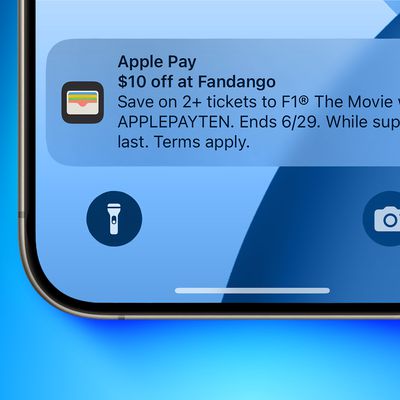
If you've been interrupted by your iPhone's Wallet app with unwanted promotional alerts, here's some good news: In iOS 26, currently in beta, Apple has listened to complaints and added a simple toggle to silence these marketing messages for good.
The new toggle comes after widespread complaints this summer when Apple pushed unwanted notifications about F1 movie ticket offers through the...
How to Use the New Apple Pay UK Bank Account Balance Feature
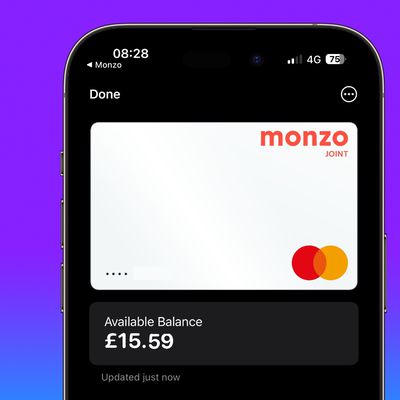
In iOS 17.1 and later, iPhone users in the UK can now view banking information like account balance when using Apple Pay and viewing bank cards and credit cards in the Wallet app. Keep reading to learn how it works.
Apple's Wallet app on iPhone has been able to display Apple Pay transactions made using your bank and credit cards for a while now, but if you are a Wallet app user in the United ...
How to Track Apple Pay Purchases and Orders in Apple Wallet
In iOS 16 and later, when you purchase something online using Apple Pay on your iPhone, iPad, or Mac, you can track your order in the Wallet app on your iPhone. Keep reading to learn how it's done.
The Order Tracking option in the Wallet app enables you to check order status and estimated arrival time, and also allows you to check if there are any issues with your order. Note that this...
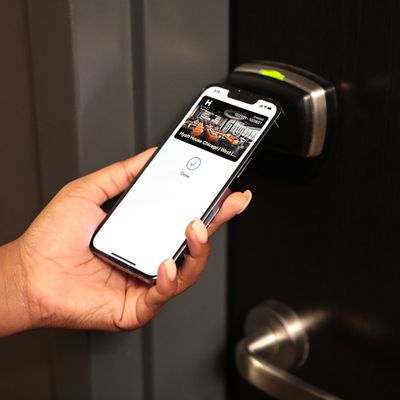
iOS 15: How to Add a Hotel Room Key to iPhone and Apple Watch
In iOS 15, Apple has introduced the ability to add a hotel room key to the Wallet app on your iPhone, allowing users to consult their phone or Apple Watch for reservation details, as well as use them to check in and unlock their room.
For example, Hyatt, a well-known hotel chain, in December 2021 announced its adoption of Apple's Wallet technology, with guests able to use Apple Wallet room...
Apple Wallet Articles
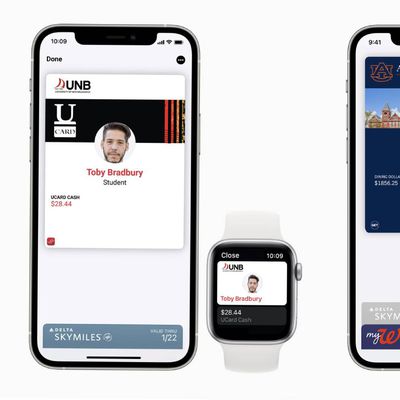
Apple Expanding Digital Student IDs on iPhone and Apple Watch to More Colleges in U.S. and Canada
Apple today announced that for this coming school year, mobile student IDs in the Wallet app will be expanding to Auburn University, Northern Arizona University, University of Maine, New Mexico State University, and many more colleges across the United States.
Mobile student IDs in the Wallet app will also be expanding to Canada this year, starting with the University of New Brunswick and...
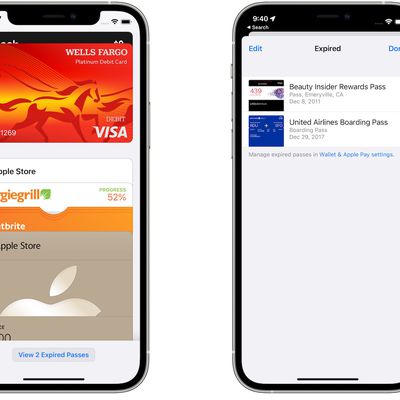
iOS 15 Automatically Archives Expired Boarding Passes and Tickets in Wallet App
Apple announced iOS 15 on Monday, and as usual, there is a long list of smaller features that went unmentioned during the WWDC keynote.
One of these small but helpful features is archived passes in the Wallet app. Starting with iOS 15, expired boarding passes and event tickets in the Wallet app are automatically moved to an expired list, helping to reduce clutter.
In the Settings app...
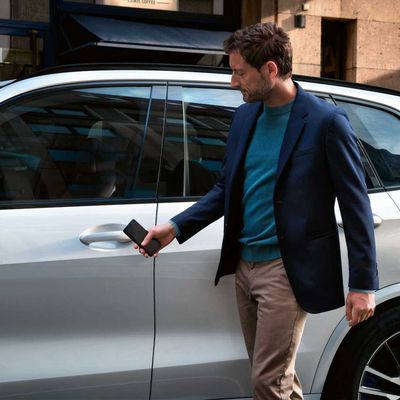
Apple's Upcoming 'CarKey' Feature Will Let You Send Digital Keys Using Messages App
As discovered in the first beta of iOS 13.4, Apple is working on a new "CarKey" feature that will allow an iPhone or an Apple Watch to unlock, lock, and start NFC-compatible vehicles.
CarKey "keys" live in the Wallet app and as we found in the first beta, can be shared with other people so you can allow others temporary access to your car. In the second beta of iOS 13.4, there's updated...
iOS 13.4 Beta Reveals 'CarKey' Feature That Would Turn Your iPhone or Apple Watch Into a Car Key
Apple yesterday seeded the first beta of iOS 13.4 with several new features, such as iCloud folder sharing, new Memoji stickers, and a redesigned Mail toolbar. While not mentioned in the release notes, the update also includes early signs of an interesting feature that would turn an iPhone or Apple Watch into a car key.
As first reported by 9to5Mac, and confirmed by MacRumors contributor Steve ...
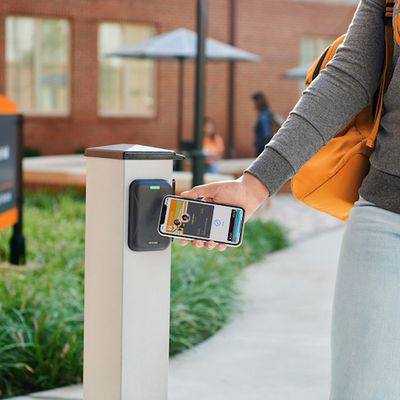
Apple Expanding Contactless Student ID Cards to 12 More Universities in Coming School Year
Apple today announced that students at 12 additional universities will be able to add their student IDs to the Wallet app in the coming school year, allowing them to get around campus and make purchases using an iPhone or Apple Watch.
The expansion includes Clemson University, Georgetown University, University of Tennessee, University of Kentucky, University of San Francisco, University of...
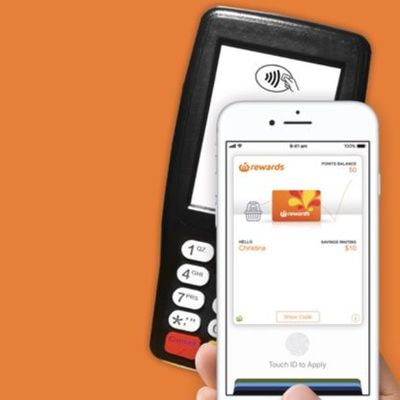
Woolworths Rewards Cards Can Now Be Added to the Wallet App in Australia
Woolworths customers in Australia who have a Woolworths rewards card can now add their cards to the Wallet app to make it easier to earn and use rewards points when checking out.
Apple added a mention of the new Woolworths Rewards option to its Apple Pay website today, and the feature is outlined on the Woolworths website.
Woolworths customers can open the Wallet app and scan their cards...
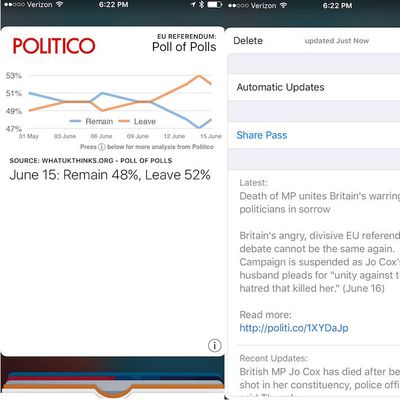
Politico Europe Uses Apple Wallet To Send EU Referendum Notifications to Readers
Apple Wallet was designed to allow users to easily place payment options like credit cards, debit cards, and gift cards alongside tickets and passes from companies like Fandango and EventBrite. However, Politico Europe has decided to try to use the app to deliver news to its readers, reports NiemanLab (via AppleInsider).
As a part of its coverage of the EU Referendum [next week's nationwide...











