Tim Hardwick

Tim is a Senior Editor at MacRumors and has been writing for the site since 2016. Formerly a magazine journalist, his work has appeared in over 30 newsstand print publications and online brands covering a range of topics, from the latest trends in technology to the mysteries of ancient history.
Based in the UK, Tim's current role at MacRumors involves editorial oversight and how tos, in addition to covering daily news and contributing occasional reviews. Tim can be reached at tim@macrumors.com, Telegram (@waxeditorial) or Twitter.
Based in the UK, Tim's current role at MacRumors involves editorial oversight and how tos, in addition to covering daily news and contributing occasional reviews. Tim can be reached at tim@macrumors.com, Telegram (@waxeditorial) or Twitter.
Tim Hardwick's Articles

FCC Commissioner Calls for Apple and Google to Ban TikTok Over 'Surreptitious' Data Practices
The Federal Communications Commission has asked Apple and Google to remove TikTok from their app stores because of its "pattern of surreptitious data practices," reports TechCrunch.
FCC Commissioner Brendan Carr is said to have written to Apple and Google on Tuesday to make the request, which comes after a BuzzFeed News report last week claimed TikTok staff in China have had access to U.S....
Read Full Article • 177 comments

'Apple Community+' Launches to Recognize and Reward Top Contributors in the Apple Support Community
Apple has just launched a new global "Apple Community+" program that aims to recognize and reward top contributors in the Apple Support Community by "providing access to special perks, white-glove experiences, and more."
In the Apple Support Community, we recognize when a member's positive attitude, expertise, and curiosity to explore new solutions make a big impact in our community. That's...
'Everything Apple' Gift Card Now Available in Several European Countries
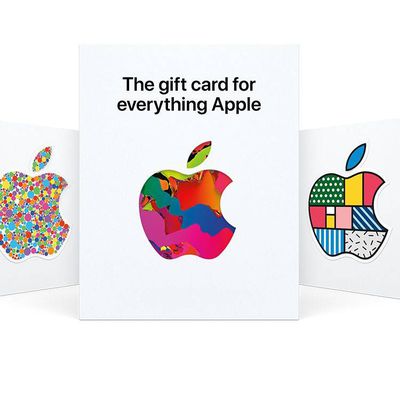
Apple today launched its single gift card for all things Apple in several European countries, including France, Germany, Italy, Spain, the Netherlands, the United Kingdom, and more.
The card can be used at the App Store and other online services, but it can also be used to buy products and accessories in the Apple Store.
Apple launched the gift card in 2020 for U.S. customers, and last...
iPad Mini 7 With 120Hz ProMotion Unlikely, Says Display Analyst
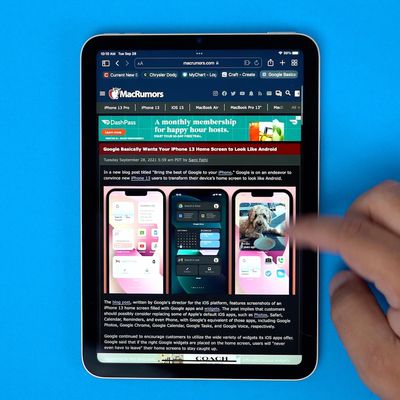
A sketchy rumor suggesting Apple will release an iPad mini with 120Hz ProMotion was revived today in the Asian media, but a well-connected display industry analyst has already reacted to the reports with skepticism.
Responding on Twitter to a question from The Mac Observer's Jeff Butts about the rumor, Display Supply Chain Consultants (DSCC) analyst Ross Young said he would be "surprised"...
iOS 16: How to Change the Lock Screen Clock to Arabic Indic
In iOS 16, Apple has introduced a variety of customization options for the iPhone Lock Screen, including the ability to add widgets and style the look of the digital clock.
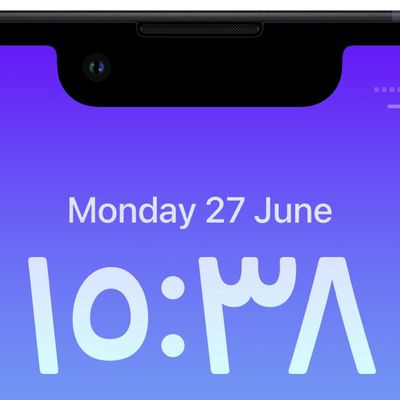
Among the new changes you can make to the digital clock readout on the Lock Screen, Apple now allows you to switch the time display from Arabic numerals to Arabic-Indic symbols. The following steps show you how it's done ...
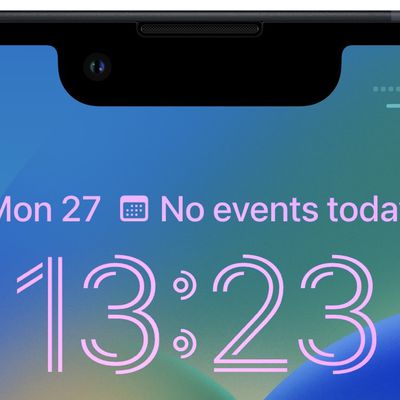
Change Clock Style on Your iPhone Lock Screen
If you're new to iPhone, Apple recently opened up the Lock Screen to a wealth of personalization options not seen before. iPhone users can change not only the wallpaper but also the clock font and color, and with the addition of widgets, users can customize the look and control the information density.
As a result of all the new personalization features, Apple has overhauled the Lock Screen...
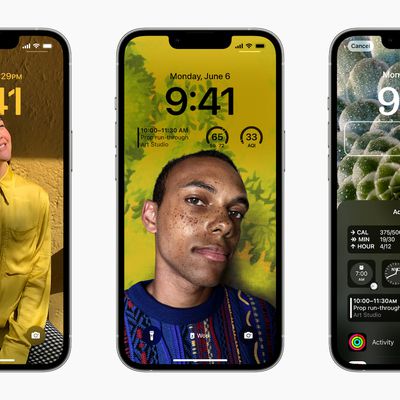
iOS 16: How to Change the Color of Your iPhone Lock Screen
In iOS 16, Apple has brought several personalization features to the iPhone Lock Screen that enable you to get just the wallpaper you want, including options to add widgets and change the font and style of the digital clock.
Of course, if all you want is a minimal colored wallpaper with nothing else going on, Apple has included this option too. The following steps show you how to change the...
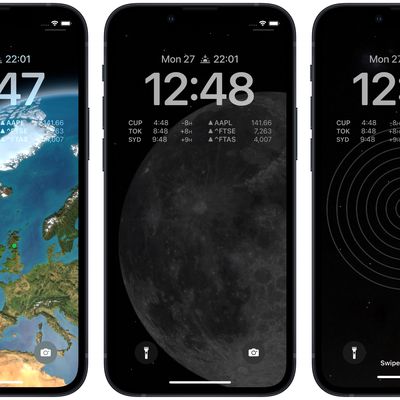
iOS 16: How to Set a Dynamic Astronomy Lock Screen Wallpaper
In iOS 16, Apple has added multiple options to customize the iPhone Lock Screen, including the ability to change the font and color, apply filters, and even add information-rich widgets to your wallpaper.
Apple has also included a handful of dynamic Lock Screen wallpapers that adapt to specific real-world variables, including an astronomy wallpaper that shows the current alignment of the...
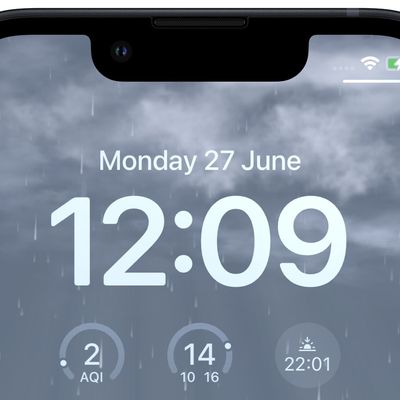
iOS 16: How to Set a Dynamic Weather Lock Screen Wallpaper
In iOS 16, Apple has introduced some major changes to its mobile operating system, including a complete overhaul of the Lock Screen experience.
One of Apple's aims in iOS 16 is to make personalization of your iPhone's Lock Screen a fun and rewarding experience that goes beyond just adding a wallpaper to it. To that end, Apple has made it possible for you to apply unique fonts, colors,...
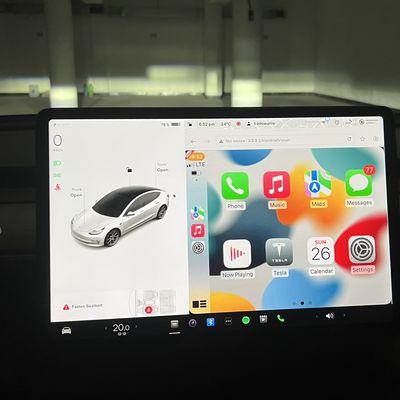
Tesla Apple CarPlay Hack Updated to Work With Any Tesla Model
Polish developer Michał Gapiński has released a new and improved version of his "Tesla Android Project" which brings Apple's CarPlay experience to more Tesla vehicles than ever before.
According to Gapiński, version 2022.25.1 provides "100% functional CarPlay integration for any Tesla," and comes with several new features and bug fixes.
The project now supports DRM video playback so that...
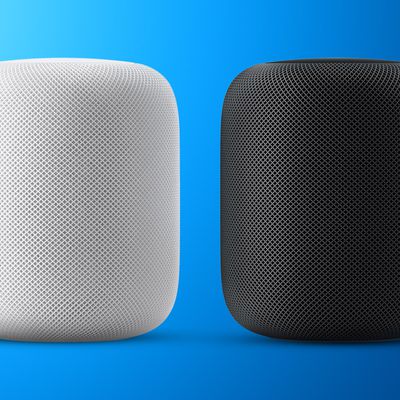
New Version of Original HomePod to Return Next Year
Apple is likely to release a successor to the original HomePod next year that will feature a new display on top supporting new touch interactions, according to Mark Gurman.
Writing in the latest edition of his Power On newsletter, the Bloomberg journalist says the smart speaker will have a similar size and boast comparable audio quality as the original, now discontinued HomePod, and will be ...
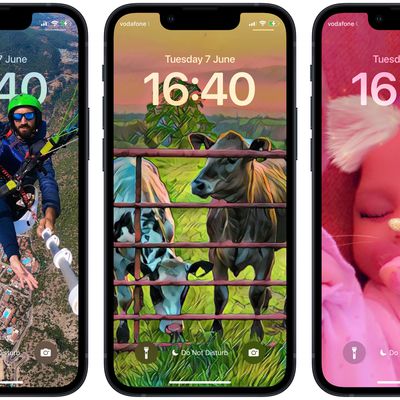
iOS 16: How to Change Your Lock Screen's Photo Shuffle Frequency
In iOS 16, Apple has introduced some major changes to the Lock Screen experience, including the ability to have the wallpaper shuffle between a pre-selected set of photos.
Using the new Shuffle option, you can select multiple pictures from your photo library and opt to have the wallpaper shuffle between them on a set hourly or daily schedule, or every time you wake or tap your iPhone...
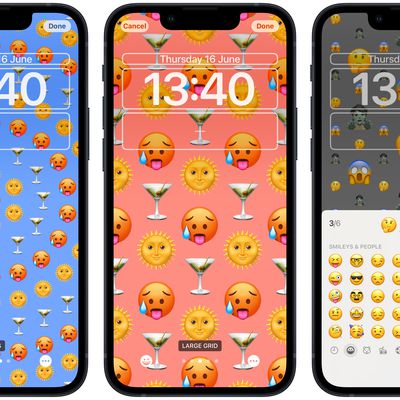
iOS 16: How to Create an Emoji Lock Screen Wallpaper
In iOS 16, Apple has introduced some major changes to its mobile operating system, including a complete overhaul of the Lock Screen experience.
On an iPhone running iOS 16, it's possible to customize the Lock Screen in ways that were simply not possible before, thanks to new options to apply unique fonts, colors, filters, and, for the first time, add widgets.
One new feature...
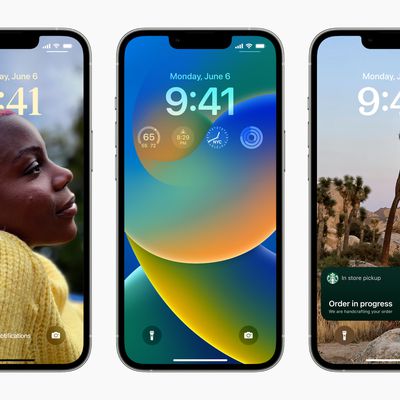
iOS 16: How to Set a Photo As Your Lock Screen Wallpaper
In iOS 16, Apple has added multiple options to customize the iPhone Lock Screen, including the ability to change the font and color, apply filters, and even add information-rich widgets.
As a result of these feature additions, the interface for editing the Lock Screen has changed in iOS 16. This article shows you how to navigate the process of setting a photo as your Lock Screen wallpaper.
...
iOS 16: How to Style Your iPhone's Lock Screen Picture
In iOS 16, Apple has added multiple options to customize the iPhone Lock Screen, including the ability to apply different styles or "looks" to your chosen wallpaper picture. This article explains how it's done.
With the Lock Screen in iOS 16, Apple set out to give iPhone users the ability to create something that looks slick like a magazine cover, but in a way that's simple and fun to make.
...
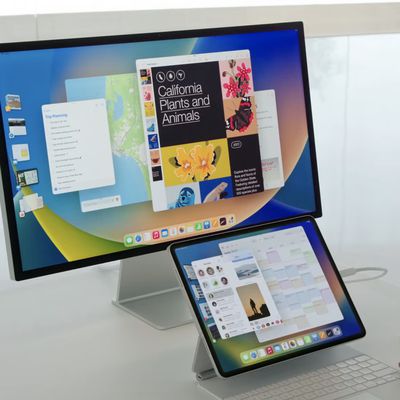
iPadOS 16 Includes Internal Mode for Testing Stage Manager on Older iPads
Amid the controversy surrounding Stage Manager and its hardware requirements, an investigation has revealed that iPadOS 16 in fact includes an internal mode that allows Apple to test the multitasking feature on iPads that don't have an M1 chip.
Code found by 9to5Mac in the beta software reportedly references an internal setting that enables "Chamois" (the Stage Manager codename) for "Legacy...
UK Legal Action Seeks Damages for 25 Million iPhone Users Over 'Throttling' Devices With Degraded Batteries
A UK consumer champion has launched a £750 million ($907 million) legal claim against Apple over the 2017 iPhone throttling controversy that saw a software update effectively slow down older devices (via The Guardian).
Market researcher Justin Gutmann has filed the claim with the UK's Competition Appeal Tribunal seeking the damages for up to 25 million UK owners of a range of older iPhone...

How to Transfer Your WhatsApp Chat History From Android to iPhone
After a long wait, Meta this week announced the ability to transfer WhatsApp chat history, photos, videos, and voice messages from Android to iPhone while maintaining end-to-end encryption. The system uses Apple's Move to iOS app for Android phones, and can be initiated during the setup process for a new (or factory reset) iPhone.
This article runs through the steps involved in transferring...
Qualcomm Successfully Appeals $1.05 Billion EU Fine for Paying Apple to Use Its Mobile Chips
Qualcomm has successfully appealed a 997 million euro ($1.05 billion) fine from EU antitrust regulators for paying Apple to use its LTE chips in iOS devices (via Reuters).
The fine was imposed by regulators in 2018 after a European Commission investigation concluded that payments to Apple from 2011 to 2016 were made with the sole aim of blocking Qualcomm's LTE chipset market rivals, such as...
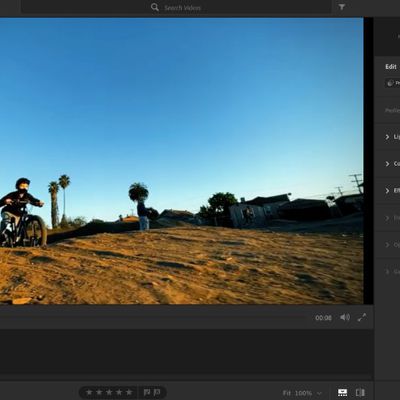
Adobe Lightroom 5.4 Update Adds Ability to Edit Video, New Adaptive Presets and Mask Options
Adobe today updated its Lightroom apps for Mac and iOS, bringing a set of new image editing features as well as the ability to edit video for the first time.
With the release of version 5.4 for Mac and 7.4 for iOS, Lightroom now enables you to edit videos using the same controls that are used for photos. You can trim videos, adjust color and exposure, and apply presets optimized for video.
...