Tim Hardwick

Tim is a Senior Editor at MacRumors and has been writing for the site since 2016. Formerly a magazine journalist, his work has appeared in over 30 newsstand print publications and online brands covering a range of topics, from the latest trends in technology to the mysteries of ancient history.
Based in the UK, Tim's current role at MacRumors involves editorial oversight and how tos, in addition to covering daily news and contributing occasional reviews. Tim can be reached at tim@macrumors.com, Telegram (@waxeditorial) or Twitter.
Based in the UK, Tim's current role at MacRumors involves editorial oversight and how tos, in addition to covering daily news and contributing occasional reviews. Tim can be reached at tim@macrumors.com, Telegram (@waxeditorial) or Twitter.
Tim Hardwick's Articles
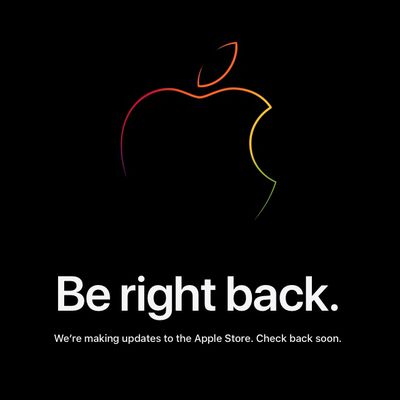
Apple Store Down Ahead of M2 MacBook Air Pre-Orders
Apple's online store is down ahead of new MacBook Air pre-orders, which are set to begin on Friday at 5:00 a.m. Pacific Time in the United States.
The new MacBook Air has been redesigned with a slightly larger 13.6-inch display, a camera notch, a flat-edged chassis, and new Starlight and Midnight color options.
The notebook features MagSafe charging, an upgraded 1080p camera, two...
Read Full Article • 84 comments
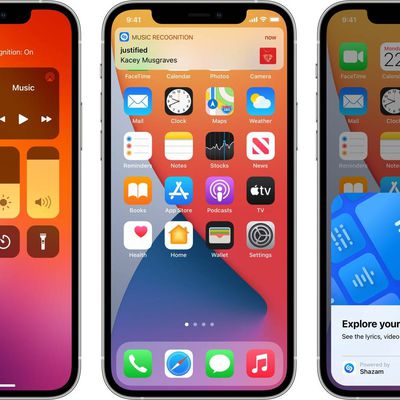
Shazam App Updated to Sync With iPhone's Built-In Music Recognition Feature
Shazam, the popular music recognition service, has updated its iPhone and iPad app so that songs identified with the Music Recognition feature in iOS now sync with the Shazam app.
For those unfamiliar with Shazam, the app is designed to listen for music that's playing, providing a song title and artist for identification purposes. Apple's iPhones and iPads feature built-in Shazam integration ...
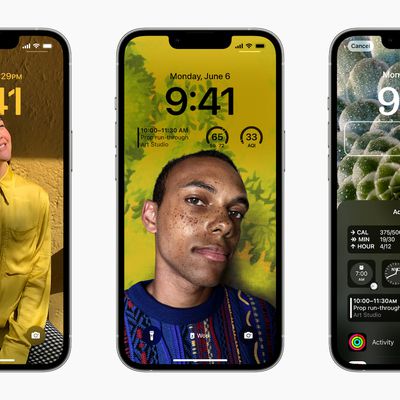
iOS 16: How to Disable Lock Screen Depth Effect
With iOS 16, Apple introduced a complete overhaul of the iOS Lock Screen, making it more customizable than ever and bringing widgets to the Lock Screen for the first time.
One of the new features is a new depth effect that works well with images of people in your Photo library. When you're creating a new Lock Screen, a "People" category suggests images of people that you've photographed...
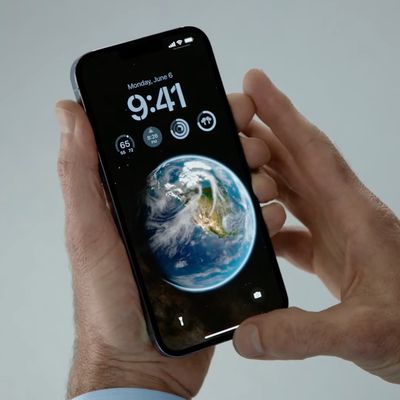
iOS 16: How to Delete a Lock Screen Wallpaper
With iOS 16, Apple overhauled the Lock Screen design to make it far more customizable, allowing you to personalize everything from the color and style of the clock font to the look of pictures used as wallpaper. iOS 16 also introduces Lock Screen widgets that provide you with glanceable app information without having to access the Home Screen.
To consolidate all of these changes, iOS 16 also ...
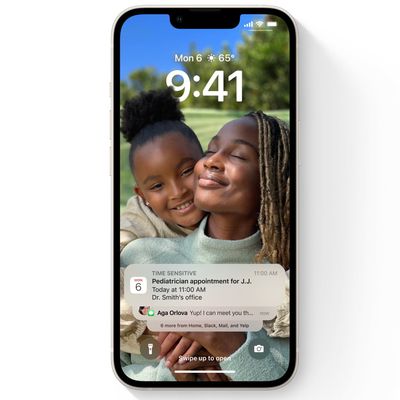
iOS 16: How to Change Notifications Layout on Your Lock Screen
In iOS 16, Apple made sweeping changes to the way the iPhone Lock Screen works, adding multiple layers of customization and the ability to add widgets. As part of its design overhaul, Apple also changed the way notifications appear, and added options for how they should be displayed.
Because of the new Lock Screen design, notifications now come in from the bottom of the display, rather than ...
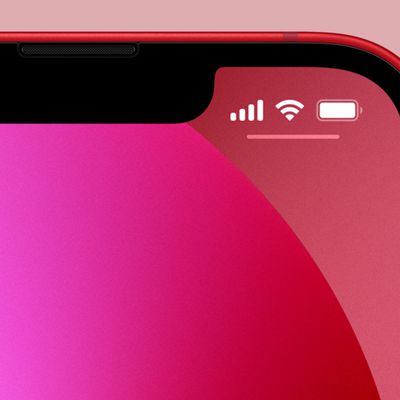
iOS 16: How to Display iPhone Battery Percentage on Your Lock Screen
If you have an iPhone with a notch, you'll have noticed that the battery level indicator in the top-right corner of the screen doesn't show the actual percentage of battery that's left.
With older iPhones that feature no notch, Apple includes an option within settings to toggle the percentage on or off, but if your iPhone has a notch, there's no setting that will enable it....
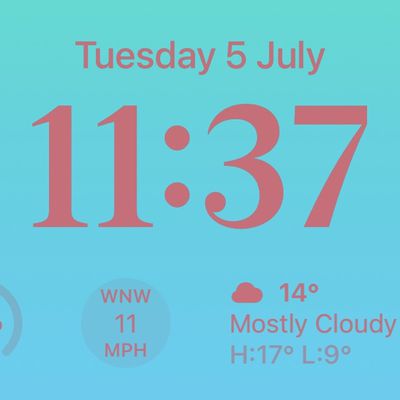
iOS 16: How to Show the Weather Forecast on Your iPhone Lock Screen
In iOS 16, Apple lets you display the local weather forecast directly on your iPhone's Lock Screen using widgets. Keep reading to learn how it's done.
Thanks to watch face complications, many Apple Watch owners are used to being able to glance at their wrist to check the weather forecast. With the advent of iOS 16 and Lock Screen widgets, you can view the weather information right on your...
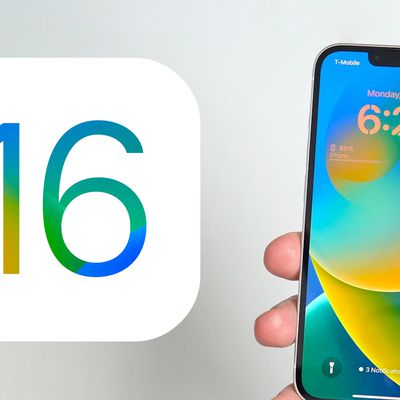
When Will the iOS 16 Public Beta Be Released? [Update: It's Out!]
Update 10:05 a.m. July 11: The first public beta is now available.
Announced in June at Apple's Worldwide Developers Conference, iOS 16 and iPadOS 16 are Apple's next-generation operating systems for iPhone and iPad.
On iPhone, iOS 16 includes a completely overhauled Lock Screen with extensive personalization features and widgets. There are new Focus filters, Passkeys,...
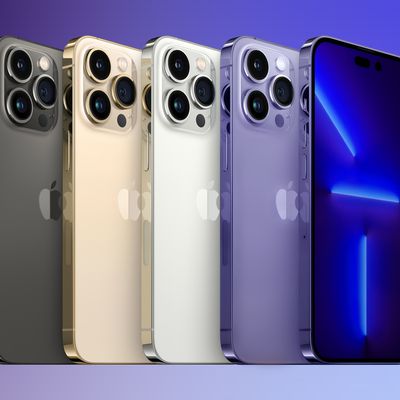
Latest iPhone Chips to Remain Exclusive to Pro Models for iPhone 15 and Beyond
Apple is expected to make its latest A16 processor exclusive to the Pro models in the iPhone 14 lineup, and that diversification strategy is set to become an annual trend in future iPhone series, according to a new report from analyst Ming-Chi Kuo.
Earlier this year, Kuo said only the iPhone 14 Pro models will feature an A16 chip, with the standard iPhone 14 and iPhone 14 Max models to...
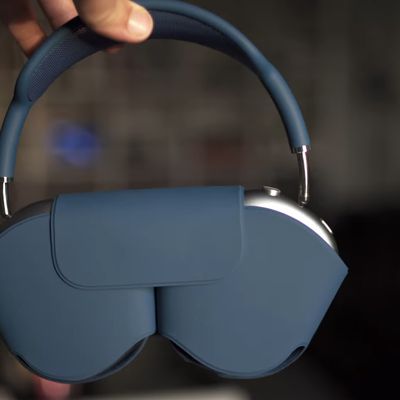
Redesigned AirPods Max Smart Case Potentially Revealed in Apple Patent
Apple has been granted a patent that could well hint at a new design direction for the controversial Smart Case that comes with Apple's AirPods Max (via Patently Apple).
When Apple unveiled its $549 high-end AirPods Max headphones last year, the included Smart Case stirred up plenty of online chatter for its odd appearance and poor overall protection when compared to the traditional hard...
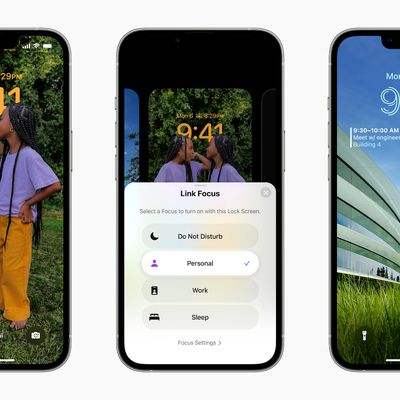
iOS 16: How to Set a Unique Lock Screen for Your Focus Mode
Apple has introduced several improvements to Focus modes in iOS 16, and one of them is the ability to link a custom Lock Screen to a particular Focus mode. With the wealth of personalization options that can now be applied to Lock Screens, this means you can customize them specifically to better reflect your focus.
One of the great things about iOS 16 is that it allows you to make Lock...
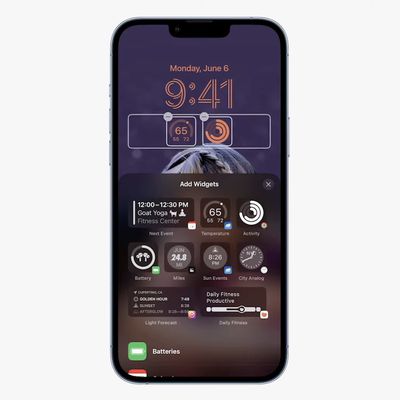
iOS 16: How to Display Activity Rings on Your iPhone Lock Screen
In iOS 16, Apple has made it possible to display Activity rings on the iPhone Lock Screen, allowing you to glance at your progress toward your movement goals throughout the day without having to unlock your iPhone or look at your Apple Watch.
The ability to show your Activity rings comes courtesy of Apple's introduction of Lock Screen widgets. There are two widgets in the Fitness category:...
How to Delete Your Instagram Account
Meta's Instagram allows you to delete your account from directly within the Instagram app. This article shows you how it's done.
To comply with Apple's updated App Store guidelines, Instagram in June 2022 added an option in its app for users to delete their account on the service.
Previously it was only possible to delete your Instagram account by logging into a web browser on a desktop...

Apple Promotes Durability of Apple Watch Series 7 in New 'Hard Knocks' Ad
Apple today released a new ad for Apple Watch Series 7 highlighting the device's durability when exposed to various wearing conditions.
In the ad titled "Hard Knocks," a number of scenarios are played out involving people either intentionally or accidentally exposing their Apple Watch to various weather conditions, liquids, and physical impacts.
Some examples include someone diving into...

European Union Citizens Won't Face Mobile Roaming Fees Until At Least 2032
Citizens of European Union countries can keep avoiding mobile roaming fees when using their devices across borders within the bloc, after lawmakers extended the regulation to last until at least 2032.
Mobile customers generally haven't had to worry about roaming charges when using their phones in the EU, with most phone tariffs counting calls, texts, and data used in EU countries as...
Former Apple Lawyer Gene Levoff Pleads Guilty to Insider Trading
Former Apple vice president of corporate law Gene Levoff has pleaded guilty to six counts of securities fraud for insider trading, according to a Department of Justice (DOJ) press release (via The Verge).
The former Apple lawyer "misappropriated material, nonpublic information about Apple's financial results and then executed trades involving the company's stock" from February 2011 to April ...
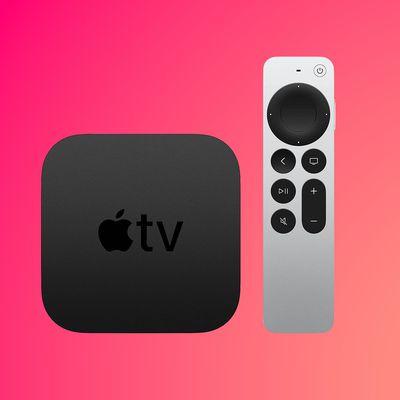
Apple Now Offering US Customers $50 Gift Card With Every Apple TV Purchase
After briefly taking down the Apple Store, Apple today began offering U.S. customers a $50 gift card with every Apple TV 4K or Apple TV HD purchase made through its online store.
The promotion runs for the next two weeks from July 1 to July 14, and the gift card can only be used for a future Apple purchase. In other words, customers can't use it to knock $50 off the Apple TV they are...
App Store Developers in South Korea Can Now Use Alternative Payment Providers
Apple has informed App Store developers in South Korea that they can now begin offering users alternative payment systems in their apps. The change comes after the country passed a law that bans app store operators from requiring developers to use their own in-app purchase systems.
Apple's developer update on apps distributed in South Korea begins with Apple saying that the App Store was...
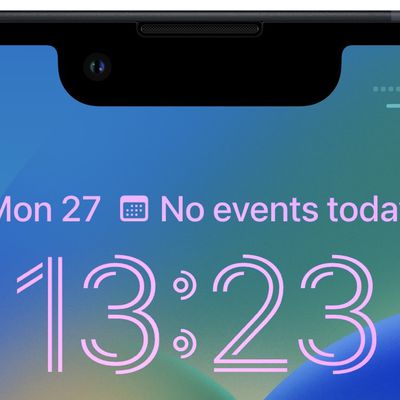
iOS 16: How to Change the Lock Screen Clock to Arabic Numerals
In iOS 16, Apple has introduced a variety of customization options for the iPhone Lock Screen, including the ability to add widgets and style the look of the digital clock.
Among the new changes you can make to the digital clock readout on the Lock Screen, Apple now allows you to switch the time display to show Arabic numerals, Arabic-Indic, or Devanagari symbols. The following steps show...
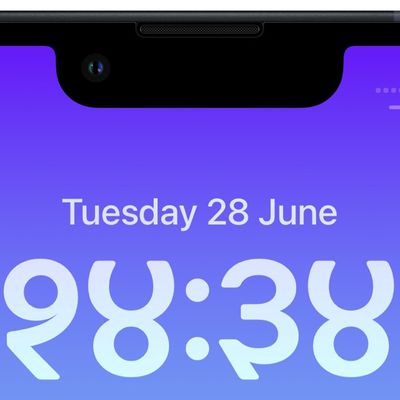
iOS 16: How to Change the Lock Screen Clock to Devanagari
In iOS 16, Apple has introduced a variety of customization options for the iPhone Lock Screen, including the ability to add widgets and style the look of the digital clock.
Among the new changes you can make to the digital clock readout on the Lock Screen, Apple now allows you to switch the time display from Arabic numerals to Devanagari symbols, used in the Indian subcontinent. The...