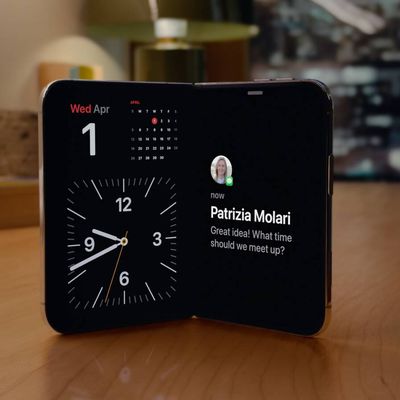
On iPhone Duo, if someone next to you wants to join your FaceTime call, you don't have to squeeze them into the same camera frame or keep passing the phone between each other. Apple's Duo FaceTime feature allows the other person to use the outer display while you remain on the inner display.

The feature uses the Center Stage front camera and the under-display FaceTime camera together, which gives each side of the phone its own view. Here's how to turn it on during a Group FaceTime video call.
How to use Duo FaceTime on iPhone Duo
- With your iPhone Duo unfolded, start or join a Group FaceTime video call in the FaceTime app.
- During the call, tap the screen to show the controls, then tap the More button (the three dots).

- Tap Duo FaceTime.

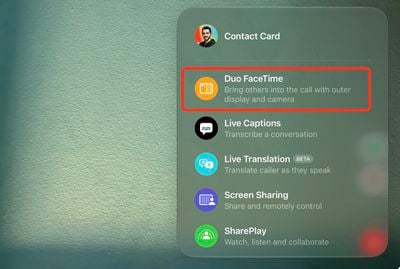
The call will now appear on both displays, so the person using the outer display can see and take part without crowding into your camera view.
If you're already using Dual Capture, the Outer Display Options button should already be visible in the call controls, and you can tap it instead of going through the More menu.