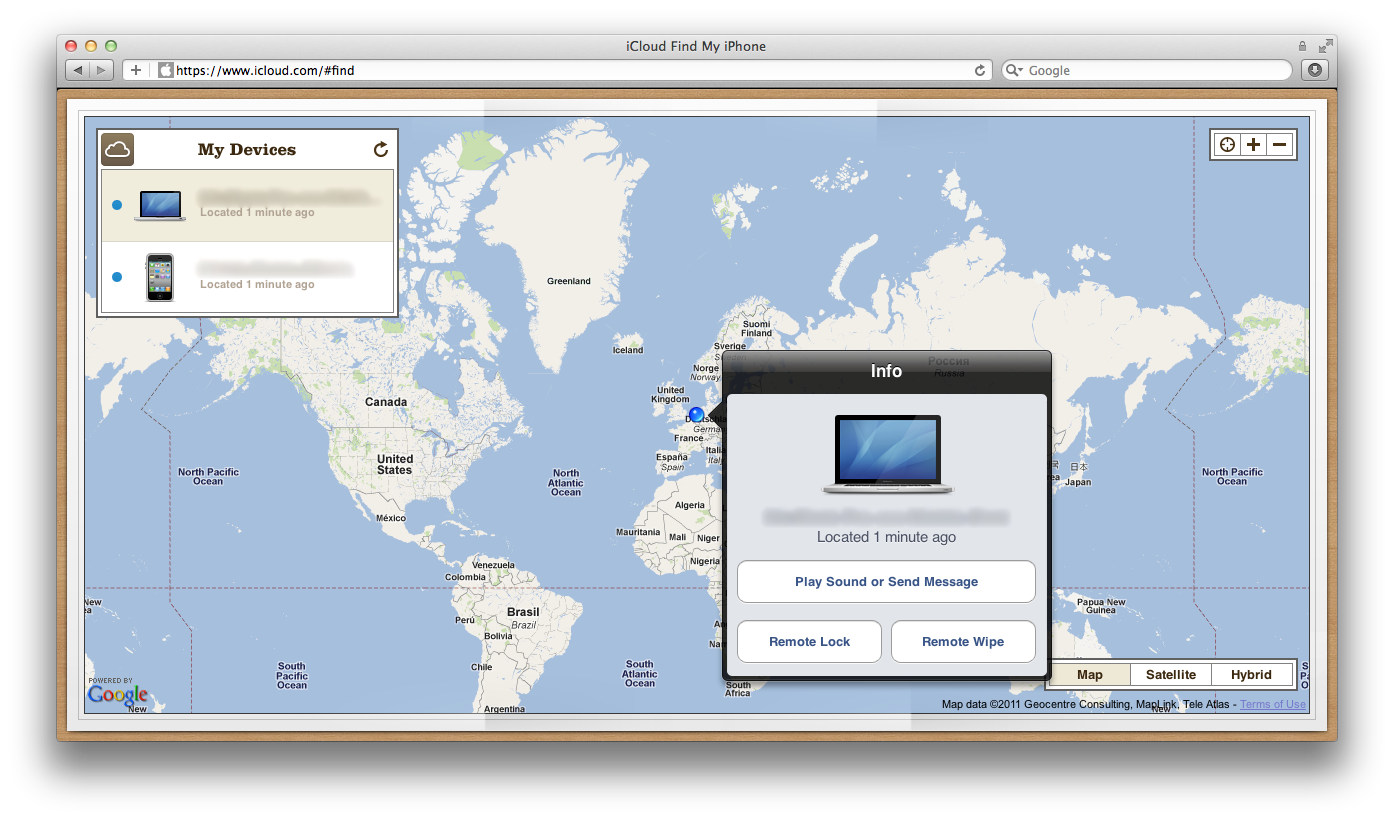
Find My Mac has gone live for developers beta testing Apple's iCloud service. Find My Mac was officially added to Lion in Developer Preview 4, released after WWDC in June, though evidence of the feature had leaked in prior releases.
Find My Mac is very similar to Find My iPhone, only because the Mac has no GPS functionality, it seems likely the feature relies solely on nearby Wi-Fi networks to determine the computer's location.
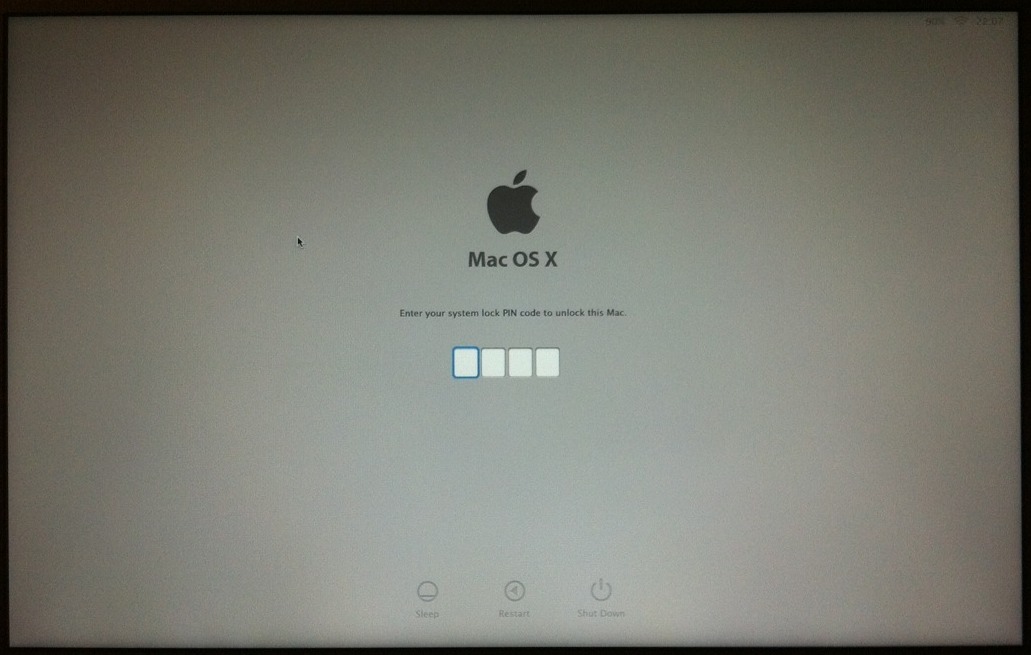
Once it finds the lost Mac, users can send a message, remotely lock the screen, or even wipe out the entire drive. Find My Mac may launch this fall with the general release of iCloud.
Thursday October 22, 2026 11:01 am PDT by Juli Clover
Apple has temporarily removed Keynote, Pages, and Numbers from the App Store, just after releasing an update that added iPhone Duo support and a new Intelligent Assistant.
It is not clear if the apps were removed intentionally, or if it is a bug. Apple has not said when the apps will be reinstated, but if it was in error, they should return soon.
Update: The Mac versions are back without...
Friday October 23, 2026 7:11 am PDT by Joe Rossignol
Apple Music has a 404 page easter egg on the web: a functional iPod that appears when you load a page that does not exist, such as music.apple.com/macrumors.
"Page Not Found," says Apple. "Give this a spin instead."
Apple is clever with this. If you navigate to music.apple.com/ipod instead, the page says "Looking for something?" instead of "Page Not Found."
The easter egg is only...
Tuesday October 20, 2026 11:12 am PDT by Juli Clover
With just three days to go until the iPhone Duo is released, Apple is getting ready for the launch. Behind the scenes, the App Store now has screenshots of Apple's built-in apps running on the Duo. We've seen some apps in marketing materials, but images of the ones we haven't seen give us an idea of what it will be like using the iPhone Duo day to day.
Many apps are shown in landscape...
This sounds like a great feature, especially for college students who may have MacBooks that could be stolen quite easily. At least locating the computer could result in getting it back.
Find my Mac? Cool. LOL. Guess everyone should do a secure 3 write when selling their macs now.
Everyone should always do a 1-pass (Zero data) erase. I do a 7-pass anytime I sell a computer and a 1-pass when I buy it a pre-owned machine.
But seriously, this will be even better if 3G/4G/LTE is added to future MacBook Airs or Pros. I rarely take my MBP out of the house, but I can see this being helpful for students and those who are always on the move.
I wonder how easy it is to defeat a remotely locked Mac, such as putting it in target disk mode. Until I know more about how it works I wouldn't consider that a way to protect my data on a lost Mac. I'd wipe out the entire drive instead.
when you boot up, it goes straight to the passcode screen, i tried booting off disks, target disk mode, it won't accept it.
















































![Apple Pulls Keynote, Pages and Numbers From App Store [Update: Back]](https://images.macrumors.com/t/Okb7kitB_gNr6qe5Pex9nQIysD8=/112x112/article-new/2026/01/Apple-Creator-Studio-iWork-suite.jpg)

