Tim Hardwick

Tim is a Senior Editor at MacRumors and has been writing for the site since 2016. Formerly a magazine journalist, his work has appeared in over 30 newsstand print publications and online brands covering a range of topics, from the latest trends in technology to the mysteries of ancient history.
Based in the UK, Tim's current role at MacRumors involves editorial oversight and how tos, in addition to covering daily news and contributing occasional reviews. Tim can be reached at tim@macrumors.com, Telegram (@waxeditorial) or Twitter.
Based in the UK, Tim's current role at MacRumors involves editorial oversight and how tos, in addition to covering daily news and contributing occasional reviews. Tim can be reached at tim@macrumors.com, Telegram (@waxeditorial) or Twitter.
Tim Hardwick's Articles
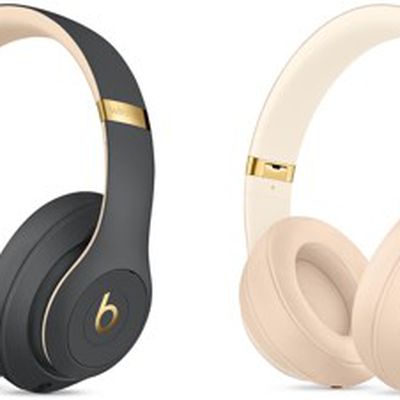
Apple Offering $70 Off Beats Studio3 'Skyline' Wireless Headphones Collection
Apple is offering a special $70 promotional discount on its "Skyline Collection" of Beats Studio 3 Wireless Headphones on its online store.
The Skyline Studio 3 Wireless Headphones come in Crystal Blue, Desert Sand, Midnight Black, and Shadow Grey. All of the colors feature gold accents with a gold beats logo and gold band.
The collection was originally launched online in October for...
Read Full Article • 24 comments
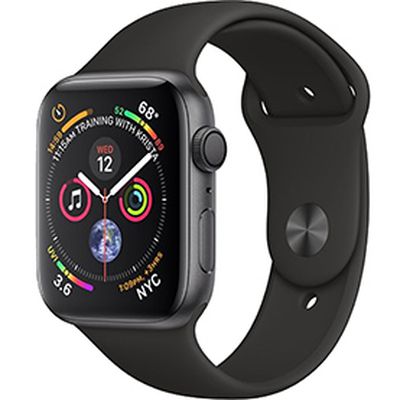
Apple Watch Leads in Rapidly Growing Smartwatch Market, Report Says
Apple Watch is the "clear market leader" in the burgeoning U.S. smartwatch market, according to a new report from consumer research firm The NPD Group.
Market data shows U.S. smartwatch sales showed strong growth in the 12 months ending November 2018 when compared to the same timeframe a year ago. Apple, Samsung, and Fitbit made up 88 percent of smartwatch unit sales in that time.
The...
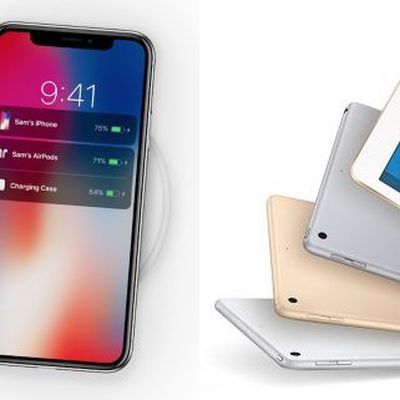
Sketchy Rumor Claims AirPods 2, AirPower and New iPads to Launch on March 29
Apple plans to hold a product event in the second half of March where it will officially announce second-generation AirPods, the AirPower wireless charging pad, a new affordable iPad and the so-called "iPad mini 5", according to the latest rumor.
The claim comes courtesy of Greek tech news site iphonehellas.gr [Google Translate], which says it has received "exclusive information" from "a...
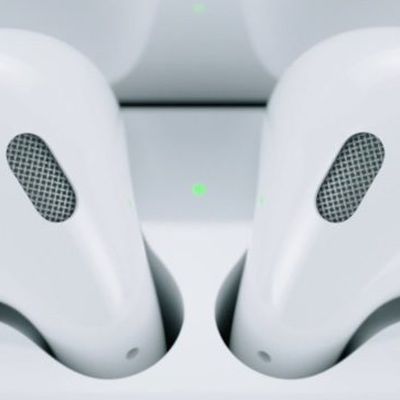
How to Troubleshoot Problems with AirPods
If your AirPods or AirPods 2 aren't working as you'd expect, there are a few steps you can take that will resolve most problems. The first thing to do is try resetting your AirPods.
Resetting AirPods
Put both AirPods in their charging case.
Locate the button on the back of the case, near the bottom. It's flush with the case and the same color as it, so you might need to feel about for it.
...
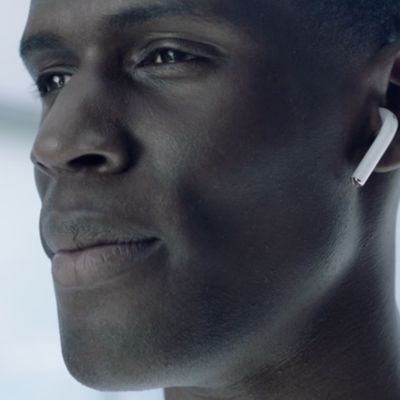
How to Answer a Phone Call on AirPods and AirPods Pro
Apple's AirPods and AirPods Pro feature integrated touch controls and include beamforming microphones in each earpiece, which means you can answer incoming calls when you're wearing them and carry on a handsfree conversation. You can also hang up the call with your AirPods when the conversation is over. Here's how it works.
When you hear a ringing tone indicating an incoming call, simply...
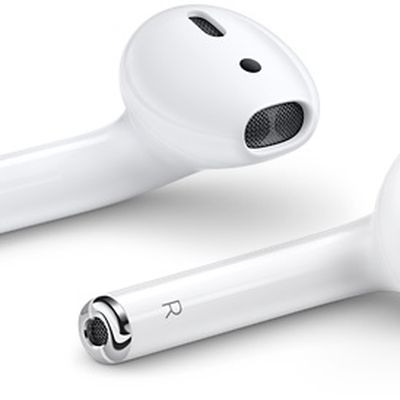
How to Find Your AirPods or AirPods Pro Serial Number and Check Your Firmware
If you've recently updated your AirPods or AirPods Pro or are thinking of doing so, you can follow the steps below to check the current firmware version your wireless earphones are running. Apple will occasionally send AirPods firmware updates over the air, though the software should install automatically if you follow these general guidelines.
The method described below will also enable...
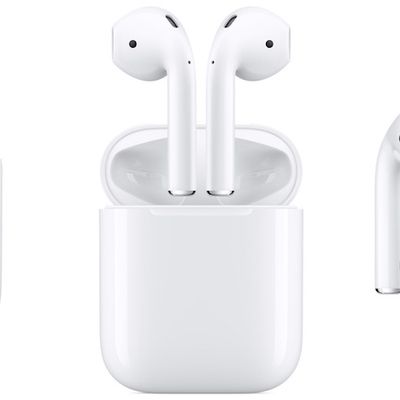
Lose an AirPod? What You Can Do
Apple's AirPods generally do a great job of staying in your ears, even during a run or workout. Of course, that doesn't mean you won't ever lose one or even both earbuds –- especially if you forget to put them back in their charging case when not in use. In the how to below, we'll go over your options in case one of your AirPods go missing.
Use Just One AirPod
If you don't want to shell...
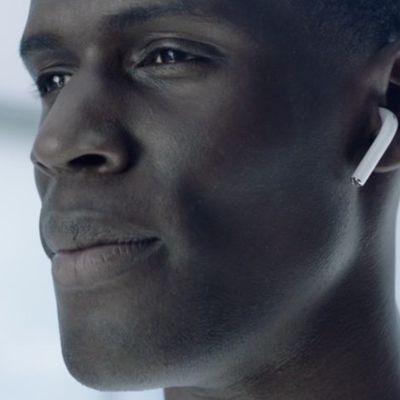
You Can Tap Your Ear to Activate Your AirPods
Apple's first-generation and second-generation AirPods feature accelerometers and other hardware that allow them to respond to a double tap, and these gestures can be customized to your liking.
What many users don't realize however is that you don't actually have to tap directly on either of your AirPods to use these double tap gestures.
Next time you want to activate a gesture control,...
How to Have AirPods Announce Your Calls
If you receive a call on your iPhone (or an Apple Watch with cellular) when your AirPods or AirPods 2 are connected, the ringing tone will interrupt whatever it is you're listening to.
To find out who's calling, normally you'd have to take out your iPhone or look at your Apple Watch, but you can actually have your AirPods (or any connected headphones) announce who it is, saving you the...
How to Share One Pair of AirPods With a Friend
Splitting a pair of first- or second-generation AirPods between two people is perfectly possible and a neat way of exploiting the wireless features of Apple's headphones to share your listening experience.
Listen to Music Together on One Pair of AirPods
There's nothing stopping you and a friend from each wearing an AirPod to enjoy music or watch a movie together on your iPhone or iPad....
How to Unpair Your AirPods From iPhone, Apple TV, Apple Watch, or Mac
This article explains how to unpair first-generation and second-generation AirPods from a number of different Apple devices.
Bear in mind that when you unpair AirPods from an iPhone, Apple Watch, Mac, or Apple TV (fourth-generation or later), this also automatically unpairs the wireless earphones from all other devices linked to the same iCloud account.
Other devices you may have paired ...
How to Pair AirPods to Your Apple Watch
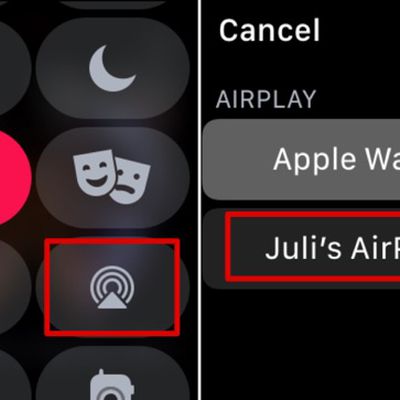
Once you've paired a new set of AirPods with an iPhone running iOS 12 or later, they should automatically pair with your Apple Watch as long as your watch's software is up to date.
First-generation AirPods require watchOS 3 or later, while second-generation AirPods need watchOS 5.2 or later. To check which version of watchOS your watch is running, open the Watch iOS app and select My Watch -> ...
How to Pair AirPods to Your Apple TV
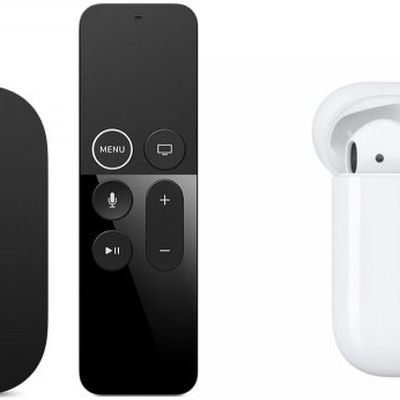
When you pair AirPods to your iPhone, iPad, Apple Watch, Mac or Apple TV, the pairing information is synced across all the devices linked to your iCloud account.
That means if you've already paired your AirPods to one of your other devices, then you shouldn't need to go through the process again when it comes to connecting them to your Apple TV.
Of course, if you haven't paired your...
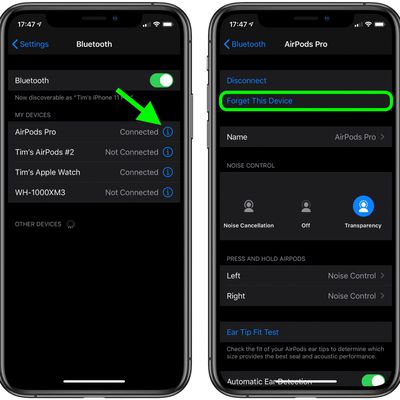
How to Reset AirPods and AirPods Pro
Apple's original AirPods, AirPods 2, AirPods 3, and AirPods Pro all have a reset function that returns them to their factory settings. This can come in handy if you're handing down the wireless earphones to someone else or you're having any sort of problem with them.
Here's a video walkthrough of how to reset AirPods and AirPods Pro:
How to Reset AirPods and AirPods Pro
Put your...

How to Set AirPods Microphone to Just One AirPod
AirPods and AirPods 2 have built-in beamforming microphones in each earpiece that make it easy for you to take calls or interact with Siri when you're wearing the earphones.
For optimal performance and to make the experience as seamless as possible, the default setting is for the active microphone to switch automatically between one AirPod and the other. And if you wear only one AirPod,...
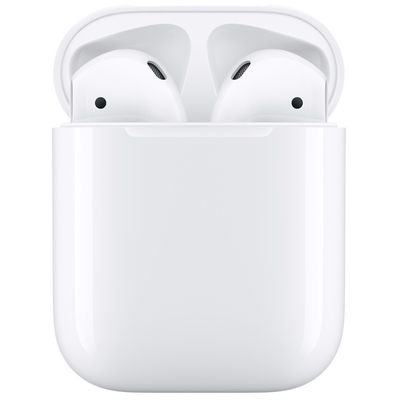
How to Maximize AirPods Battery Life
Apple's first-generation AirPods offer five hours of listening time and two hours of talk time on one charge, while second-generation AirPods get up to three hours of talk time per charge. Both AirPods and AirPods 2 models charge very quickly –- you can get two hours of listening time by putting them in their case for just 15 minutes.
The AirPods case itself stores 24 hours of additional...
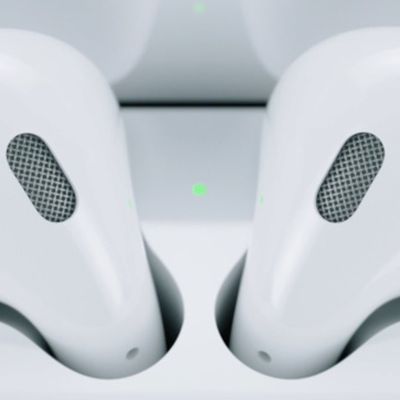
What Does the Light on the AirPods Case Mean?
When you open the charging case that comes with first-generation AirPods, you'll see a status light in between the spaces for the earpieces. On second-generation AirPods and the optional Wireless Charging case, this status light is on the front of the case. Here's what the different status colors mean.
If your AirPods are in their charging case, the light automatically shows the charge...
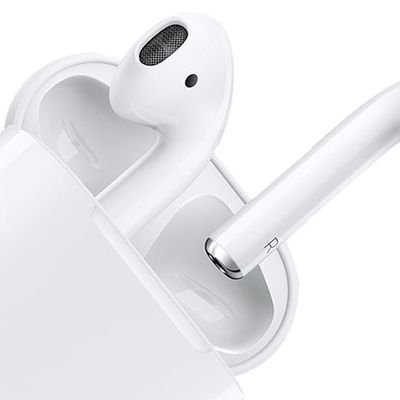
How to Clean Your AirPods or AirPods Pro
Apple's shiny white AirPods and AirPods Pro are designed to look cool and perform consistently, and chances are you want to keep them that way.
You've probably noticed how that fresh out-of-the-box sheen of your AirPods soon starts to fade as dirt, lint, and other nasties slowly build up in the crevices. It's just the normal result of regular use, but that's no excuse not to clean them now...
How to Use Just One AirPod or AirPod Pro
When worn in-ear, AirPods and AirPods Pro provide excellent stereo audio output, but Apple has designed the wireless Bluetooth earphones so that you can use them one at a time.
There are a few reasons why you might want to use AirPods earphones individually rather than together. The most obvious one is if you want to take phone calls and keep one ear free to listen to the outside world....
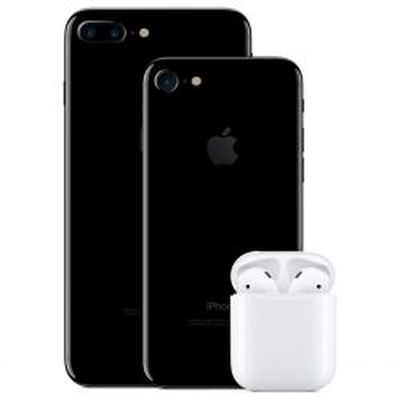
Essential Siri Commands for AirPods
When connected to an iOS device, AirPods and AirPods 2 can be used to summon Siri, Apple's digital assistant, allowing you to speak a variety of handsfree commands.
With first-generation AirPods, you need to use the default double tap gesture on the left or right earpiece to activate Siri before you could start talking. But with second-generation AirPods, all you have to do is say "Hey Siri"...