Tim Hardwick

Tim is a Senior Editor at MacRumors and has been writing for the site since 2016. Formerly a magazine journalist, his work has appeared in over 30 newsstand print publications and online brands covering a range of topics, from the latest trends in technology to the mysteries of ancient history.
Based in the UK, Tim's current role at MacRumors involves editorial oversight and how tos, in addition to covering daily news and contributing occasional reviews. Tim can be reached at tim@macrumors.com, Telegram (@waxeditorial) or Twitter.
Based in the UK, Tim's current role at MacRumors involves editorial oversight and how tos, in addition to covering daily news and contributing occasional reviews. Tim can be reached at tim@macrumors.com, Telegram (@waxeditorial) or Twitter.
Tim Hardwick's Articles
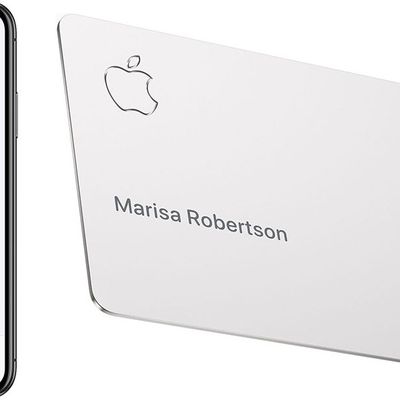
How to Use Apple Card
If you've just had your Apple Card application approved then you'll probably want to start using it right away. This article shows you how.
If you've requested a titanium Apple Card, the good news is you don't have to wait for it to arrive before you can make purchases. You can pay with Apple Card using Apple Pay on your iPhone, iPad, Apple Watch, or Mac.
How to Make an Online Purchase...
Read Full Article
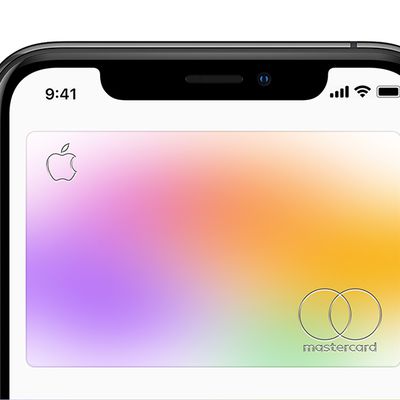
How to Make Apple Card the Default Card on Your iPhone
If you've just had your Apple Card application approved then you'll probably want to start using it right away. You can purchase things online with your Apple Card wherever you see the Apple Pay symbol in checkout, and you can make purchases in stores wherever you see the Apple Pay logo or the contactless symbol.
If you plan to use Apple Card for the majority of your purchases, then consider ...
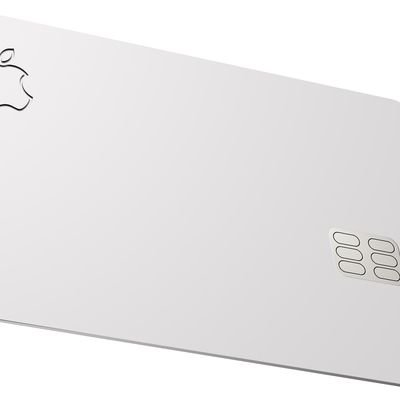
How to Request a Replacement Titanium Apple Card
Apple's titanium Apple Card is fairly thick and feels a bit heavier than a typical metal credit card, so it should stand up to everyday wear and tear. But if your Apple Card does get damaged, you can always request a replacement.
The same goes can be said if the worst happens and your Apple Card is lost or stolen. (If your card isn't in your possession, you might also want to lock it). The...
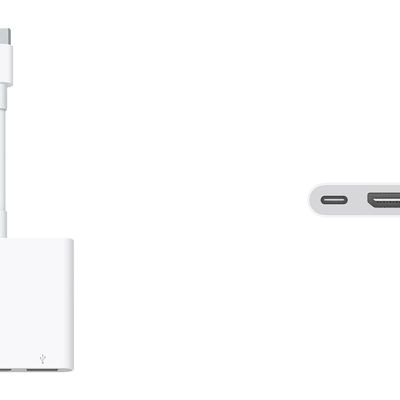
Apple Releases USB-C Digital AV Multiport Adapter with HDMI 2.0 Support
Apple has begun selling an updated version of its USB-C Digital AV Multiport Adapter, offering HDMI 2.0 support, HDR output, and more.
The new Multiport Adapter lets users connect a USB-C-enabled Mac or iPad Pro to a HDMI display, while also connecting a standard USB device and a USB-C charging cable.
The old version of the adapter only supported HDMI 1.4b, but this new model supports...

Google Maps Gains 'Live View' Augmented Reality Walking Directions
Augmented reality walking directions in Google Maps got a step closer today with news that a beta version of the AR feature will be rolling out to users of the app over the next couple of weeks (via TechCrunch).
Google revealed AR walking directions earlier this year, when it launched an early alpha mode for Google Pixel owners and users of Google Maps Local Guides, but now it's making the ...
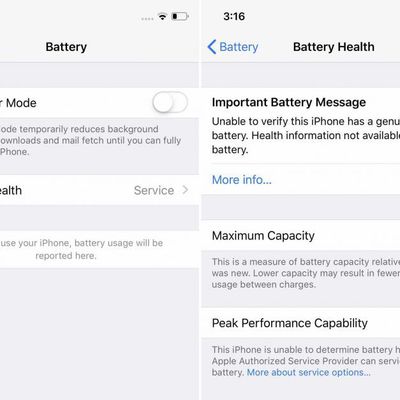
iFixit: Apple 'Locking' iPhone Batteries to Discourage Third-Party Replacements [Updated]
Apple has activated a "dormant software lock" on its latest iPhones to discourage battery replacements that aren't undertaken by Apple, according to iFixit.
The teardown group has discovered that an iPhone XS, iPhone XR, or iPhone XS Max that has had its battery swapped by anyone other than Apple or an Apple authorized service provider will now display a message saying their battery needs...
Russia's Anti-Monopoly Watchdog to Investigate Apple Following Antitrust Complaint
Apple is under investigation by Russia's anti-monopoly watchdog following a complaint from cybersecurity company Kaspersky Lab that the company is abusing its dominant position in smartphone apps, Reuters reports this morning.
Russia's Federal Antimonopoly Service (FAS) says it is investigating why a new version of Kaspersky Lab's Safe Kids application has not been updated on the iOS App...
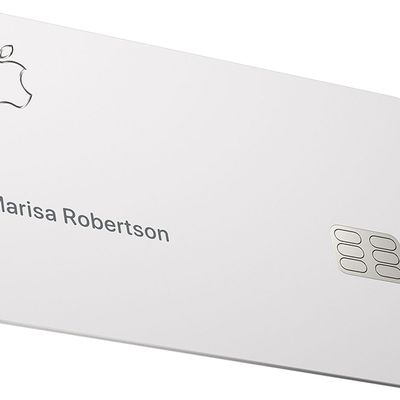
How to Lock or Unlock Your Titanium Apple Card
Apple's titanium Apple Card has a traditional magstripe on the back and a built-in chip, but unlike typical credit cards, there's no card number or expiration date on the front, and no CVV or signature space on the back.
All of this information is stored in the Wallet app on your iPhone, which makes Apple Card more secure than other credit cards. That said, if your card is lost or stolen...
How to Activate Your Titanium Apple Card on iPhone X or Earlier
Once you've ordered a titanium Apple Card, it will be posted to you free of charge and you'll receive a notification on your iPhone when it ships.
When your new titanium Apple Card arrives, the first thing you need to do is activate it. To do so, you'll need an iPhone that's capable of using Apple Pay and running the latest version of iOS.
If you own an iPhone X or earlier, follow...
How to Activate Your Titanium Apple Card on iPhone XS, iPhone XS Max, and iPhone XR
Once you've ordered a titanium Apple Card, it will be posted to you free of charge and you'll receive a notification on your iPhone when it ships.
When your new titanium Apple Card arrives, the first thing you need to do is activate it. To do so, you'll need an iPhone that's capable of using Apple Pay and running the latest version of iOS.
If you own an iPhone XS, iPhone XS Max, or...
How to Order a Titanium Apple Card
If you've taken up the Apple Card offer in the Wallet app on your iPhone, it's worth ordering a physical titanium Apple Card. Keep reading to learn how you can go about ordering one if you didn't elect to have one sent when you signed up for Apple Card.
The titanium Apple Card can be used to make purchases anywhere that Mastercard is accepted. It's made entirely from titanium and comes laser...
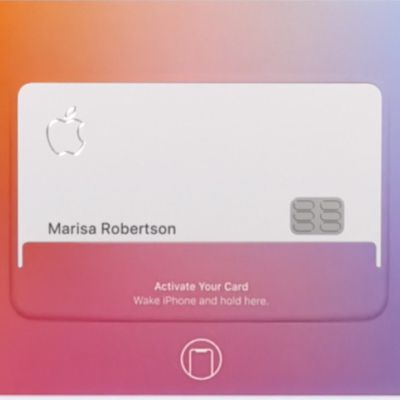
How to Activate Your Titanium Apple Card Without the Original Card Packaging
When a new titanium Apple Card is shipped to a customer, Apple sends it in a special wallet-style packaging which contains an NFC tag. This tag initiates the link between the physical Apple Card with the digital one in the Wallet app on your iPhone, and makes activating the card as simple as possible.
If the packaging that your new Apple Card was delivered in has been damaged or you...

Twitter Tests 'Snooze' Feature That Temporarily Silences Notifications
Twitter is testing a "Snooze" button that allows you to pause push notifications from the mobile app for an allotted time.
Discovered by tech blogger Jane Manchun Wong, the experimental feature lets users temporarily snooze push notifications for one hour, three hours, or 12 hours.
As Wong notes, the setting should come in handy for users who want to prevent their phones from incessantly...
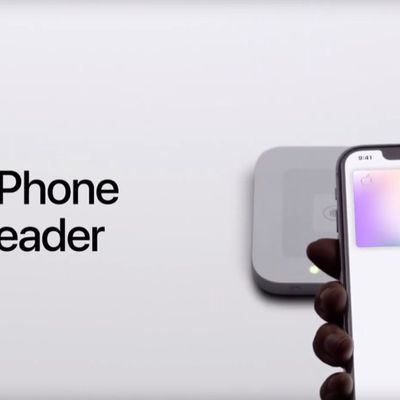
Apple Shares Series of Videos Explaining How to Use Apple Card
As part of Apple Card's "preview rollout" today, Apple has posted a series of videos to its YouTube channel explaining how to set up and use Apple Card on iPhone.
The 10 videos cover a range of topics, including the following:
How to apply for Apple Card
How to activate your titanium card with iPhone XS/XR
How to activate your titanium card with iPhone X and earlier
How to make a...

Apple Card Rolling Out Today to Limited Number of Customers
Apple Card got its first group of public test users today. A limited number of customers who signed up on Apple's website to be notified about the release of Apple Card are now able to apply for the card in their Wallet app as well as order a physical Apple Card (via TechCrunch).
Sign-up invites for Apple Card Preview are going out to a random selection of people who signed up to be...

Macau Bank BNU Announces Apple Pay Support
Apple Pay has officially arrived in Macau, a Special Administrative Region of China. Local bank Banco Nacional Ultramarino (BNU) and UnionPay International Hong Kong Branch (UPI) on Monday jointly announced support for Apple's mobile payment platform in the territory.
"BNU cardholders will be able to easily add their UnionPay debit and credit cards to Apple Pay on iPhone, Apple Watch and iPad ...
How to Disable Content Blockers for a Specific Website in Safari for iOS
Web browsing on your iPhone and iPad is designed to be a smooth and enjoyable experience, and not one cluttered by annoying ads, which can take up valuable screen space, slow down webpage loading times, and eat up valuable bandwidth. That's why Apple's Safari mobile browser includes native support for third-party content blockers.
Content blockers prevent ads like popups and banners from...
How to Enable Content Blockers in Safari for iOS
Web browsing on your iPhone and iPad is designed to be a smooth and enjoyable experience, and not one cluttered by annoying ads, which can take up valuable screen space, slow down webpage loading times, and eat up valuable bandwidth. That's why Apple added native support for content blockers to its Safari mobile browser.
Content blockers offer a simple one-click solution for preventing ads...
How to Temporarily Disable Content Blockers in Safari for iOS
Web browsing on your iPhone and iPad is designed to be a smooth and enjoyable experience, and not one cluttered by annoying ads, which can take up valuable screen space, slow down webpage loading times, and eat up valuable bandwidth. That's why Apple's Safari mobile browser includes native support for third-party content blockers.
Content blockers prevent ads like popups and banners from...
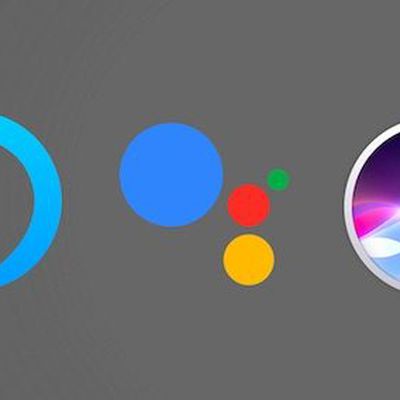
Google and Amazon Put Brakes on Human Review of Voice Assistant Recordings
Following Apple's decision last week to suspend a Siri program that allows employees to listen to audio recordings for quality control purposes, Amazon and Google have both chosen to make their policies on human reviews of voice assistant audio more clear.
Late last month, Apple confirmed that a small number of anonymized Siri requests are analyzed for the purpose of improving Siri, after a ...