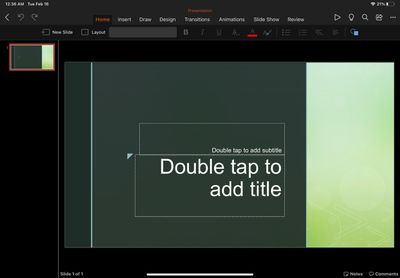
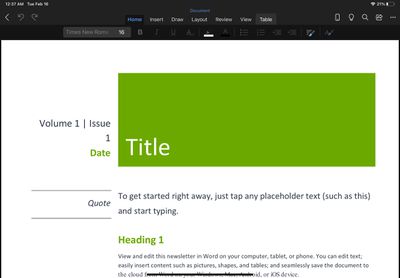
Microsoft's Office app for iOS has been updated today to version 2.46 with support for iPadOS, bringing the unified Office experience of Word, Excel, and PowerPoint to Apple's tablet platform.
Office is now available on iPad: We're combining the Word, Excel, and PowerPoint apps you know into a single, iPadOS-optimized app. Plus, you’ll see additional tools to keep you more productive than ever. For example, you’ll be able to quickly create and sign PDFs, and transform pictures into documents.
While individual Office apps have been available for the iPadsince 2014, the unified Office app launched in February 2020 has until now only been able to run on the iPad as a windowed iPhone app.
Office for iPad is free to use for iPad Air, iPad, and iPad mini users, but requires an Microsoft 365 subscription to make full use of all features. For iPad Pro users, a paid subscription is required to even edit or create documents.
Nvidia is entering the consumer PC chip business for the first time and has thrown down the gauntlet to Apple, describing its new RTX Spark processor as "the most efficient PC chip ever built."
Nvidia says its RTX Spark Superchip is purpose-built to run AI agents that can work proactively across apps and run in the background as a personal "teammate."
With the chip, Nvidia says users...
Microsoft will prevent Office 2019 for Mac owners from editing their documents from July 13, a restriction the company is attributing to the productivity suite's expiring digital certificate.
The Office 2019 apps affected include Word, Excel, PowerPoint, Outlook, and OneNote. Once the certificate used to confirm the suite's license expires, these apps will drop into what Microsoft is calling ...
Apple last week unveiled five new apps, with four announced at WWDC 2026 alongside its upcoming fall software updates, one released in beta for developers, and one released independently by its subsidiary Claris.
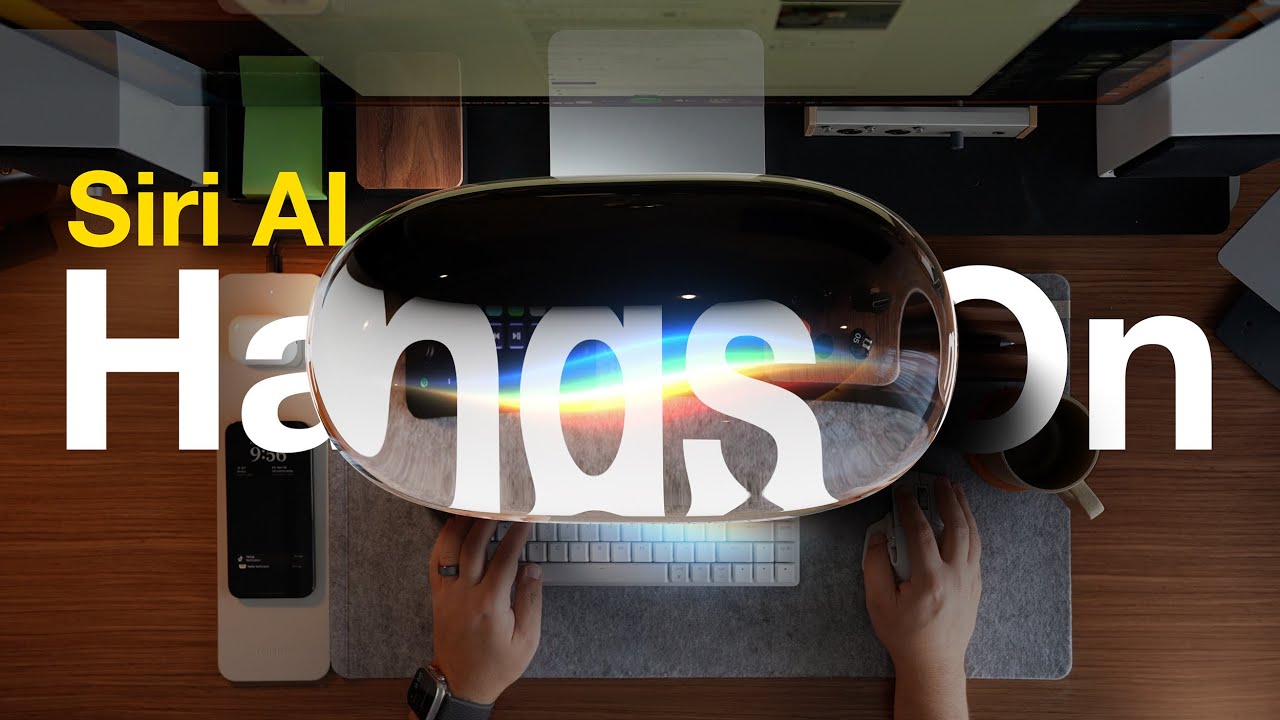
Siri AI App
One of the biggest announcements of WWDC 2026 was Siri AI, a ground-up rebuild of Apple's voice assistant that for the first time comes with a dedicated standalone...
I know these have been available for the iPhone. I'm frankly not sure what is the advantage versus just starting the Word or PowerPoint standalone apps.
For me, who has a device managed iPhone and iPad there’s one nice benefit of having it in one app. One of the rules imposed on the device is that on corporate managed apps (Which includes the office apps) copy-pasting more than 75 chars between apps isn’t allowed. So if you want to copy an excel table to a PowerPoint you can’t. With this it’ll be possible since it’s within the same app.
Microsoft once again try to enforce the subscription software model. I own my hardware and I wish to own my software too. If it's one time purchase app - I'll buy it, but I'll never pay for office 365 every year.
Microsoft once again try to enforce the subscription software model. I own my hardware and I wish to own my software too. If it's one time purchase app - I'll buy it, but I'll never pay for office 365 every year.
If you don't want to pay for it, then don't use it. Use many other alternatives, which many are free.
That sounds like a basic (and rather ridiculous) shortcoming on the part of the OS, though. There should be a way to allow that, even if it involves a second "are you sure" warning prompt.
This is not a limitation of the OS. This is a restriction imposed upon his device by the company who owns the device. Corporate profiles can have limiters, such as a limit to the number of characters that can be copied at a given time.
Also sharing the same sentiment as others in this thread. Why does the “pro” iPad need a subscription to edit a word document? Maybe I’m in the minority but editing a word document or sorting a table my boss sent me doesn’t qualify as “pro work”. Definitely doesn’t warrant a subscription. Anyone with facts know what extra features I would get on the iPad Pro version? I hope there are actually other features and it’s not just a blatant money grab.