Apple Releases tvOS 12.1 Update for Fourth and Fifth-Generation Apple TV
Apple today released tvOS 12.1, the second update to the tvOS 12 operating system designed for the fourth and fifth-generation Apple TV models. tvOS 12.1 comes just over a month after the release of tvOS 12.0.1 and six weeks after the September launch of tvOS 12.
tvOS 12.1 can be downloaded over the air through the Settings app on the Apple TV by going to System -> Software Update. Apple TV owners who have automatic software updates turned on will be upgraded to tvOS 12.1 automatically.
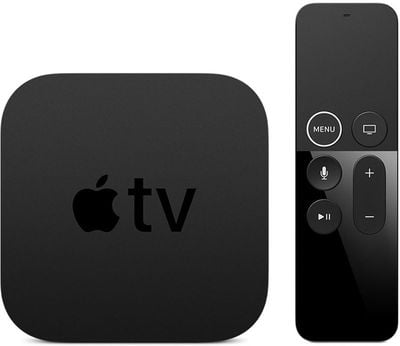
It's not clear what new features or bug fixes are included in the tvOS 12.1 update. We didn't find any major new changes during the tvOS 12.1 beta testing period, and Apple doesn't provide release notes for tvOS releases, so there's not often a lot to go on.
If we discover what's new in tvOS 12.1, we'll update this post with additional information.
tvOS 12.1 follows the tvOS 12 update, which introduced support for higher-quality Dolby Atmos sound, zero sign-on, and new aerial screensavers created in collaboration with the International Space Station.
Popular Stories
Just two days before Apple's "Welcome home" experience in New York, Bloomberg's Mark Gurman has leaked several details about the new products set to be unveiled, including an all-new smart home hub, a HomePod mini 2, and a new Apple TV 4K.
Here is an all-in-one summary of the details shared by Gurman:Apple's home hub with a touch-enabled display will be named HomeView, seemingly confirming a ...
Apple today announced the fourth-generation Apple TV 4K, with key features including an A19 chip, Siri AI support, an updated Siri Remote that has Find My support with Precision Finding, built in far-field microphones, support for surround sound with four HomePods in front and rear pairs, and more.
The A19 chip in the new Apple TV 4K delivers up to 50% faster CPU performance and up to twice...
Apple likely plans to release MacBook Pro models with OLED displays, 14-inch MacBook Pro and iMac models with M6 chips, and/or an iPad mini 8 with an OLED display on Friday, November 6, according to Bloomberg's Mark Gurman.
The devices are expected to be announced on Tuesday, October 27 or Wednesday, October 28.
If this timeframe proves to be accurate, then Apple will be releasing new...


















































