

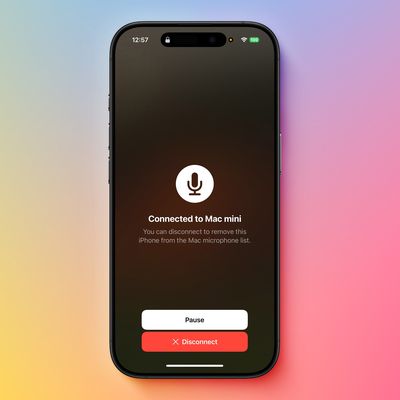
Use Your iPhone as a Microphone for Your Mac
If you have macOS 13 or later installed on your Mac, you can use a nearby iPhone as your computer's microphone input. Keep reading to learn how it works.
When Apple released macOS Ventura in October 2022, it introduced a new take on its Continuity Camera feature by letting users use their iPhone's camera as a webcam for their Mac. Continuity Camera works wirelessly or wired in FaceTime,...
Read Full Article

Take Control of Favicons in Safari's Favorites Bar
Since Safari 17 and macOS Sonoma, Apple's browser has supported favicons in the Favorites bar. Keep reading to learn why favicons can be useful, how to make space for more, and how you can disable them if they aren't for you.
A favicon is a small icon that serves as a kind of badge for a website. Its main purpose is to make it easier to locate the webpage when there are multiple tabs open in ...

Make Live Photos Loop, Bounce, and More on iPhone
Apple's Live Photos, introduced in 2015, are photos that capture 1.5 seconds of video before and after you take a picture, with the aim of adding a little bit of life and movement to still images.
Since introducing Live Photos, Apple has added some effects to its Photos app that let you turn them into fun animated clips, which you can then share with family, friends, or the wider world.
...

Use Apple Watch Backtrack to Retrace Your Steps
On Apple Watch Ultra, Apple Watch SE, and Apple Watch Series 6 and later models running watchOS 9 and newer, you can use the Compass app's Backtrack feature to track your route and then help you retrace your steps in case you get lost.
Backtrack uses the GPS on your Apple Watch to create a virtual breadcrumb trail of your route so you don't have to worry about keeping track of where you're...
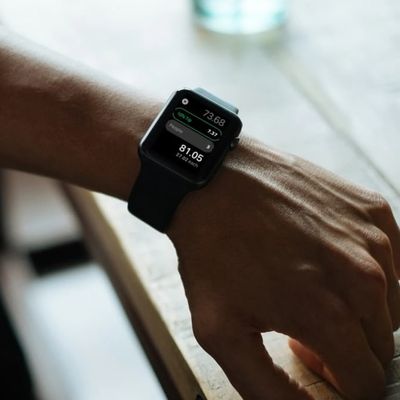
How to Split a Bill and Tip on Apple Watch
All Apple Watch models include a stock Calculator app that offers a couple of handy features for working out how much you should tip when eating out and how much each person in a group owes if you're splitting the bill.
The two functions can be used together, but if it's just yourself dining out then you can just leave the People field set to 1. The steps below show you how it works....

How to Fix Apple TV's Annoying Default Keyboard Layout
If you've ever tried entering a complex password on your Apple TV, you know the pain. That default linear keyboard layout has you swiping endlessly left and right, hunting for characters like you're playing some sort of tedious game show.
The annoying default keyboard layout on Apple TV
Here's a secret that'll save your sanity: You can switch to a grid layout that actually makes sense. Head...
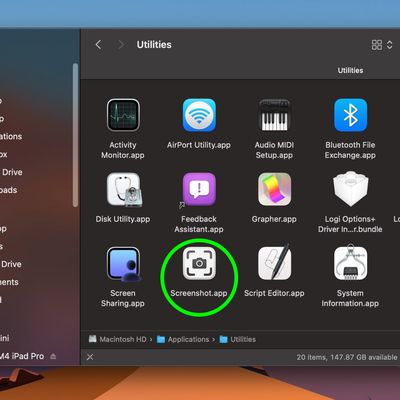
macOS Quick Tip: Screenshot Straight to the Clipboard
There are several ways you can take screenshots on a Mac. Preview offers the option from its File menu. There's also a little screen capture app in the macOS Utilities folder called Screenshot. But the simplest and most common method is to use your Mac's built-in shortcut key combinations.
Taking a screenshot is as easy as hitting Shift-Command-3 to capture the whole screen, or Shift-Command...
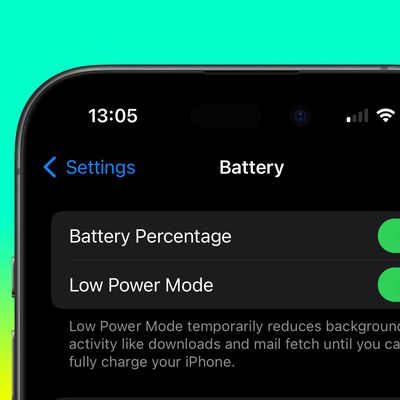
Automate iPhone Low Power Mode Based on Battery Level
If your iPhone regularly runs out of battery later in the day, Low Power Mode is one way to make it last longer. You can also make Low Power Mode automatically turn on when your battery reaches a certain custom level. Keep reading to learn how.
Most iPhone users are familiar with the way iOS throws up a prompt to turn on Low Power Mode when the battery reaches 20%. Low Power Mode can also be ...

Activate Low Power Mode With a Focus on iPhone
Introduced in iOS 15, Focus mode is an expansion of Do Not Disturb that allows you to set up different permissions for apps, contacts, and more depending on what you're doing. Apple has since expanded what Focus modes can do with new features, including the ability to activate Low Power Mode on your device when a specific Focus in enabled. Here's how it works.
The Focus options now include a ...

Set Up a Recovery Contact for Your Apple Account
Losing your Apple Account password can make your digital life a misery, as it can leave you locked out of the account that you use to manage your Apple devices, unable to access your iCloud data and manage your app and service subscriptions.
In this scenario, Apple can't just reset your password for you, especially if your have two-factor authentication enabled. Setting up a recovery key is ...
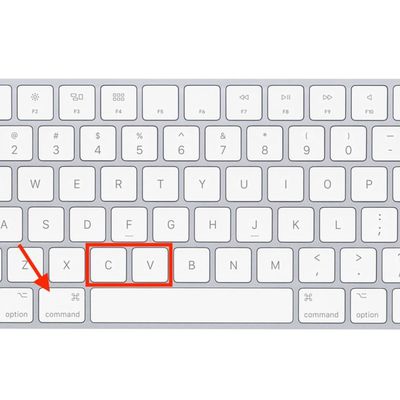
macOS Quick Tip: Copy and Paste Text Without Formatting
If you're a Mac user with a Windows PC background, you'll probably know how to use the typical copy and paste commands in macOS. But there's a handy clipboard trick that's worth keeping in mind.
In Windows, the Copy and Paste key combinations are Control-C and Control-V, respectively. On the Mac, it's very similar – all you do is use the Command (⌘) key instead of Control.
But did you...

Remotely Control Your iPhone Camera – No Apple Watch Needed
Remotely controlling the shutter on your iPhone's camera lets you include yourself in the photo while avoiding the limitations of a selfie. For example, it allows you to take a picture of a wider scene with you included in the frame, which is ideal for landscape shots or group photos. If your iPhone is on a tripod, taking the shot remotely also reduces the risk of camera shake. Here's how to do...
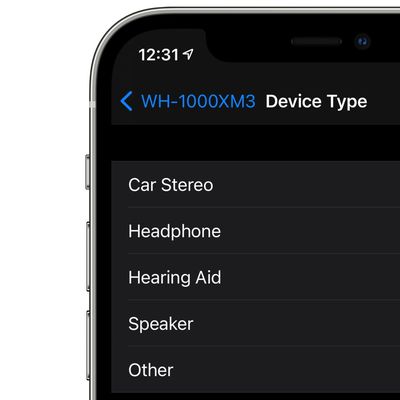
Boost iPhone Audio Features With This Simple Bluetooth Tip
In iOS and iPadOS, Apple includes an option for users to specify the Bluetooth accessories they connect using pre-defined individual labels.
Labeling your Bluetooth accessories helps to identify connected devices and improve audio notifications. Apple says that classifying Bluetooth accessories like this can also ensure that real-time Headphone Audio Level measurements are accurate....

Turn a Long Webpage into a PDF with a Single iPhone Screenshot
In iOS and iPadOS, Apple includes a built-in screenshot feature that also provides you with the ability to capture an entire webpage on your iPhone or iPad that you can then save or share with someone as a PDF document.
By converting full‑page screenshots into PDFs directly within Safari, you can preserve the exact layout and content of lengthy articles, receipts, or social media threads...
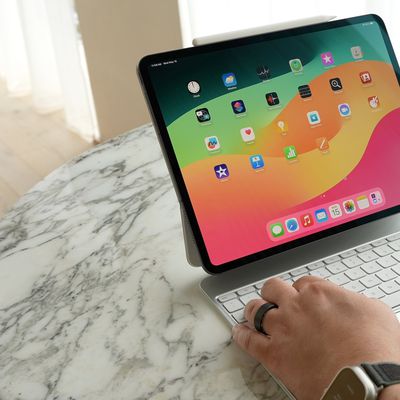
Use This 3-Finger Trick to Quickly Share Photos on Apple Devices
Apple devices support a relatively unknown three-finger gesture that lets you share a photo across your devices in super-quick time. It's a neat trick to fall back on if AirDrop is playing up or your iCloud Photos are taking ages to sync.
Universal Clipboard is usually associated with copying and pasting text, but by using this gesture, you can make it work really well for sharing images...
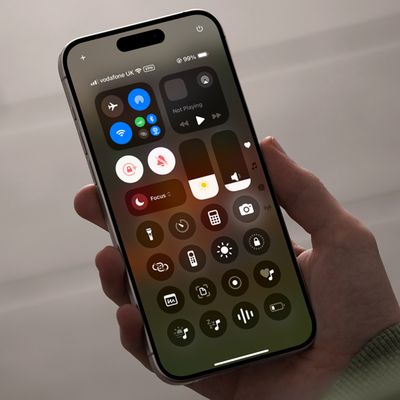
Worried About iPhone Privacy? Do This With Control Center
In iOS, the Control Center can be used to quickly take a picture, jot down a note, turn on the lights, control your Apple TV, and much more. It's useful and convenient because you don't even have to unlock your iPhone or iPad to use it.
However, with that convenience comes a potential security issue. If you use Control Center to create Instant Notes, for example, you might not want anyone...
How to Share Safari Tab Groups in macOS
In macOS, Apple allows you to share Tab Groups in Safari with colleagues, friends, and family. Keep reading to learn how it's done.
Introduced back in macOS Monterey, Tab Groups are designed to make organizing and preserving open tabs more manageable in Safari without having to have those tabs active.
In a Tab Group, you can easily collect and save related tabs, which can be especially...

Bookmark Multiple Tabs in Safari on iPhone
In Safari on iPhone, it's not unusual for the number of tabs you have open to quickly get out of hand. Here's how to temporarily clean things up without losing your tabs.
If you have no use for all your open tabs, you can simply select one, then press and hold on the tabs button in the bottom-right corner of the screen. This will bring up an option to "Close All [x] Tabs," X being the number ...
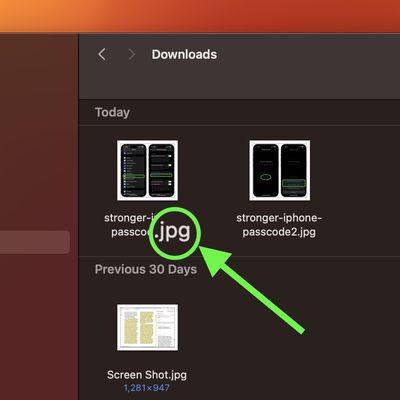
Show or Hide File Extensions on Mac, iPhone, and iPad
On computers and mobile devices, file extensions are the suffixes that apps append to filenames. When you see an item like "document.docx" for example, the .docx extension tells the computer and the user what the file is and what to open it with.
Some users don't feel the need to see the extensions of files when viewing them in a file manager, but others prefer to have them displayed to help ...
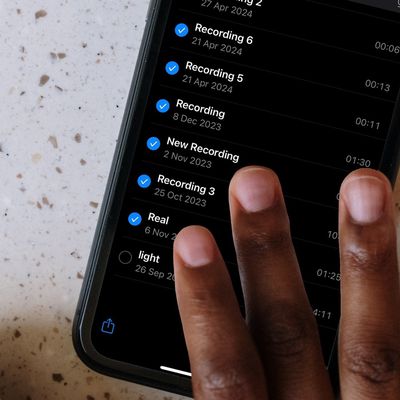
Select Faster on iPhone With This Two-Finger Trick
Your iPhone has multiple touch and gesture capabilities that can enhance how you interact with apps. Some, like pinch and zoom, are well known enough to be considered second nature, but others are less obvious, like the one we're about to explain.
Two-Finger Drag to Select Items
If you have apps where you habitually tap on each individual item in a list to select them – emails in your...
















