Apple Releases iOS and iPadOS 12.5.4 Security Fix for Older iPhones and iPads
Apple today released new iOS and iPadOS 12.5.4 updates, with the new software aimed at older devices that are unable to run the iOS 14 update that's available on modern devices.
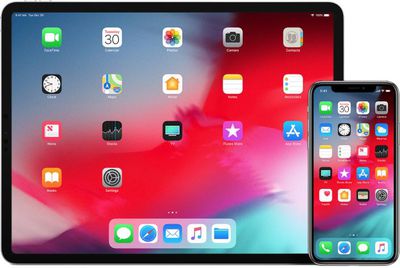
The iOS and iPadOS 12.5.4 updates can be downloaded for free and the software is available on all eligible devices over-the-air in the Settings app. To access the new software, go to Settings > General > Software Update.
According to Apple's release notes, iOS 12.5.4 introduces important security updates and is recommended for all users. Apple often releases security updates for older devices that are no longer able to get the current version of iOS in order to keep users protected from malware and other security vulnerabilities.
Apple's security support document says that the update addresses three vulnerabilities that could lead to arbitrary code execution. Two of them that affected WebKit may have been actively exploited. One of these vulnerabilities was fixed in iOS 14.6, and the other two are likely to be addressed in iOS 14.7.
Popular Stories
In a memo shared with Apple Stores and Apple Authorized Service Providers this week, and later obtained by MacRumors, Apple provided technicians with guidance on how to diagnose and address the iPhone Duo's inner display cracking issue.
If a customer reports the issue, Apple advised technicians to inspect the iPhone Duo and repair or replace it in accordance with their standard procedures....
Apple is releasing five new products this Friday, November 6, following pre-orders that opened last week, including its first touchscreen MacBook Pro models.
The following new products will be available from Friday:
iPad mini with OLED display and A20 Pro chip
iMac with M6 chip
14-inch MacBook Pro with M6 chip
14-inch MacBook Pro with OLED touchscreen
16-inch MacBook Pro with OLED...
Apple released iOS 27.2 on October 26, bringing enhancements to Siri AI, adding Suggestions in Messages, and sneaking in a string of smaller additions across Photos, Podcasts, Games, Apple TV, and FaceTime.
iOS 27.2 is available to download to your device now via Settings ➝ General ➝ Software Update. Note that some features may not be available in all regions or on all iPhone models....

















































