iPhone 16 Pro Still Starts at 128GB Storage, Maxes Out at 1TB
Despite rumors that we would see storage upgrades for the iPhone 16 Pro lineup, the new models continue to have the same starting and maximum storage as the prior-generation iPhone 15 Pro models.
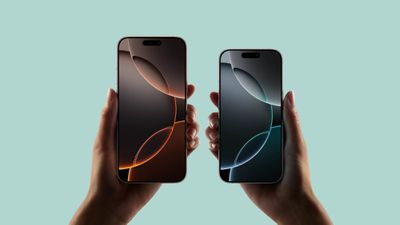
The iPhone 16 Pro starts at 128GB of storage for the $999 model, while the iPhone 16 Pro Max starts at 256GB of storage for the $1,199 model.
Both the iPhone 16 Pro and the iPhone 16 Pro Max can be upgraded with a maximum of 1TB of storage, with Apple not offering a 2TB storage option.
There was speculation that Apple would adopt Quad-Level Cell QLC NAND flash memory that would allow Apple to add more storage in a smaller space at a lower cost, hence the support for 2TB. That didn't happen.
It is worth noting that we have seen 2TB storage rumors for the iPhone 14 Pro, iPhone 15 Pro, and now, the iPhone 16 Pro, without Apple upgrading the storage space.
The standard iPhone 16 models have 128GB of storage for the entry-level models, with a maximum of 512GB, similar to the iPhone 15 lineup.
Popular Stories
Just two days before Apple's "Welcome home" experience in New York, Bloomberg's Mark Gurman has leaked several details about the new products set to be unveiled, including an all-new smart home hub, a HomePod mini 2, and a new Apple TV 4K.
Here is an all-in-one summary of the details shared by Gurman:Apple's home hub with a touch-enabled display will be named HomeView, seemingly confirming a ...
Apple today announced the "HomeView," an all-new kind of smart home hub featuring a 7-inch Liquid Retina display and Siri AI.
Apple's senior vice president of Worldwide Marketing Greg Joswiak said:
Apple HomeView is designed to be shared by everyone in the home yet feel completely personal to each user. It recognizes your face to shift from a household screen to your own experience,...
Apple today announced an upcoming product launch that will take place on Tuesday, October 13. We are expecting Apple's announcement to focus on new smart home products, including the long-rumored smart home hub, a new Apple TV 4K, and a refreshed HomePod mini.
Subscribe to the MacRumors YouTube channel for more videos.
The home hub is an all-new device that's like a cross between an iPad and...