iOS 18 Gains Emergency SOS Live Video Support
iOS 18 is giving iPhone users who find themselves in an emergency situation a way to provide more information and context to emergency responders with an update to Emergency SOS.

Emergency SOS now supports live video, which means once the SOS feature is activated, streaming video and recorded media can be sent to emergency personnel. Emergency dispatchers can send a request for a user to share either live video or a video from the camera roll, which Apple says should make it easier and faster to get help.
Video is sent over a secure connection to the emergency dispatcher. The option could allow those in emergency situations to send key information for location purposes, to assess injury or risk, or to be used as evidence at a later date.
Emergency SOS is a feature on the iPhone and Apple Watch that automatically calls the local emergency number and shares location information with emergency services. It is the backbone of the Crash Detection, Fall Detection, and Emergency SOS via satellite features.
Popular Stories
Apple is launching five new products on Friday, November 6, following pre-orders that opened last week, including its first touchscreen MacBook Pro models.
The following new products will be available from today:
iPad mini with OLED display and A20 Pro chip
iMac with M6 chip
14-inch MacBook Pro with M6 chip
14-inch MacBook Pro with OLED touchscreen
16-inch MacBook Pro with OLED...
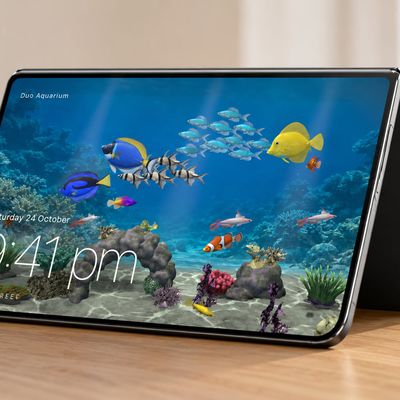
When the iPhone Duo launched, we shared a list of some of the fun apps developers created for the new form factor. Two weeks out, developers are continuing to come up with fresh ideas, so we thought we'd share some of our favorites.
Games
Marbles Unhinged ($2.99) - Marbles Unhinged is a marble maze designed for the Duo. When you fold it, the floor turns into a ramp. If you stand the top...
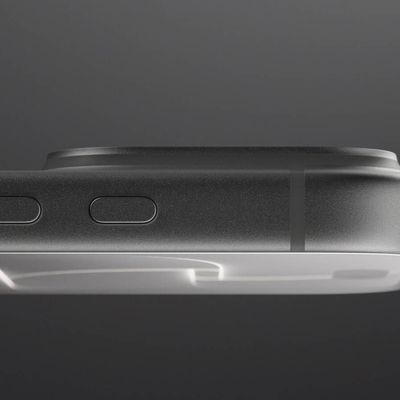
Apple plans to merge the iPhone's Action button with the Camera Control starting next year, according to the leaker known as "Instant Digital."
In a new post on Weibo, the leaker claimed that a single press of the combined button would open the camera, while a long press would trigger the function assigned to the Action button. They explicitly clarified that the dedicated Action button would ...