

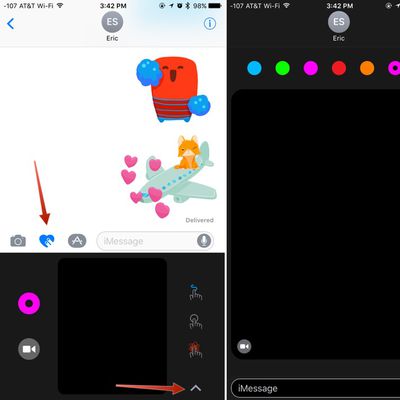
Messages in iOS 10: How to Use Digital Touch
In iOS 10, the Messages app is gaining Digital Touch, a communication feature that was previously limited to watchOS. With Digital Touch, you can send friends and family drawings, heartbeats, fireballs, kisses, and more, all with just a few taps.
Sketches, taps, and other Digital Touch messages created on your iPhone are also viewable on the Apple Watch and vice versa, giving you plenty of...
Read Full Article • 19 comments
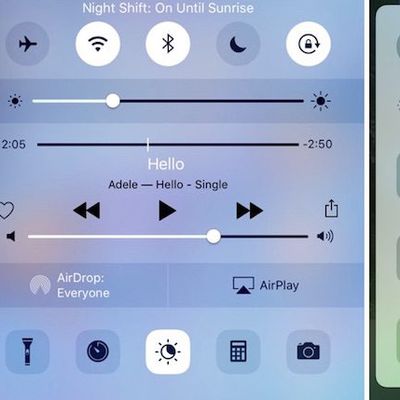
How to Use the New Control Center in iOS 10
Although iOS 10 brings with it a few subtle visual and mechanical changes, some of its alterations to the most-used iPhone software features will probably be pretty easy to spot. One of those is the new Control Center, which has not only received a cosmetic upgrade, but has gotten a few new added abilities as well.
Subscribe to the MacRumors YouTube channel for more videos.
The Control...
How to Use Native 3D Touch Actions in iOS 10
With iOS 10, Apple has focused on expanding 3D Touch functionality to make it more relevant to users, in the hope that they eventually come to see it as second nature. If you have an iPhone 6s or later, there are a wide range of 3D Touch gestures that you can test out in iOS 10, particularly from the home screen.
Here we've compiled a list of native app icons that now support 3D Touch, as...
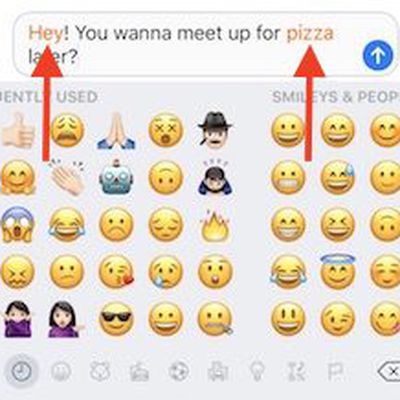
Messages in iOS 10: How to Use Emoji Replacement and Prediction
In iOS 10, Apple is making it even easier to use emojis with an all-new replacement and predictive system that replaces key words and phrases with relevant emoji characters. Although still short of a full-featured search functionality -- which many have asked for -- the new emoji replacement ability turns text messages into emoji-filled communications that are fun alternatives to basic blocks of...
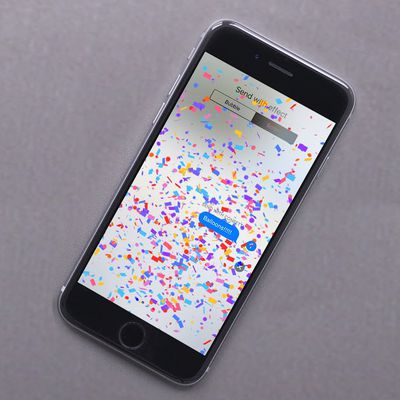
How to Use Messages' Tapback, Screen Effects and Bubble Effects in iOS 10
In iOS 10, Messages features creative tools to give users new ways to express themselves and communicate with friends and family. Additions include new bubble effects that change the way iMessage bubbles look, tapback reaction options for sending quick feedback on texts or photos, and screen effects that add fireworks, confetti, and more to the whole messages screen.
All of these tools are...
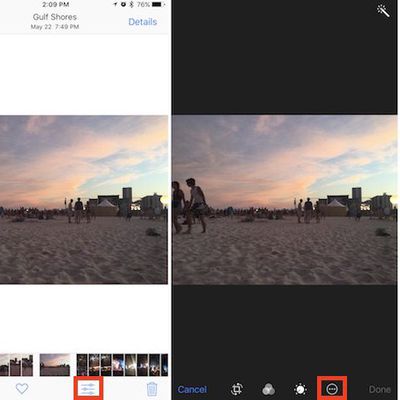
Photos in iOS 10: How to Find and Use Image Markup
Apple is expanding the iPhone's photo editing abilities in iOS 10 with a new feature called "Markup" that lets you doodle, magnify, and place text on any picture you have within the Photos app. Thanks to Markup's flexibility, it could be used for both casually sharing photos with friends and family, and also to enhance and add detail to an image in an enterprise situation.
Markup is also...
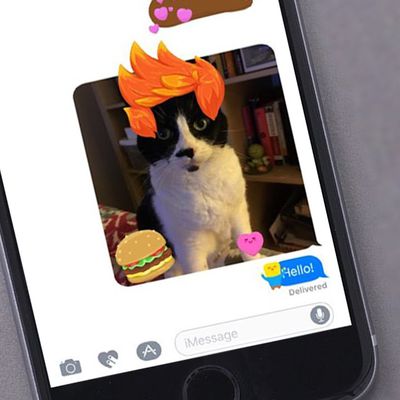
Messages in iOS 10: How to Install and Use Sticker Packs
In iOS 10, the simple Messages app you're familiar with has transformed from a bare bones texting platform into a fun, interactive communication service that takes advantage of games, apps, drawings, stickers, message effects, and more.
Following in the footsteps of apps like Facebook and Line, Apple is delving into stickers in a big way, giving iOS users new ways of expressing themselves....
How to Use iOS 10's Redesigned Lock Screen
With a brand-new iOS operating system now available, many users are excited to delve into iOS 10's biggest and boldest changes, like an overhauled Messages app and a more personal space in Photos to relive past vacations and family get-togethers. However, before you even get to all of iOS 10's new features, you'll have to get used to its new lock screen mechanisms, which completely change the way ...

How to Install the iOS 10 Public Beta
With the release of the iOS 10 public beta, many users are thinking about putting the new operating system on their devices to try out all of the new features. We've already taken a look at whether it's a good idea to install the iOS 10 public beta considering potential bugs and other issues that can interfere with your daily usage, but if you've decided to go ahead with installing it, we've put...
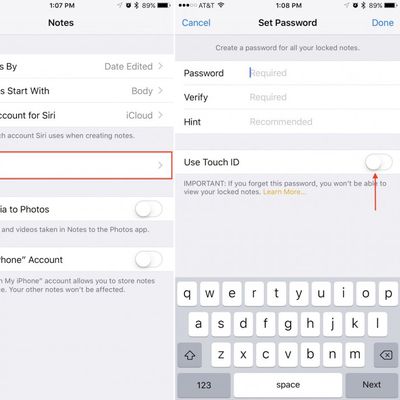
How to Password Protect Notes in iOS 9.3 and OS X 10.11.4
Although more prominent features like Night Shift and a few new Quick Actions are getting the spotlight with the launch of iOS 9.3, one new lesser-known update is definitely worth checking out. In iOS 9.3, Apple has improved the functionality of its first-party Notes app with the ability to add password or Touch ID security for individual notes.
The feature allows users to prevent access to...
How to Downgrade From an iOS Beta
If you've installed an iOS beta either through Apple's developer program or the public beta testing website, you may find yourself wanting to downgrade if you've run into issues. iOS beta software can be notoriously buggy, especially during the first few betas of a major update.
Apps often don't work, devices crash, battery life is poor, and entire features can be rendered non-functional. In...
How to Create an Archived iTunes Backup
Regularly creating iCloud or iTunes backups should be routine for every iOS user, but if you want to upgrade to a beta version of iOS or if you think you might want to downgrade shortly after installing a new iOS update, you'll want to make sure create an archived iTunes backup beforehand.
An archived iTunes backup is essential because it saves the current state of your iOS device and...
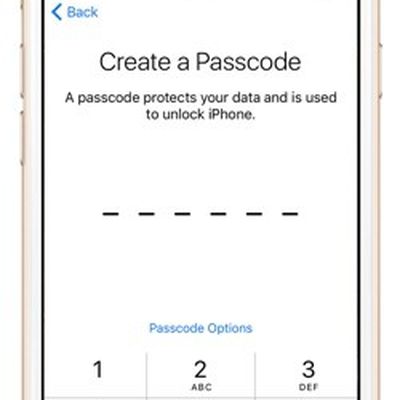
How to Create a More Secure Passcode on Your iPhone or iPad
Apple's iPhones have long been protected by numeric passcodes, giving iOS users a way to protect keep their devices safe from hackers and prying eyes. Over the years, passcodes have been supplemented by Touch ID, Apple's fingerprint recognition system, but the passcode is still the iPhone's main line of defense.
A passcode is required to set up Touch ID, and Touch ID is automatically disabled...
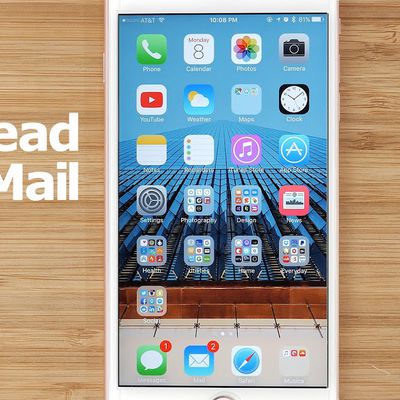
How to Create an 'Unread' Folder in the iOS Mail App
In iOS 7, Apple introduced the option to add an "Unread" mailbox to the iOS Mail app, giving users a place to aggregate all incoming email for quick access. The feature was never widely publicized, and as a result, many iOS users today are unaware that it exists.
Adding an "Unread" mailbox takes just a few taps, but it's highly useful, especially when you've got a lot of incoming emails. We've ...
How to Download the iOS 9.3 Beta to Your iPhone or iPad
Ahead of new software releases for iOS devices, Apple provides early copies to both developers and public beta testers to work out bugs and refine features. Major updates often include exciting new additions that people are eager to try out right away, such as iOS 9.3's Night Shift Mode and all of its other new features.
If you want to get your hands on iOS 9.3 ahead of its prospective spring...
How to Back Up Your Mac Using Time Machine
Finding a reliable backup solution for the Mac that runs in the background and isn't a drain on system resources was once considered a challenging prospect.
With the arrival of OS X 10.5 Leopard, Apple changed that preconception by introducing its native backup solution, called Time Machine. This article explains the benefits of using Time Machine and runs you through the setup and restore...

How to Reset Apple's Thunderbolt Display
Apple's Thunderbolt Display, for myriad reasons, may not display an image from your Mac, recognize USB peripherals, connect to Ethernet, or power on whatsoever.
In many cases, the display is not broken. Before contacting Apple, follow these troubleshooting steps to see if you can reset your Thunderbolt...
How to Use Night Shift Mode in iOS 9.3
Night Shift, a major new feature iOS 9.3, is a display-based setting that lets you "warm up" an iPhone or iPad's screen at night to cut down on blue light exposure. Similar to f.lux on the Mac, Night Shift will automatically change the color temperature of an iOS device's display to reflect the time of day.
With Night Shift, an iPhone or iPad screen will look bright white with a blue-based...
How to Hide Default Apps on iOS 9 Using Limited Trick
While Tim Cook has promised Apple will "figure out a way" for iPhone and iPad users to remove certain default apps, a new limited trick allows for stock icons to be temporarily hidden on devices running iOS 9.0 to iOS 9.2 without jailbreaking.
YouTube channel videosdebarraquito shared a video of his trick over the weekend, and we have confirmed the method works as shown. Follow these...
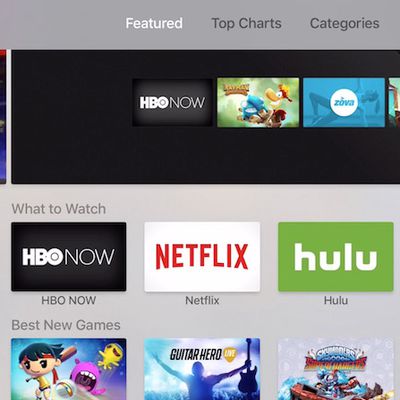
How to Use the App Store on Apple TV
The fourth-generation Apple TV has a lot of new features, one of them being the addition of the Apple TV App Store. On the surface, the App Store on Apple TV seems similar to that of the iOS or OS X version. There are, however, some aspects of the tvOS App Store that are are a little different and might need some explaining.
For example, some apps, like Lumino City, are available on iOS and...
















