Video Demos macOS Catalina Running on iPad Pro via x86 Emulation
A video demonstrating macOS Catalina running on a current 2020 iPad Pro has been shared on YouTube, giving us a look at an interesting hack that has a Mac OS up and working on one of Apple's iPads.
There's limited information about how the process of getting macOS Catalina on an
iPad Pro works, but it uses x86 emulation and was done through
the UTM software that allows virtual machines to run on iOS.
Booting up into macOS Catalina took a full 20 minutes, though the original creator says that it has since been optimized and now takes approximately 5 to 7 minutes. The video is over 37 minutes long due to how slow macOS Catalina is on the iPad, and it is not a functional or usable installation at this time, but it's interesting to see the macOS operating system on an iPad Pro.
Popular Stories
In May, Apple agreed to pay $250 million to settle a U.S. class action lawsuit over Siri AI's delayed launch, and eligible iPhone users could receive up to a $95 payout.
This week, the California court overseeing the case held a hearing regarding preliminary approval of the settlement, but the judge has not yet issued a ruling. It will likely be at least a few more months before eligible...
The Apple TV 4K hasn't been updated since 2022, and it's due for a refresh. An update is planned for 2026, but Apple is likely going to wait to launch it after Siri AI launches in iOS 27.
Design
Apple TV design updates don't happen often, and that's not changing. The next Apple TV is going to have the same squircle shape as the current model, and it'll continue to be made from a black...
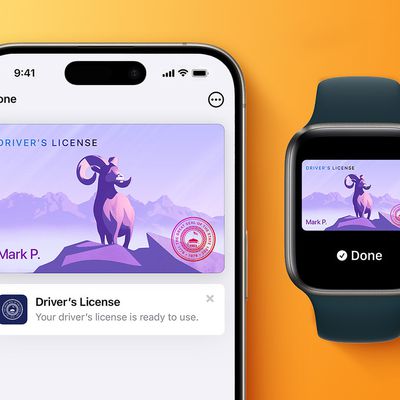
In select U.S. states, residents can add their driver's license or state ID to the Apple Wallet app on the iPhone and Apple Watch, and then use it to display proof of identity or age at select airports and businesses, and in select apps.
To set up the feature, open the Wallet app on the iPhone and tap on the plus sign in the top-right corner. Next, tap on Driver's License and ID Cards,...