

Complex Passcode Bypass Method Exposes iPhone Contacts and Photos in iOS 12 - MacRumors
Skip to Content

Complex Passcode Bypass Method Exposes iPhone Contacts and Photos in iOS 12

by

A passcode bypass vulnerability has been discovered in iOS 12 that potentially allows an attacker to access photos and contact details on a locked iPhone.

The rather convoluted bypass method was shared in a video by Jose Rodriguez, who has discovered iOS bugs in the past that Apple has subsequently fixed.
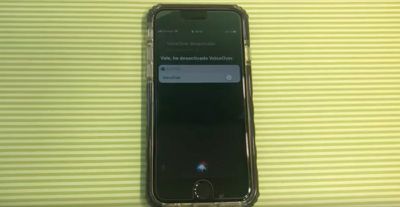
iphone bypass lock screen
With physical access to the locked device, the attacker first asks Siri to activate VoiceOver, sleeps the device with the Side button, and then calls the iPhone using another device. Once the call screen shows up, the attacker taps the Message button, opts to create a custom message, and then taps the plus (+) icon in the top right.

Next, on the other phone, the attacker sends a text or iMessage to the target iPhone, whose screen is then double-tapped when the message notification appears. This causes an odd behavior in the UI, since it highlights the plus icon underneath.

After a short wait, the screen goes white and the notification disappears, but the VoiceOver's text selection box is apparently still tappable and can now be used to access the Messages interface. Following multiple screen swipes, the VoiceOver is heard to say "Cancel," which reveals the original Messages screen.
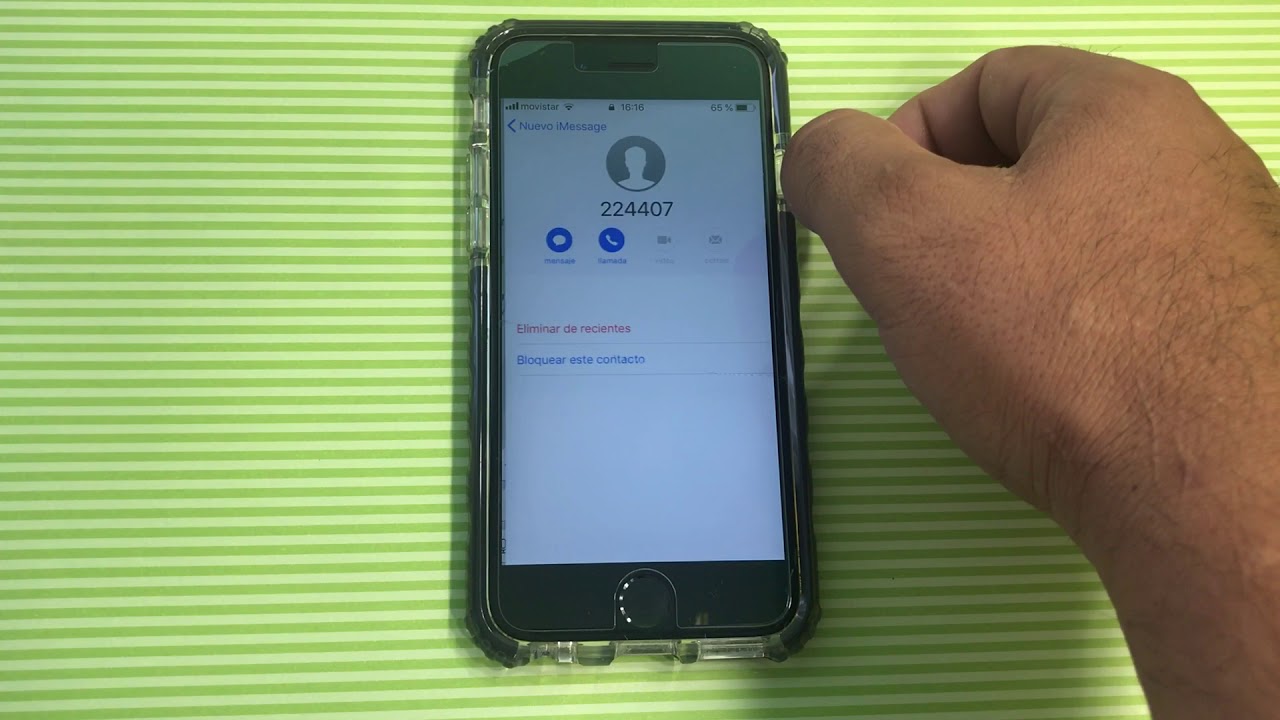

Adding a new recipient to the message and selecting a numeral from the virtual keyboard then reveals a list of recently dialed or received phone numbers and contacts. Further, if one of the numbers or contacts includes an info ("i") button, disabling VoiceOver and tapping the button shows the contact's information. Performing a 3D Touch action on the contact also brings up call and message options, along with options to Add to Existing Contact or Create New Contact.

In a similarly complicated set of steps involving an invisible user menu, an attacker can eventually access a locked iPhone's Camera Roll and other photo folders, which can then be used to add profile pictures to contact cards.

The bypass methods work on all iPhones including the iPhone XS lineup, but Apple doesn't appear to have fixed the vulnerabilities in the latest iOS 12.1 beta. Thankfully however, all of the above can be easily prevented by disabling access to Siri from the lock screen.

Concerned users can do so by navigating to Settings > Face ID & Passcode (that's Settings > Touch ID & Passcode on iPhones with Touch ID) and disabling the Siri toggle under the "Allow access when locked" menu.


Top Rated Comments

SBlue1 Avatar
99 months ago
How do they find out something like this?? :)
Score: 40 Votes (Like | Disagree)
MrGimper Avatar
99 months ago
Youtuber EverythingApplePro reported that it was found by a taxi driver who tries to discover bugs like this on his iPhone while waiting for passengers.

He's also famous for being the taxi driver who has one customer every 10 years.
Score: 24 Votes (Like | Disagree)
Scottsoapbox Avatar
99 months ago
Hats off to hackers and security people that have much more patient for minutiae than me.
Score: 13 Votes (Like | Disagree)
99 months ago
Why in the world do people have Siri enabled on the lock screen in the first place? The only thing worse would be the truly clueless who enable control center on the lock screen.
So when I’m cooking, I can just yell “Hey Siri, set a timer for 2 and one-half minutes!” and not be bothered by picking it up.

Or when I’m driving, just say “Hey Siri, tell dad I’ll be there in five minutes.” Since Apple doesn’t feel it can leave iPhone on while plugged in listening to music.

Now, serious question, what’s wrong with Control Center being enabled on lock screen?
Score: 12 Votes (Like | Disagree)
BaccaBossMC Avatar
99 months ago
How do they find out something like this?? :)
Surely this must have been discovered in some reverse-engineering of iOS. How else would you ever find this.
Youtuber EverythingApplePro reported that it was found by a taxi driver who tries to discover bugs like this on his iPhone while waiting for passengers.
Score: 12 Votes (Like | Disagree)
99 months ago
Up, up, down, down, left, right, A, B, A makes the headphone jack reappear.
Score: 9 Votes (Like | Disagree)

Popular Stories

macOS 27 on MacBook Pro

macOS 27 Will Mark the End of an Era

Saturday April 18, 2026 6:45 am PDT by
During its Platforms State of the Union segment at WWDC 2025, Apple revealed that macOS 26 Tahoe is the final major macOS version for Intel-based Macs. The upcoming macOS 27 release will be compatible with Apple silicon Macs only, meaning that you will need a Mac with an M-series chip or a MacBook Neo with an A18 Pro chip in order to install the software update. macOS 27 should be available...
macworld iphone 18 pro colors

iPhone 18 Pro's Four Rumored Colors Revealed, Including 'Dark Cherry'

Friday April 17, 2026 3:50 am PDT by
A source said to be familiar with Apple's supply chain today revealed the color options Apple is planning for the iPhone 18 Pro, iPhone 18 Pro Max, and the upcoming foldable iPhone. Image via Macworld. The information comes from Macworld, which says the signature new color for this year's Pro models will be Dark Cherry, a deep wine-like red. While other sources had previously reported on a...
Aston Martin CarPlay Ultra Screen

Apple Says CarPlay Ultra is Coming to These Vehicle Brands

Saturday April 18, 2026 5:59 am PDT by
Last year, Apple launched CarPlay Ultra, the long-awaited next-generation version of its CarPlay software system for vehicles. Nearly a year later, CarPlay Ultra is still limited to Aston Martin's latest luxury vehicles, but that should change fairly soon. In May 2025, Apple said many other vehicle brands planned to offer CarPlay Ultra, including Hyundai, Kia, and Genesis. CarPlay Ultra...







































