Apple Seeds First Beta of watchOS 4.2 to Developers
Apple today seeded the first beta of an upcoming watchOS 4.2 update to developers, more than a month after releasing the new watchOS 4 operating system to the public and while watchOS 4.1, the first major update to watchOS 4, is still in testing.
Once the proper configuration profile has been installed from the Apple Developer Center, the new watchOS 4.2 beta can be downloaded through the dedicated Apple Watch app on the iPhone by going to General -> Software update.
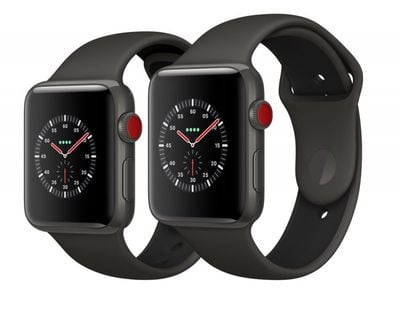
To install the update, the Apple Watch needs to have at least 50 percent battery, it must be placed on the charger, and it has to be in range of the iPhone.
It's not yet clear what new features watchOS 4.2 will introduce, but it could bring support for Apple Pay Cash, Apple's new peer-to-peer payments feature. We'll know more about what's included in the update once developers are able to download the software and dig into the new features.
Popular Stories
Apple has published a support document describing what to do if your Apple Watch continues to show time that's off by one hour after daylight savings time changes. "This incorrect time appears only on the Always On display when your wrist is down," says Apple. "When you activate the display by tapping it or raising your wrist, the time changes to the correct hour."
To fix the issue, Apple says ...
Some Apple Watch Series 12 and Ultra 4 owners have experienced unexpected skin irritation with the new models, according to reports on the MacRumors forums and Reddit.
Affected users complain of a burning sensation and redness under the sensor area. The Apple Watch Series 12 and Ultra 4 measure heart rate every five seconds, and some people have wondered if that's the cause of the skin...
For this week's giveaway, we've teamed up with Southern Straps to offer MacRumors readers a chance to win an Apple Watch Series 12 and a nylon band from Southern Straps to go along with it.
Southern Straps is a California-based company that has been making high-quality bands for the Apple Watch since the device first launched in 2015, and the company's selection of bands offer a an...