iPhone 6 May Include Temperature, Pressure and Humidity Sensors
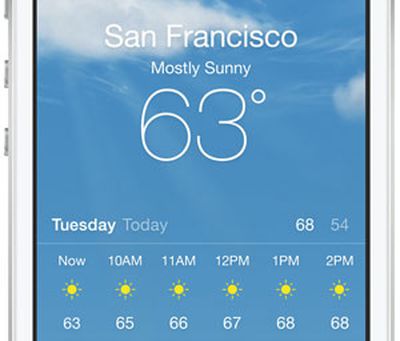 Electronics analyst Sun Chang Xu reports on her Weibo account that the next iPhone may add a pressure, temperature and humidity sensor.
G for Games relayed the report and points out that the "pressure" in this context is certainly atmospheric, not blood pressure:
According to Sun Chang Xu (news chief analyst at ESM-China), sources close to the matter have revealed that Apple will catch up in the “sensors department”, as the iPhone 6 will feature pressure, temperature and humidity sensors. Please note that the analyst is probably not referring to blood pressure (this feature is rumored to be implemented in Apple’s iWatch) but to atmospheric pressure.
This same analyst previously reported that Apple may use "optical sensors" to measure heart rate and oxygen levels in the rumored iWatch. The addition of these atmospheric sensors would bring it up in line with Samsung's S4 which included similar atmospheric sensors.
The addition of more sensors to the iPhone 6 seems a natural progression with all the recent reports that Apple has been aggressively hiring individuals in the area of health sensors. iOS 8 is said to include a Healthbook app which reports on many health related sensors.
Popular Stories
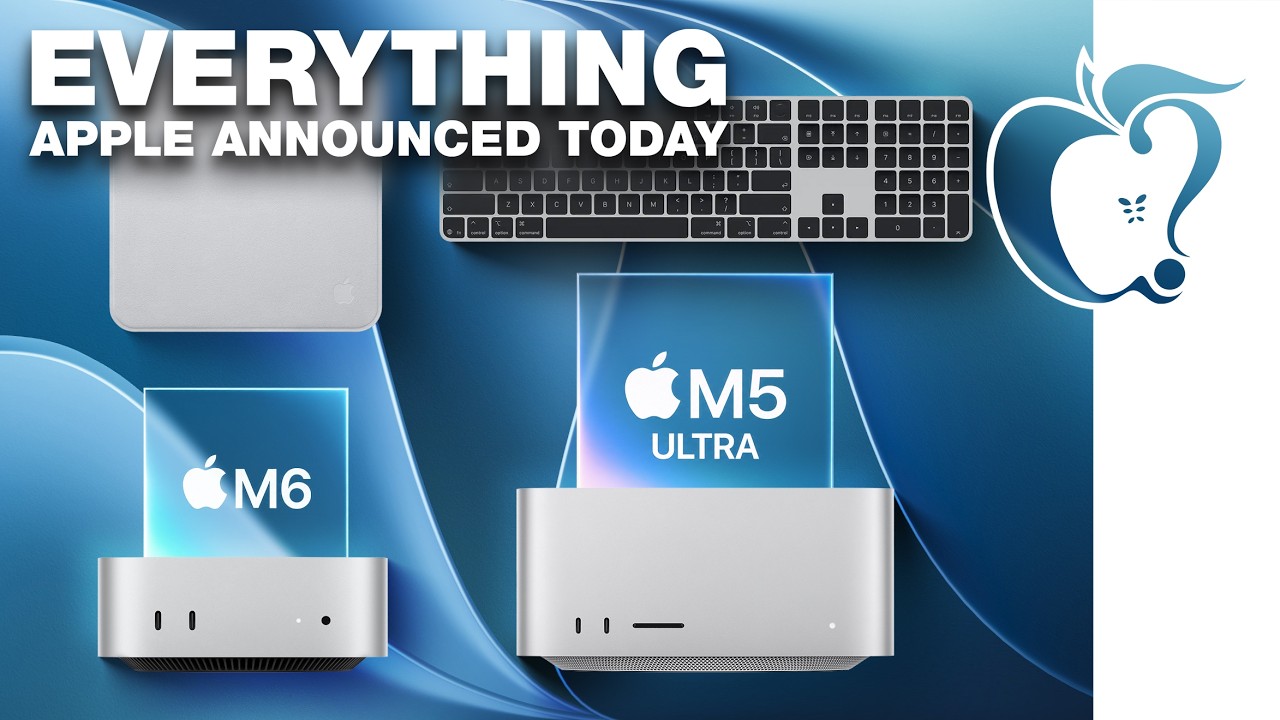
The new Mac mini and Mac Studio models unveiled by Apple this week are the company's first new Macs announced in August since 2020.
It is extremely rare for Apple to announce new products of any kind in August, excluding smaller things like new color options and accessories.
As mentioned, Apple's last notable August product announcement was in 2020, when it updated the 27-inch iMac and a...
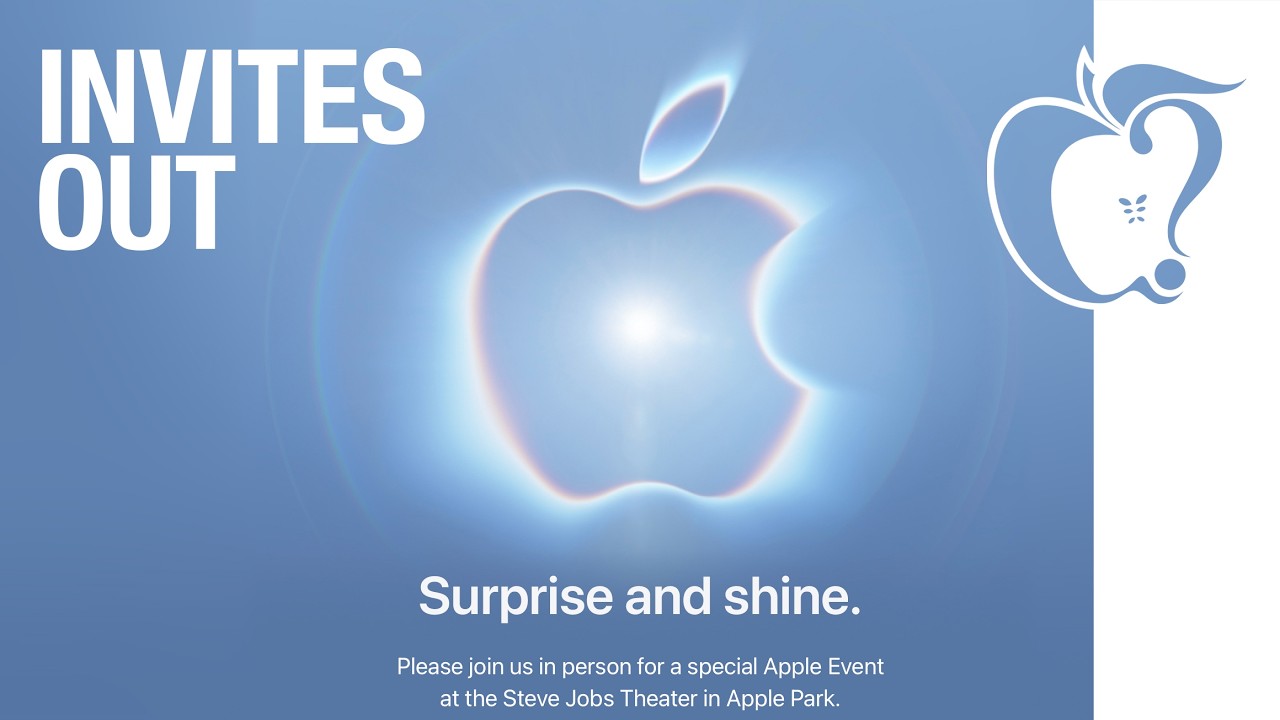
Apple plans to hold its annual iPhone-centric event on Wednesday, September 9 at the Apple Park campus in Cupertino, California. The event will begin at 10:00 a.m. Pacific Time, with select members of the media invited to attend.
Subscribe to the MacRumors YouTube channel for more videos.
The September 2026 iPhone event will see Apple announce the iPhone 18 Pro, the iPhone 18 Pro Max, and the ...
Apple has announced that it will be holding an event on Wednesday, September 9 at 10 a.m. Pacific Time, with the company widely expected to unveil the iPhone 18 Pro, iPhone 18 Pro Max, its first-ever foldable iPhone, and more.
Other products expected to be announced at the event include an Apple Watch Series 12 with a ceramic case option, an Apple Watch Ultra 4, AirPods 5 with and without...