

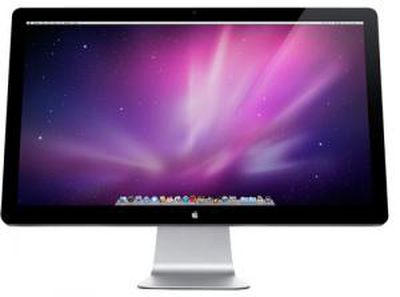
Today, Apple seeded Mac OS developers with the first preview of Mac OS X Lion. Apple has outlined a number of new features such as new Mail client, document Versions, and much more.
But one particularly interesting under-the-hood change that we've learned about is an evolution of Mac OS X's "resolution independence" features. Resolution independence has been a long talked about feature that would eventually provide support for high DPI (dots per inch) displays. While there has been the beginnings of support for it starting in Mac OS X Tiger (10.4) and into Mac OS X Snow Leopard (10.6), full support was never realized. In Mac OS X Lion, however, references to Resolution Independence has been replaced with a new system that could pave the way for these super high resolution "Retina" monitors.
Taking cues from iOS, Apple has reportedly built in support for what it calls "HiDPI display modes". These HiDPI modes allow developers to supply 2x-enlarged images to support double-high resolution displays. Like the iPhone 4's Retina Display, this means that user interface elements will remain the same size, but everything will be twice the resolution and therefore twice as detailed. For example, instead of a 1440x900 pixel 15" MacBook Pro, you could have a 2880x1800 pixel 15" MacBook Pro. All the screen elements would be the same physical size as elements on the 1440x900 display, but with a much higher level of detail. Developers would simply need to provide 2x-resolution images for their user interface elements, just like on the iPhone to support its high resolution Retina display.
This new system seems far easier to support than the previous system which tried to support an arbitrary number of resolutions with elements described in vectors or multiple bitmaps. So, it's easy to see how this could pave the way for Apple to start releasing monitors and notebooks with double-resolution displays. There has already been talk about iPad-sized Retina displays which would have 2048x1536 resolution on a 9.7" screen. It's not hard to imagine that technology will advance enough in the next couple of years to allow for similarly dense laptop or even desktop displays. HiDPI modes are not enabled by default and must be enabled in Lion's Quartz Debug.



















