In iOS 16, Apple has expanded the reach of its Live Text feature, which can recognize text in not just photos, but also videos now, too. Keep reading to learn how to use it.
In iOS 15, Apple introduced a feature called Live Text that can recognize text when it appears in your camera's viewfinder or in a photo you've taken and let you perform several actions with it. In iOS 16, this ability now extends to videos as well.
Rather than just being able to select text in photos, you can now pause a video and interact with the text like you would in an image. Text in any paused video frame can be copied and pasted or translated, plus it works with Apple's Look Up feature.
Live Text works across the operating system in Photos, Camera, Safari, and other apps. Note that Live Text features require an iPhone with an A12 Bionic or later. The iPhone XR, iPhone XS, and iPhone XS Max from 2018 are equipped with an A12 Bionic, so if you have one of these devices or newer you can take advantage of Live Text. Here's how to get it working on video.
- Pause the video at the frame that has text showing.
- Touch and hold on a word in the text.
- Use the two blue markers to narrow or widen your selection.
- Next, press and hold to see options including Translate and Copy.
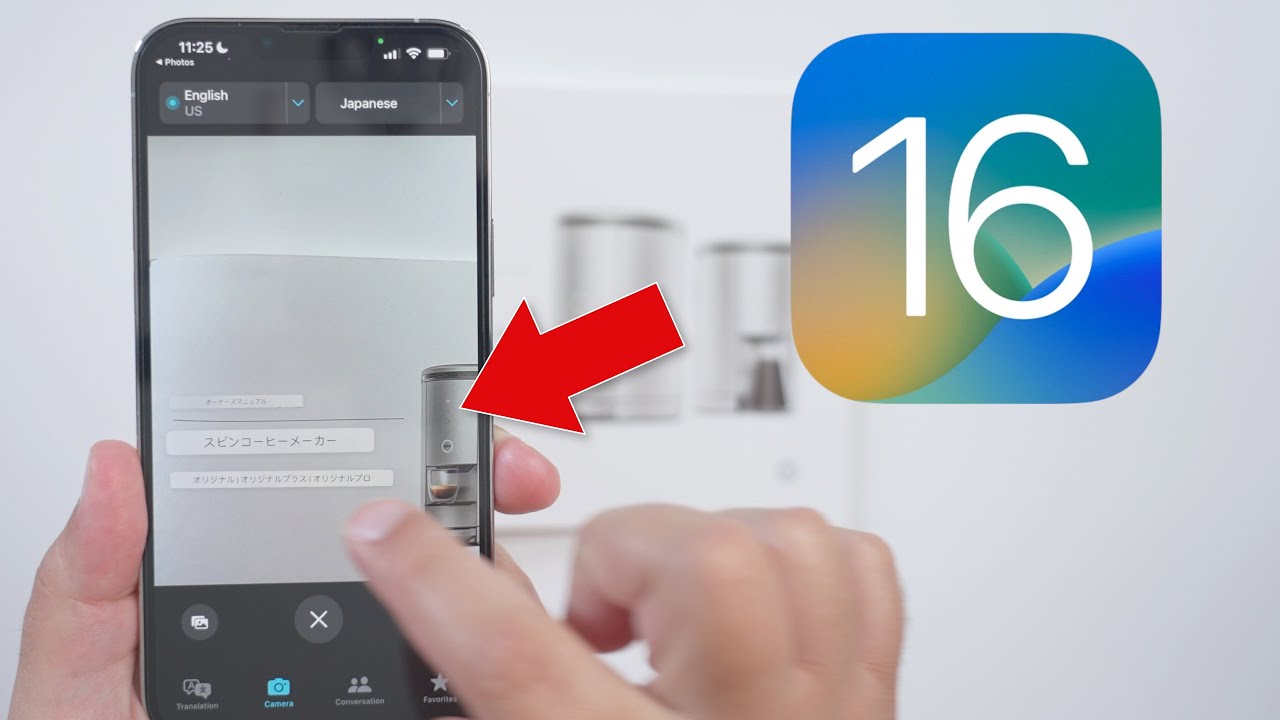

If you opted to translate the text, the translation will appear on the screen automatically. Live Text works with Japanese, Korean, and Ukrainian text in addition to English, Chinese, French, German, Spanish, Italian, and Portuguese.
If you chose to copy the text, switch to an app that supports text input, press and hold your finger where the cursor is located, then select Paste from the popup menu.