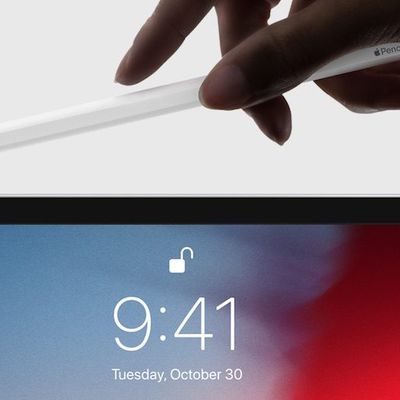
Apple in 2015 unveiled the original Apple Pencil, its first stylus designed to work with the first-generation iPad Pro. Former Apple CEO Steve Jobs was famously against styluses, but the Apple Pencil has proven to be a useful tool for note taking, sketching, and more with the tablet form factor.
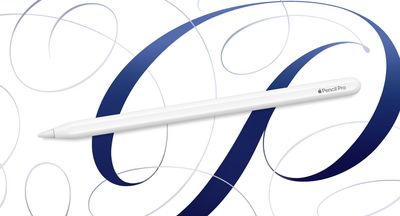
The Apple Pencil has stuck around since 2015, and as of today, all of Apple's iPads work with one of the four Apple Pencil models that Apple has introduced. In the guide below, we cover everything you need to know about the Apple Pencil.
What is the Apple Pencil?
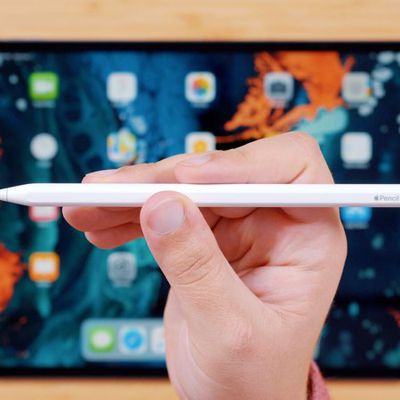
The Apple Pencil is an Apple-designed stylus that works with Apple's iPads. It's called the Apple Pencil because of its resemblance to a traditional pencil, albeit with a definitively Apple-esque design.
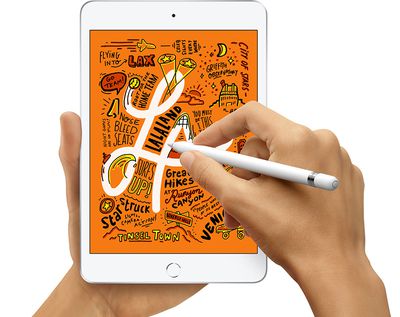
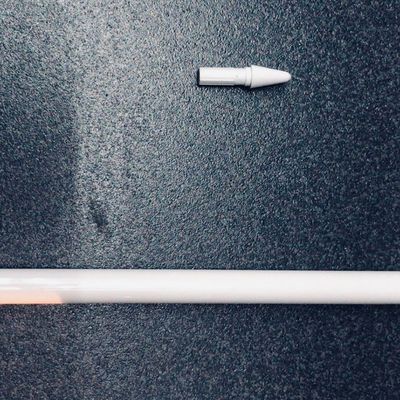
There's a small plastic tip (which can be replaced) that contacts the iPad's display, a pencil-like body to hold onto, and a charging mechanism. In the original Apple Pencil, there's a Lightning connector, but the second-generation model charges inductively through the iPad Pro while the cheapest 2023 model includes a built-in USB-C port.
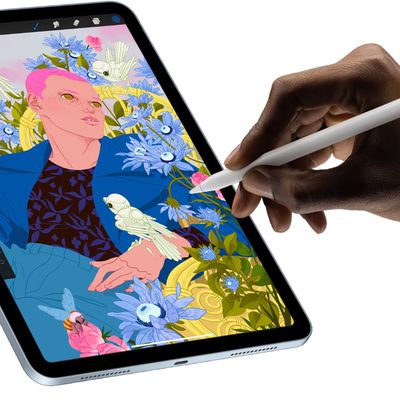
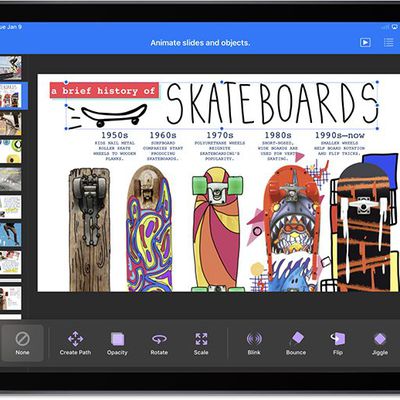
The Apple Pencil is used in lieu of a finger for precision tasks like writing and sketching, and it can also be used for navigating through the operating system. It's excellent for drawing, art creation, note taking, and similar tasks because it's precise, has palm rejection, and offers tilt sensitivity and (on some models) pressure sensitivity.
In a nutshell, the Apple Pencil is meant to work like a traditional pencil, but instead of writing on paper, you write on the iPad's display. You can put your hand right on the iPad while you write, which, for a long time, was functionality other styluses were not able to accurately replicate.
What are the differences between Apple Pencil 1, Apple Pencil 2, Apple Pencil Pro, and Apple Pencil USB-C?
There are four versions of the Apple Pencil. The first version was released in 2015, the second version was released in 2018, and the third version was released in 2023, and the fourth came out in 2024. The first- and second-generation Apple Pencil models have much of the same functionality, while the Apple Pencil Pro has more features, and the USB-C Apple Pencil has a lower price point and fewer features. It is worth noting that Apple has now discontinued the original Apple Pencil.

The Apple Pencil Pro looks like the second-generation Apple Pencil, but there are internal changes. It includes a squeeze gesture for bringing up menus and changing tools, haptic feedback that activates when you use squeeze, barrel roll for better control over writing and sketching implements, and built-in Find My support.
The USB-C Apple Pencil does not support pressure sensitivity or magnetic charging when attached to an iPad. We have a chart below that outlines the differences between the Apple Pencil models.
| Apple Pencil (first-generation, 2015) | Apple Pencil (second-generation, 2018) | Apple Pencil (USB-C, 2023) | Apple Pencil Pro (2024) |
|---|---|---|---|
| Glossy finish | Matte finish | Matte finish | Matte finish |
| Weighted to prevent rolling | Flat edge to prevent rolling and snap to the side of an iPad | Flat edge to prevent rolling and snap to the side of an iPad | Flat edge to prevent rolling and snap to the side of an iPad |
| Does not attach | Attaches magnetically for storage, pairing, and charging | Attaches magnetically for storage | Attaches magnetically for storage, pairing, and charging |
| Removable cap | No cap | Non-removable sliding cap | No cap |
| Lightning connector | Magnetic charging | USB-C port | Magnetic charging |
| Pair and charge via Lightning port or USB-C cable and USB-C to Apple Pencil Adapter | Pair and charge wirelessly | Pair and charge via USB-C cable | Pair and charge wirelessly |
| Pressure sensitivity | Pressure sensitivity | No pressure sensitivity | Pressure sensitivity |
| Supports Apple Pencil hover (M2/M4 iPads) | Supports Apple Pencil hover (M2/M4 iPads) | Supports Apple Pencil hover (M2/M4 iPads) | |
| Double-tap to change tools | Double-tap to change tools | ||
| Squeeze to access menus | |||
| Haptic feedback | |||
| Barrel roll | |||
| Find My support | |||
| Free engraving option | Free engraving option | ||
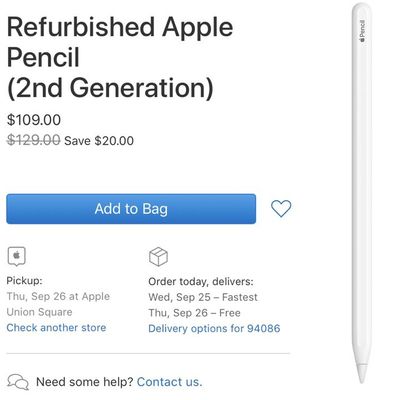
| Was $99 (discontinued) | $129 | $79 | $129 |
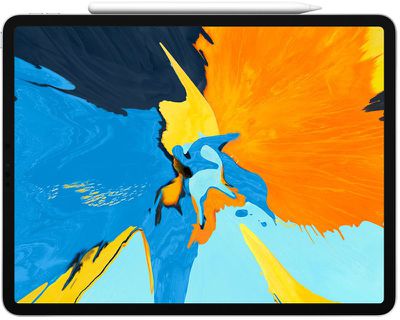
The Apple Pencil Pro, second-generation Apple Pencil, USB-C Apple Pencil all share a similar design that's sleeker, smaller, and more compact than the original Apple Pencil because there's no Lightning connector at the end. The second-generation Apple Pencil and Apple Pencil Pro charge inductively through the iPad so you stick it on the side of the iPad in the flat area to initiate charging, with the Apple Pencil held onto the device using magnets. The USB-C Apple Pencil can also magnetically adhere to an iPad, but it is not able to charge this way.

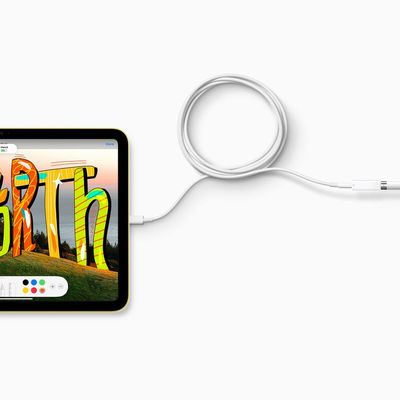
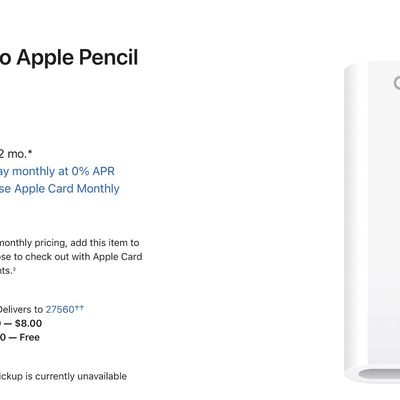
With the original Apple Pencil, there's a Lightning connector that lets it plug into the Lightning port of an iPad for charging purposes, which is inconvenient because of the size of the Apple Pencil. Apple also includes an adapter with the Apple Pencil 1 so you can charge it with any Lightning cable. The USB-C Apple Pencil has a built-in USB-C port that facilitates charging with a USB-C cable. There are no ports on the Apple Pencil 2 or the Apple Pencil Pro.
Apple Pencil 2, Apple Pencil Pro, and the USB-C Apple Pencil feature a more pencil-like design with a flat side and a sanded design that improves the texture. The Apple Pencil 1 is smooth and round. The Apple Pencil 2 and Apple Pencil Pro support touch gestures for swapping between tools, something not possible with the original Apple Pencil or the USB-C Apple Pencil. The Apple Pencil Pro alone offers additional squeeze gestures, barrel roll, and haptic feedback.
What devices are compatible with Apple Pencil?
The original Apple Pencil, manufactured from 2015 on with the round body design and Lightning connector, is compatible with the following devices:
Apple Pencil Pro
- M4 iPad Pro
- M2 iPad Air
Apple Pencil USB-C
- M4 iPad Pro
- M2 iPad Air
- 12.9-inch iPad Pro (4th gen and later)
- 11-inch iPad Pro (1st gen and later)
- iPad Air (4th and 5th gen)
- iPad mini (6th gen)
Apple Pencil 2
- 12.9-inch iPad Pro (3rd, 4th, 5th, and 6th gen)
- 11-inch iPad Pro (1st, 2nd, 3rd, and 4th gen)
- iPad Air (4th and 5th gen)
- iPad mini (6th gen)
Apple Pencil 1
- 12.9-inch iPad Pro (1st and 2nd gen)
- 10.5-inch iPad Pro
- 9.7-inch iPad Pro
- iPad Air (3rd gen)
- iPad mini (5th gen)
- iPad (6th gen and later)
The original Apple Pencil cannot be used with models that are designed for the second-generation Apple Pencil or the Apple Pencil Pro, and the Apple Pencil 2 and Apple Pencil Pro do not work with older iPads nor entry-level devices like the standard iPad. The USB-C iPad works with newer models that have a USB-C port, including the 10th-generation low-cost iPad.
What are the Apple Pencil's features?
The Apple Pencil has a rich feature set, allowing it to be used for any precision task, or as a replacement for a finger when navigating through iOS.
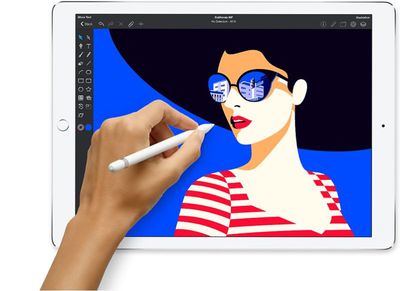
The need-to-know features are below:
- Palm Rejection - When the Apple Pencil is connected to the iPad, it only recognizes the Apple Pencil tip and not your hand or your finger, allowing you to write or sketch comfortably.
- Pressure Sensitivity - Depending on how much pressure is placed on the iPad while writing or drawing, a line can be thicker or thinner. Apple doesn't provide a specific pressure sensitivity level for the Apple Pencil. This is available for all models except the USB-C Apple Pencil.
- Tilt Sensitivity - Apple Pencil is designed to work like a regular pencil, so if you hold it at an angle and press the side of the tip alongside the iPad for something like shading, it works. The Apple Pencil knows its general orientation and how it's being tilted.
- Pencil-Like Weighting - Apple designed the Apple Pencil to have a pencil-like feel in the hand, and it is weighted to feel like a real writing instrument.
- Low Latency - Apple Pencil has super low latency, which means that when you write on the iPad, there's no delay between the movement of the pencil and what appears on the display. Apple Pencil latency is as low as 9ms on iPads with 120Hz displays (the iPad Pro models from 2017 and later).
- Precision - Apple Pencil is precise, so it is accurate down to the pixel. That means there's no offsetting between where the pencil is located and what's shown on the screen.
- Simple Pairing - There's no need to fuss with Bluetooth with Apple Pencil. It connects automatically. Just plug in the first version, attach the second version or Apple Pencil to the iPad magnetically, or plug in the USB-C model with a USB-C cable.
- Touch Gestures (V2/Pro only) - The second-generation Apple Pencil and Apple Pencil Pro support touch gestures. With a double tap, the Apple Pencil can swap between tools in apps, useful because it allows for quick switching between a pen tool and eraser tool, as an example.
- Inductive Charging (V2/Proonly) - Apple Pencil 2 and Apple Pencil Pro charge through an iPad. Apple Pencil 1 does not have this feature and charges through a Lightning connector, while the USB-C Apple Pencil charges with a USB-C cable.
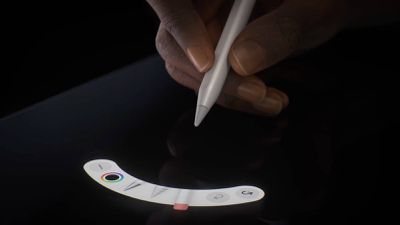
- Squeeze (Pro only) - The Apple Pencil Pro can sense when pressure is applied to the sides of the device. Squeeze brings up a palette for switching tools, weights, and colors. Developers can customize how apps react to the squeeze gesture so it can bring up custom controls.
- Barrel Roll (Pro only) - There is a gyroscope in the Apple Pencil Pro that allows the rotation of the barrel to change the orientation of certain tools. It basically offers much more precise control of shaped pen and brush tools, similar to how a real pen or brush would function when you tilt it while drawing or sketching.
- Haptic Feedback (Pro only) - A built-in haptic engine offers haptic feedback when using the Apple Pencil Pro's gestures. A light haptic pulse will respond when using a squeeze or double-tap gesture, plus there is feedback when using the snap to a Smart Shape feature.
- Find My (Pro only) - Find My is available for the Apple Pencil Pro so it can be tracked alongside other devices in the Find My app.
Where can Apple Pencil be used?
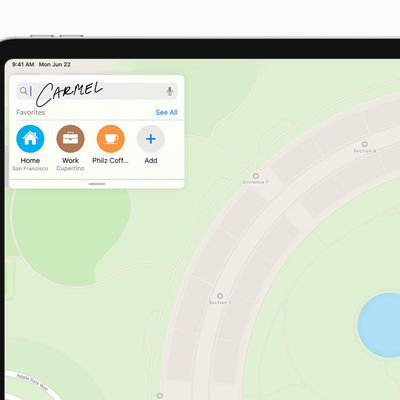
Apple Pencil can be used throughout iPadOS, and it is deeply integrated with the iPad. It can be used as a finger replacement to do things like open apps, scroll, and more, but it is also available for precision writing, sketching, and drawing. In any text field on an iPad, you can write with the Apple Pencil and have the text converted to typed text.
Is the Apple Pencil worth the money?
For anyone who wants to take advantage of the iPad for drawing, sketching, note taking, or other similar activities, the Apple Pencil is absolutely worth the money, but for those who don't need all of the advanced features, the USB-C Apple Pencil is available. The USB-C Apple Pencil is Apple's most affordable option at $79, with the original Apple Pencil priced at $99 and the Apple Pencil 2 and Apple Pencil Pro are each priced at $129.
Does Apple Pencil work with iPhone?
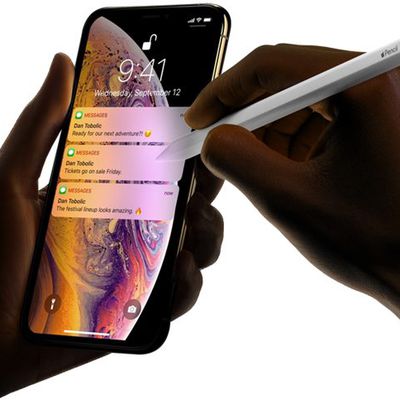
The Apple Pencil, Apple Pencil 2, Apple Pencil Pro, and USB-C Apple Pencil are only compatible with iPads and will not work with the iPhone. The Apple Pencil requires a display built for it, which iPhones do not have.
Will Apple make an Apple Pencil for iPhone?
There have been rumors here and there suggesting Apple could develop a version of the Apple Pencil for the iPhone, but no such product has ever materialized and rumors about an Apple Pencil for the iPhone have never been consistent.
Guide Feedback
Have questions about the Apple Pencil, know of a feature we left out, or want to offer feedback on this guide? Send us an email here.