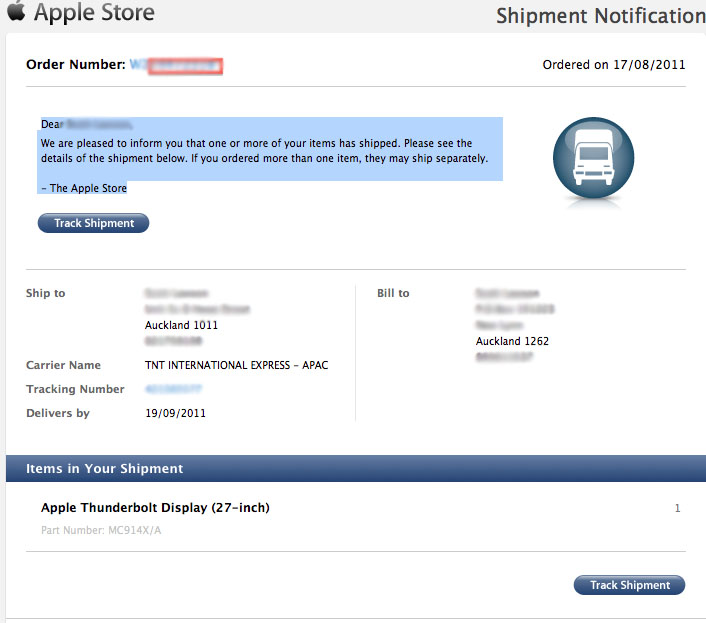
We've received multiple contacts that individuals have started receiving ship notices for their Thunderbolt Displays this morning. Scott from New Zealand offers up the above ship notice and expects delivery by tomorrow morning.
Forum readers have been organizing in this forum thread while waiting for deliveries. We'd previously reported that Apple had begun shipping demo units to stores last week. Apple has also been releasing various software updates to prepare for the display.
This update provides support for the Apple Thunderbolt Display and bug fixes for Thunderbolt device compatibility.
This company this week has also been pushing out firmware updates for its latest Mac models, addressing compatibility with the new display as well as issues with Thunderbolt Target Disk Mode and Lion Recovery over the Internet.
Bloomberg's Mark Gurman has high expectations for Apple's first foldable iPhone.
In his Power On newsletter today, he said the foldable iPhone will be "the most significant overhaul in the iPhone's history."
"iPhone 4, iPhone 6 and iPhone X were clearly a big deal, but this is a whole new design," he said.
Like Samsung's Galaxy Z Fold 7, the foldable iPhone will reportedly open up like ...
March has been an incredibly busy month for Apple, with the company unveiling more than 10 new products and accessories. We said hello to the MacBook Neo at the start of the month, and we bid farewell to the Mac Pro at the end of it.
Nevertheless, there is still a lot more to come this year.
Beyond the usual annual updates to iPhones and Apple Watches, Apple's all-new smart home hub is...
Saturday March 28, 2026 8:00 am PDT by Joe Rossignol
Apple is expected to release two new iPhone apps this year, including an Apple Business app and a Siri app with chatbot-like functionality.
With the Apple Business app, employees at businesses using the new Apple Business platform will be able to install apps for work, view contact information for colleagues, and request support. Apple Business is launching on April 14, and it replaces Apple ...
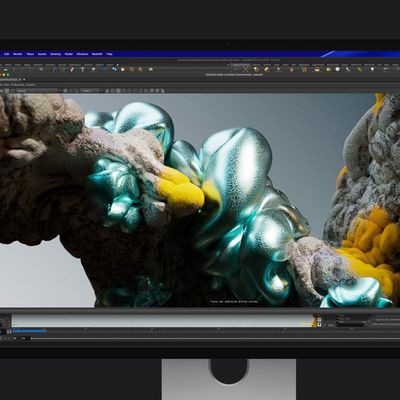
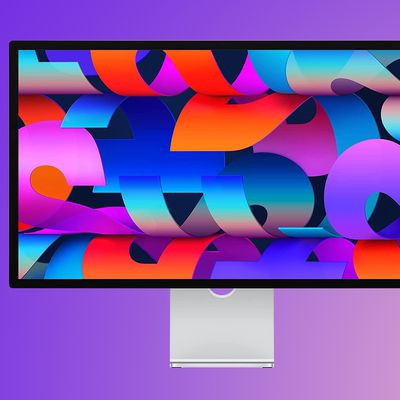
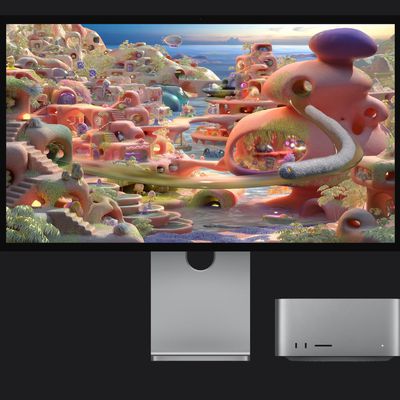
Apple today introduced an all-new Studio Display XDR monitor with a 27-inch screen, mini-LED backlighting, 5K resolution, peak brightness of 2,000 nits for HDR content, up to a 120Hz refresh rate, Thunderbolt 5, and more.
The new Studio Display XDR replaces Apple's former Pro Display XDR, which has been discontinued. Going forward, there are now two Studio Display models.
Here are the...
Alongside the all-new, higher-end Studio Display XDR, Apple has updated the regular version of the Studio Display with some new features.
Here is what is new for the lower-end Studio Display, according to Apple:Two Thunderbolt 5 ports (up to 120Gb/s), with one upstream port (provides 96W pass-through charging) and one downstream port for connecting accessories or daisy-chaining up to four...
The new Studio Display XDR features a mini-LED display with up to a 120Hz refresh rate, but you'll need a newer Mac to get support for the full 120Hz.
According to Apple, Macs that have an M1, M1 Pro, M1 Max, M1 Ultra, M2, or M3 will only support the Studio Display XDR at 60Hz. All other features remain available.
For the full 120Hz refresh rate, you'll need to have a Mac with one of the...
I am now the proud owner of a Thunderbolt Display. I've been calling the local apple store daily checking if they've arrived, figured if they showed up before my online order shipped, I'd just cancel and buy from the store. Well, they showed up at the store yesterday, so I did exactly that.
Brought it home (it is HUGE!) plugged it all in, and noticed that none of the devices I was connecting to the monitor (usb keyboard, gigabit ethernet, firewire 800 drive) were connecting to the mac. I was getting power to the drive, but the laptop wasn't seeing any of the devices. I rebooted the macbook air, and I was off to the races, no issues after that.
Not really much to say about the display, it's gorgeous, just as gorgeous as apple displays are supposed to be. But the docking capabilities are just wonderful. I use aperture a lot, and the ssd on the mb air isn't big enough to hold my library (not even close...) So I keep the library on an iomega drive, which I used to connect to my old mb pro with firewire 800. Since I got the air, I've been using USB 2.0, and aperture has been much slower. Now with the thunderbolt display, I'm back on firewire 800 and it's fast as hell.
Also noticing major boosts from being on gigabit ethernet. Even though I don't generally do much to tax the bandwidth of my wifi n, there must be a lot of latency issues, because everything runs so much faster over gigabit.
Long story short, the display is the absolute perfect companion for the macbook air, even moreso than a macbook pro since the display gives you capabilities (firewire 800, gigabit) that the laptop doesn't even have, as opposed to a mb pro which has firewire 800 and gigabit already.
It's almost as if they designed these products to work together......... ;)