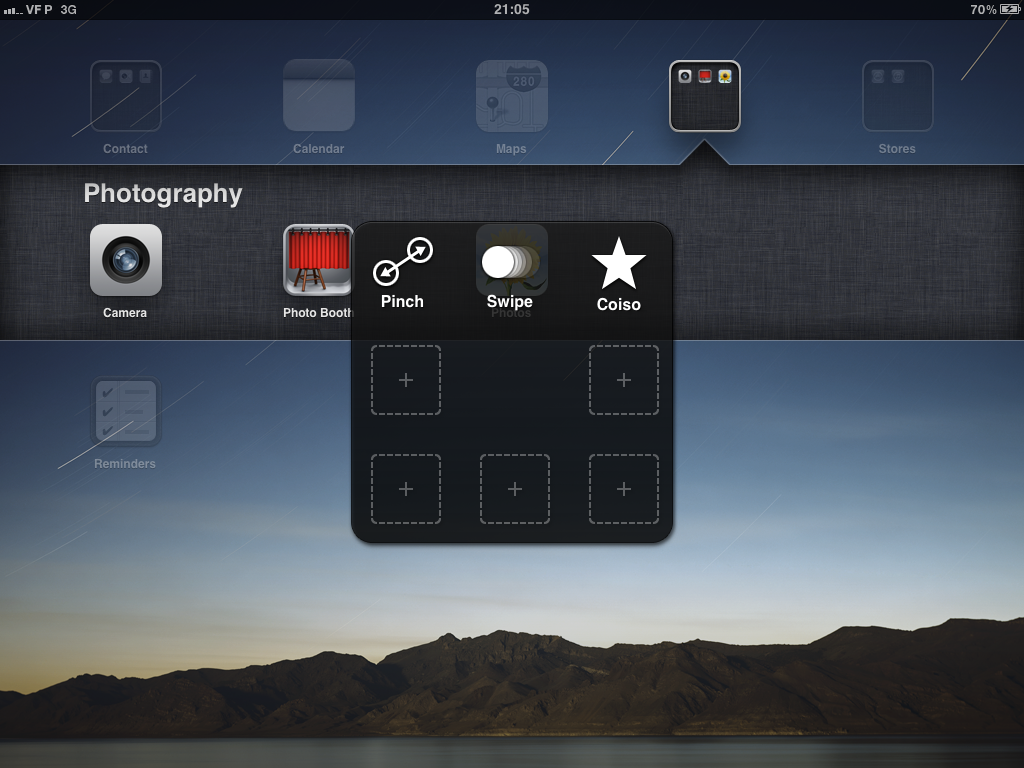
In the latest iOS 5 beta just released today, Apple has activated the new "Assistive Touch" features for the iPad. The Assistive Touch settings were in place in iOS's accessibility settings in previous betas, but is only now active. The new features are meant to provide additional interactivity for those who might have trouble using the traditional gestures and buttons on the iPad.
The new settings allow users to activate a menu overlay on the iPad with by pressing on a designated corner. The menu allows one-tap access to all of the iPad's functions including rotation, shaking, volume changes and even gestures. Known gestures such as pinch and swipe can be recalled by a tap, and custom gestures can even be recorded and played back on command.
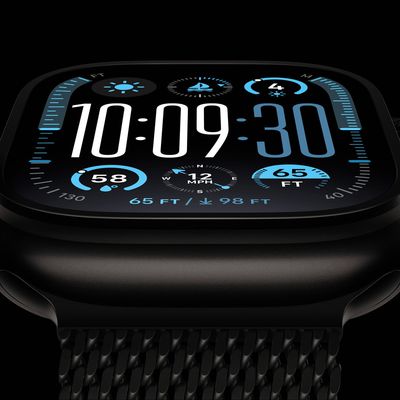
Bloomberg's Mark Gurman today further outlined what to expect from the Apple Watch Series 12 and Apple Watch Ultra 4 set to be unveiled on September 9.
While it was initially rumored that Touch ID may be coming to the Apple Watch this year, Gurman reiterated that he does not expect the Series 12 or Ultra 4 to have any major design changes compared to the current Series 11 and Ultra 3 models.
...
Pre-orders of Apple's iPhone 18 Pro may not open until Saturday, September 12, a day later than the company's usual schedule, according to a new report.
Apple is set to hold its annual iPhone event on Wednesday, September 9, where the iPhone 18 Pro models, its first-ever foldable iPhone, and the Apple Watch Series 12 and Ultra 4 are all expected to be announced.
Under Apple's typical...
Thursday August 27, 2026 8:00 am PDT by Joe Rossignol
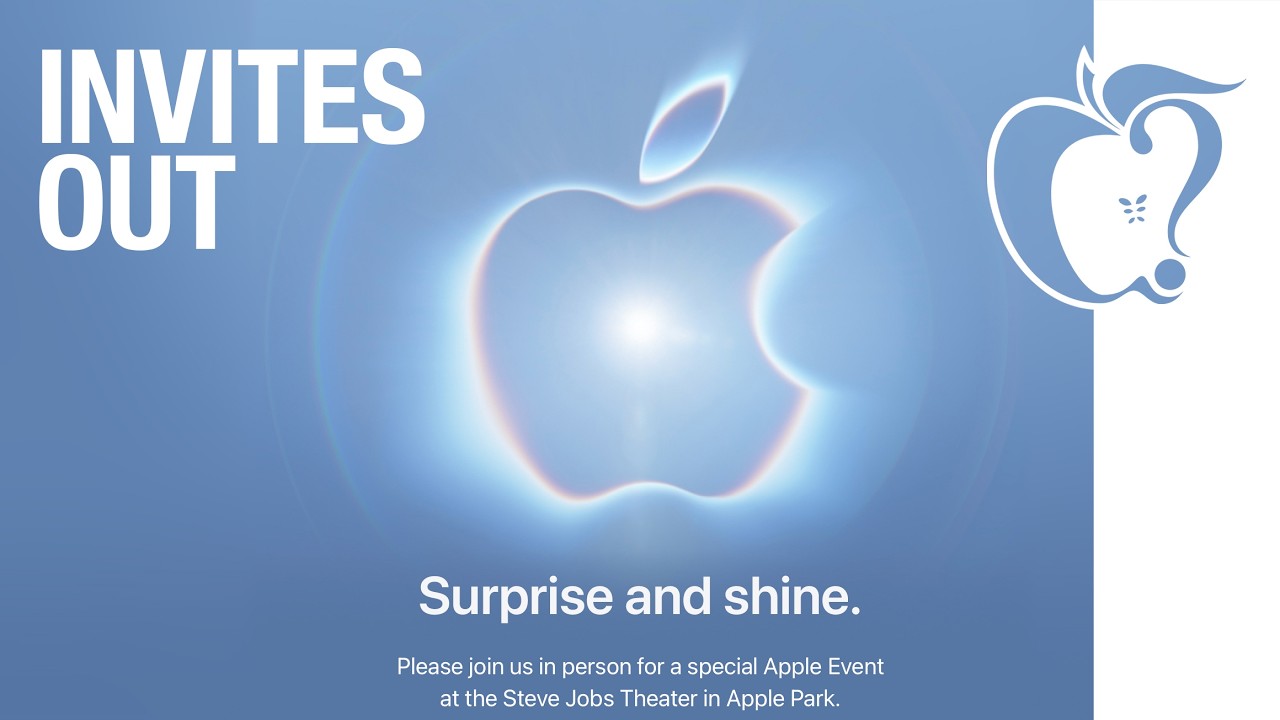
Apple has announced that it will be holding an event on Wednesday, September 9 at 10 a.m. Pacific Time, with the company widely expected to unveil the iPhone 18 Pro, iPhone 18 Pro Max, its first-ever foldable iPhone, and more.
Other products expected to be announced at the event include an Apple Watch Series 12 with a ceramic case option, an Apple Watch Ultra 4, AirPods 5 with and without...
I have no problems with these gestures, but in some instances I think I could use a few of this instead of the gestures. Perhaps could be more handy. Will have to see when it lands.
My 17-year old son has cerebral palsy. Her uses a wheelchair and has stiffness in his muscles but is intellectually on par with his peers. He has been using Mac laptops since he was 2 years old. I am hoping this feature will be of use to him, as he gets by just fine on his MacBook Pro using just his pinky finger for typing and trackpad use. Multi-finger swipes, pinches, and the like are not gestures he can easily manage.