Apple Wallet's New Boarding Passes Now Supported by United Airlines
United Airlines has become the first carrier to support Apple Wallet's enhanced boarding passes in iOS 26, reports 9to5Mac.
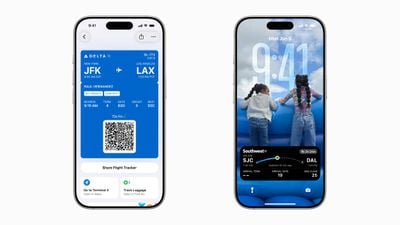
Example of new boarding pass features in iOS 26
Apple
added several new features for boarding passes in iOS 26. Previewed at WWDC in June, the features include Live Activities for tracking flights directly from the Lock Screen, airport terminal maps, and Find My integration for luggage tracking.
According to the report's tipster, users must manually enable the Live Activity through the Wallet app – it doesn't activate automatically. Also, when a user shares flight status with others, they see the Live Activity, minus boarding group and seat information.
United joins a growing list of airlines that Apple says is planning to adopt the feature. Others include Air Canada, American Airlines, Delta, JetBlue, Southwest, Lufthansa, Qantas, and Virgin Australia.
Popular Stories
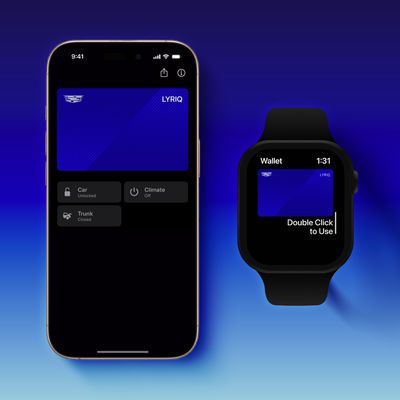
In a late September press release that we just discovered now, GM announced that it has started rolling out Apple Wallet car key support in select Cadillac, Chevrolet, and GMC vehicle models, with additional models to follow over time.
Google Wallet and Samsung Wallet will also be supported, with a related Samsung press release mentioning availability in the U.S. and Canada.
GM said the...
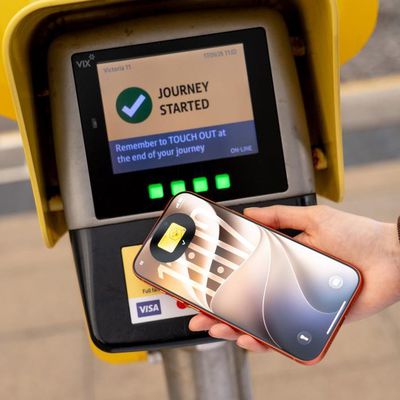
In August, Transport for Greater Manchester announced that the Bee Card could be added to the Apple Wallet app on the iPhone and Apple Watch, but it was limited to younger riders using free or discounted "Our Pass" tickets. As of this Tuesday, though, the Bee Card is now fully supported in Apple Wallet for all types of Bee Network tickets.
To add the card to Apple Wallet, open the app, tap...
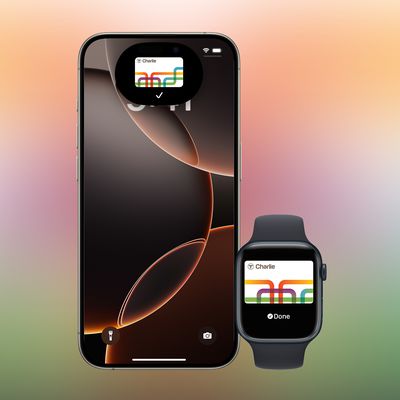
This year, the Massachusetts Bay Transportation Authority (MBTA) has been testing a new version of the Charlie Card with Apple Wallet support on the iPhone and Apple Watch.
The new Charlie Card is limited to testers who signed up in 2024, with a public release to follow "at a later...