Apple Seeds First iOS 8.4.1 Beta to Developers
Apple today seeded the first beta of iOS 8.4.1 to registered developers for testing purposes, just two weeks after releasing iOS 8.4 with the new Apple Music service to the public. With iOS 9 already in the works and on track for a fall release, iOS 8.4.1 will likely be the last significant update to iOS 8.
Today's beta, build number 12H304, can be downloaded from the Apple Developer Center.
It is not yet clear what changes will be introduced with iOS 8.4.1, but as with past betas, it's likely to include bug fixes, performance enhancements, and minor tweaks to the operating system. We'll update this post with any new features or tweaks that are found within the new update.
iOS 8.4.1 follows on the heels of iOS 8.4, which introduced an entirely revamped Music app along with the new Apple Music service and the Beats 1 radio station. Aside from music updates, iOS 8.4 included only minor changes to iOS 8.
Popular Stories
Apple will introduce at least five new devices at its iPhone-centric event next month, and it's also possible we'll get devices waiting on Siri AI like the Apple TV.
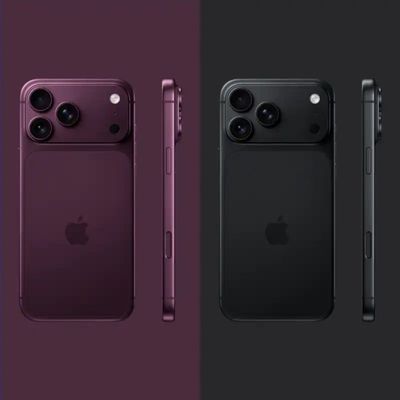
iPhone 18 Pro
The iPhone 18 Pro is going to look like the iPhone 17 Pro, but with a smaller Dynamic Island. It's getting some internal updates, including a new Wide camera with a variable aperture for more control over lighting ...
Apple will release iOS 27 in September, and despite the company's focus this year on refining its flagship operating system and nixing bugs, there are still many additional features on the way, not least of which is Apple's new context-aware Siri, re-tooled for the generative AI era.
This year's major iPhone software update isn't all about AI, though, as the following feature list...
For the first time since Apple started selling standard and "Pro" iPhones, we're not going to get an entry-level iPhone model this fall. Apple doesn't plan to release an iPhone 18 in September, and will only launch the iPhone 18 Pro, iPhone 18 Pro Max, and foldable iPhone Ultra. The lower-cost iPhone 18 won't come out until spring 2027.
Subscribe to the MacRumors YouTube channel for more ...