Apple Issues Advisory Regarding Third-Party Devices Syncing With iTunes
Daring Fireball highlights a new support document from Apple addressing the issue of "unsupported third-party digital media players" syncing with iTunes. The brief document warns users that Apple does not test its software with such devices and thus their ability to sync with iTunes may be broken by future software updates.
Apple is aware that some third-parties claim that their digital media players are able to sync with Apple software. However, Apple does not provide support for, or test for compatibility with, non-Apple digital media players and, because software changes over time, newer versions of Apple's iTunes software may no longer provide syncing functionality with non-Apple digital media players.
The new Palm Pre has received a significant amount of attention for its ability to sync with iTunes despite the lack of support from Apple. The Pre has been discovered to accomplish this feat by emulating an iPod by transmitting Apple-specific vendor and product IDs to iTunes.
Popular Stories
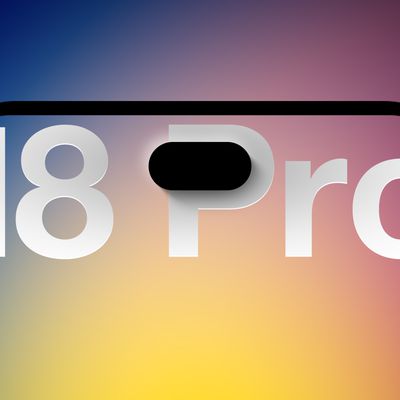
Less than a week before Apple debuts new iPhone 18 Pro models, research firm TrendForce has estimated the prices of the devices based on the latest hardware cost environment.
TrendForce's price estimates compared to last year's models look like this:
Model
Starting Price
Model
Starting Price
Change
iPhone 17 Pro
$1,099
iPhone 18 Pro
$...
Apple has added a new "iPhone Handoff" feature to iOS 27 that will allow you to switch between two iPhones while using the same phone number on each device.
This functionality was briefly mentioned during the WWDC 2026 keynote in June, on a slide that listed hundreds of new features coming in iOS 27 and corresponding software updates, but Apple never shared any further details at the time.
...
While the iPhone 17 Pro has double the base storage compared to the iPhone 16 Pro, there will apparently be no further increase this year.
Taiwanese research firm TrendForce today again reported that the iPhone 18 Pro models will start with 256GB of storage, like the iPhone 17 Pro models.
Minimum storage capacities by model:iPhone 16 Pro: 128GB
iPhone 17 Pro: 256GB
iPhone 18 Pro...