Mac OS X Leopard Screenshots
Wired posted and then removed screenshots (Google cache) from the WWDC Developer's Build of Mac OS X Leopard.
Installation of the Leopard went smoothly on their Quad-Core Xeon Mac Pro, and their first impressions were solid:
Leopard already looks very sleek -- the reflective dock, translucent menu bar and deeper drop shadows behind active windows give the desktop more space-aged gloss. Animated behaviors like Stacks, Spaces and Cover Flow in the Finder rendered super-smoothly on our fast test system. There are new screen savers, updated remote desktop management settings and some of the core applications (Mail, Safari, iCal, etc.) have been redesigned.
The screenshots that were removed depicted iCal, Screen Sharing, and the new Screen Savers.
Popular Stories
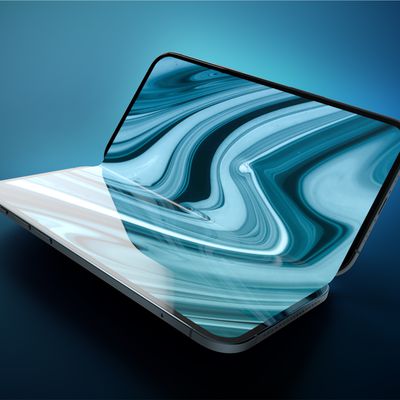
Apple's upcoming foldable iPhone Ultra is winning over the few people who have had hands-on time with the device, though the camera setup may leave some users wanting, according to Bloomberg's Mark Gurman.
Writing in his latest Power On newsletter, Gurman says people who have used the device – which is reportedly referred to internally as the iPhone Ultra – like how it fits in your...
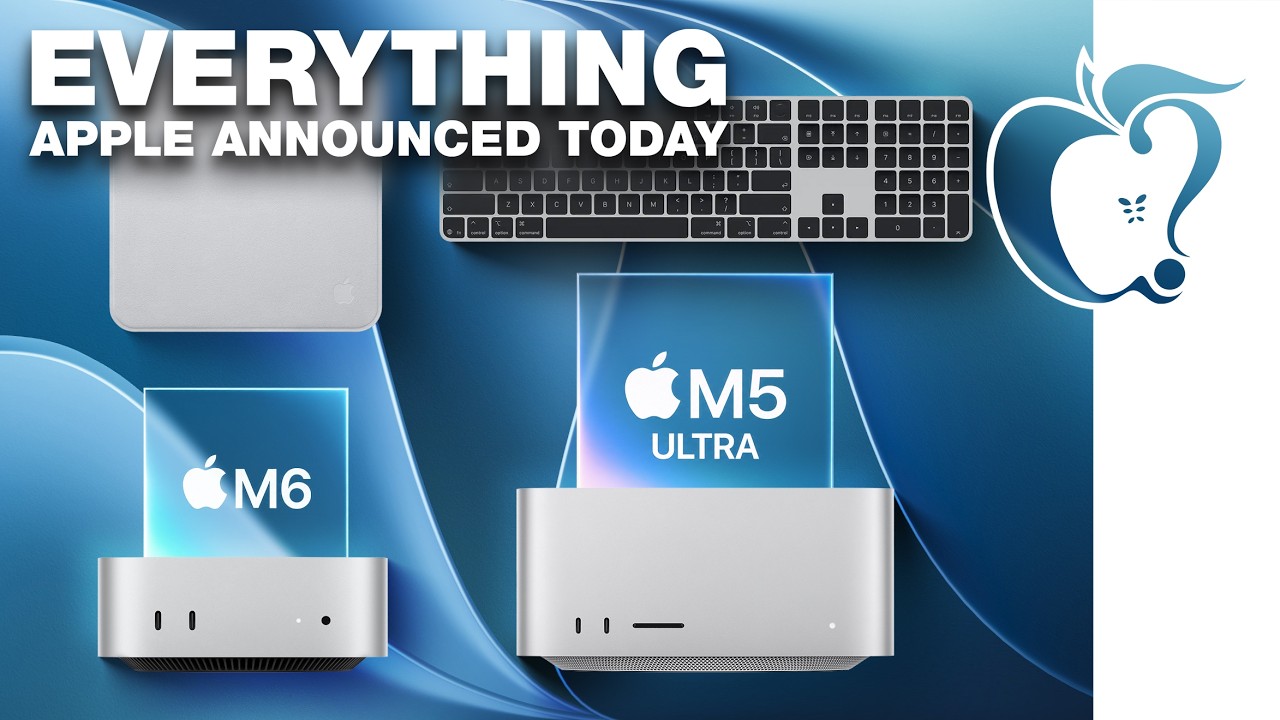
Apple today unveiled a new Mac mini with M6 and M5 Pro chip options, a new Mac Studio with M5 Max and M5 Ultra chip options, a new version of the Polishing Cloth with a lower price, and updated Magic Keyboards for Macs.
To learn more about these products, read our coverage below:
Apple Announces New Mac Mini With M6 and M5 Pro Chips and More
Apple Unveils New Mac Studio With M5 Max and M5...
It is now late August, meaning that Apple's annual iPhone event is just around the corner. Below, we take a look at when the event might be held this year.
This September, Apple is expected to unveil the iPhone 18 Pro, iPhone 18 Pro Max, and an all-new foldable iPhone that will reportedly be named the iPhone Ultra. The regular iPhone 18, a lower-end iPhone 18e, and the iPhone Air 2 are not...