Apple today released tvOS 26.4, the fourth update to the tvOS operating system that came out last fall. tvOS 26.4 is available for the Apple TV 4K and the Apple TV HD, and it comes over a month after Apple released tvOS 26.3.
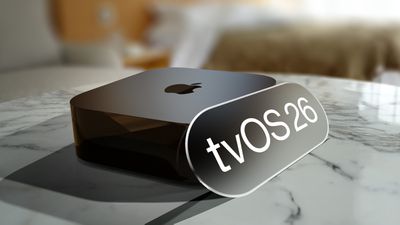
tvOS 26.4 can be downloaded using the Settings app on the Apple TV. Open up Settings and go to System > Software Update to get the new software. Apple TV owners who have automatic software updates activated will be upgraded to tvOS 26.4 automatically.
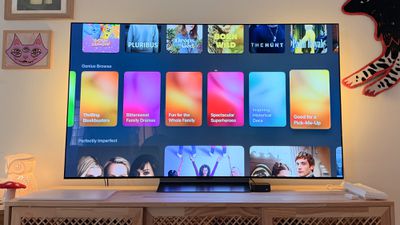
Apple added a new Genius Browse section to the Apple TV app in tvOS 26.4. Genius Browse is a content discovery feature that provides recommendations for TV shows and movies across multiple suggested categories. Suggestions vary based on content preferences, and the options are updated regularly.
The update removes the dedicated iTunes Movies and iTunes TV Shows apps that Apple started phasing out in 2023, which means wishlists will no longer be available. Apple sent emails to affected customers with instructions on how to transfer wishlist content to the Apple TV app watchlist.
tvOS 26.4 also adds more easily accessible customization options for subtitles, and it improves Apple TV Audio Format settings with an option for Continuous Audio Connection for HDMI output.
Full release notes for tvOS 26.4 are available through Apple's tvOS support document.