Google Adds 'AI Mode' Button to Chrome for iPhone and iPad
Google is updating the Chrome app for the iPhone and the iPad with a dedicated "AI Mode" button that matches functionality found in the desktop version of Chrome. AI Mode is located under the Google search bar, next to an Incognito Mode button.
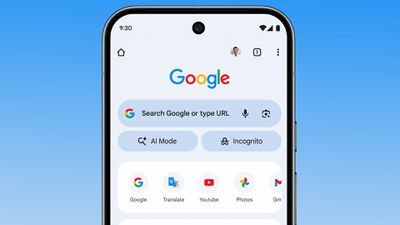
The AI Mode option provides quicker access to Chrome's Gemini-powered AI search feature. Google says that AI Mode lets users ask more complex, multi-part questions, and follow up on answers.
Chrome users in the United States will see the AI Mode button in the Chrome apps for iPhone, iPad, and Android as of today, with Google planning to expand it to additional countries in the near future.
Popular Stories
Google today said its digital wardrobe option is available in the Google Photos iOS app in the U.S., India, and Brazil.
Google first announced the feature back in April, but it was limited to Android users until now. The wardrobe option uses AI to pull images of clothing from the Google Photos library, organizing them into a digital closet.
Users can put items together to create outfits ...
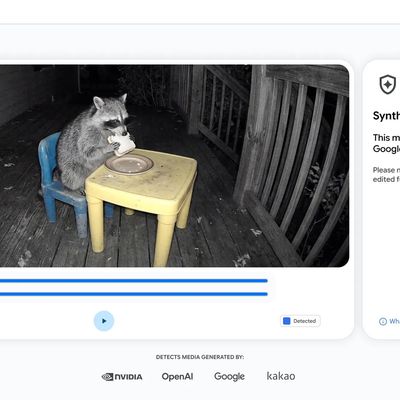
Google today said it is making its SynthID Detector available to everyone for identifying content created using AI.
SynthID Detector first rolled out to members of the media last year, and it is now available worldwide in English. SynthID Detector is a website that lets users upload a photo, video, or audio file to determine whether it has a SynthID watermark that identifies it as...
Since 2023, Apple's newer iPhones have had an 80 percent charge limit for those who want to extend battery lifespan. Charging to 80 percent instead of 100 percent is supposed to put less stress on the battery, improving longevity.
For the last three years, I've used that setting on my iPhone. I started with the iPhone 15 Pro Max, then did the iPhone 16 Pro Max, and most recently, the iPhone...