Apple Plans to Let Public Beta Testers Download HomePod Software for the First Time
While Apple makes iOS, macOS, tvOS, and watchOS betas available to its public beta testing group, the HomePod software updates that are beta tested are limited to a select group of invite-only testers. That's set to change with the latest round of betas, as Apple plans to let public beta testers test the HomePod 16 software.
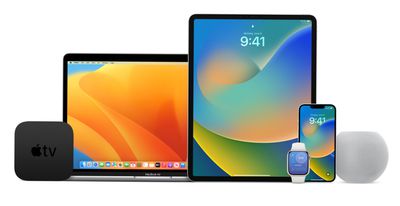
On its Apple Beta Software Program website, Apple lists HomePod software version 16 as one of the betas that are coming to public beta testers later in the year. It is listed right alongside iOS 16, iPadOS 16, macOS Ventura, and tvOS 16.
New public betas for iOS 16, iPadOS 16, macOS Ventura, tvOS 16, HomePod software version 16 and watchOS 9 are coming soon. As a member of the Apple Beta Software Program, you can take part in shaping Apple software by test-driving pre-release versions and letting us know what you think.
As of right now, there is no HomePod 16 software beta available to developers, so it is possible that Apple plans to release both a developer version and a public beta version later in the summer. Apple previously said that public beta testers will get access to the betas starting in July.
Popular Stories
Just two days before Apple's "Welcome home" experience in New York, Bloomberg's Mark Gurman has leaked several details about the new products set to be unveiled, including an all-new smart home hub, a HomePod mini 2, and a new Apple TV 4K.
Here is an all-in-one summary of the details shared by Gurman:Apple's home hub with a touch-enabled display will be named HomeView, seemingly confirming a ...
The next iPad mini, HomePod mini, and Apple TV 4K models have all leaked, just a few weeks before the devices are expected to be announced. Specifically, MacRumors contributor Aaron Perris discovered a few of Apple's official images of the devices, confirming their existence and some new features that are planned.
The most notable iPad mini details revealed in today's leak include an A20 Pro ...
Apple's new HomePod mini will share the same design as the original model and come in five colors, MacRumors has found.
The information originates from Apple's own code (spotted by MacRumors contributor Aaron Perris) and shows clear product images of the new models in all of their colors. The above image contains Apple's own icons, which specifically refer to a "HomePod mini 2."
The new...















































