1Password for Mac Updated With Apple Silicon Support
AgileBits today released a new version of popular password management app 1Password, with the updated Mac software now able to run natively on Apple's M1 Macs.
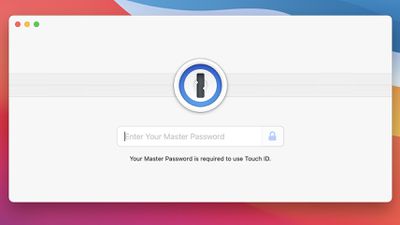
Version 7.8 of the 1Password app adds native support for Apple silicon, which is something AgileBits has been working on since Apple first debuted its newest machines. M1 support has previously been available in the beta version of 1Password.
Greetings and salutations, everyone! We've been hard at work on a bucketload of fixes and improvements to everyone's favorite password manager in between episodes of WandaVision, The Rookie, and Ted Lasso. Additionally, in what will surely be the year of Apple Silicon, we are excited to announce that 1Password now runs natively on Apple's latest processors and hardware. We've been unbelievably impressed at the speed and efficiency of the new Apple Silicon Macs and can't wait to see what form factors roll out next. (Fingers crossed for that new 16-inch MacBook Pro!)
According to the release notes for the 7.8 update, the new software also includes multiple bug fixes and performance optimizations.
1Password 7.8 can be downloaded from the 1Password website at the current time, but it is not yet available in the Mac App Store.
Popular Stories
Apple is releasing five new products this Friday, November 6, following pre-orders that opened last week, including its first touchscreen MacBook Pro models.
The following new products will be available from Friday:
iPad mini with OLED display and A20 Pro chip
iMac with M6 chip
14-inch MacBook Pro with M6 chip
14-inch MacBook Pro with OLED touchscreen
16-inch MacBook Pro with OLED...
Apple's busiest season isn't over yet. Far from it. With two hardware launch dates still to come in November, plus software updates and new smart home accessories running into December, there's more on the way from Apple before the end of 2026, so be sure to stick around.
Below, we've rounded up what's still coming, along with one date in particular that's worth watching if you're a holiday...
Apple today announced that its Festival Place store in Basingstoke, England will be permanently closing on Saturday, November 21.
Apple Festival Place
Apple had already announced that the store would be closing in November, but it had not provided the public with a specific date until now.
Apple's store inside the Festival Place shopping center opened in 2011, so it had a 15-year run....



















































