Mac OS X 10.5.2: Optional Translucent Menubar, DVD/CD Sharing
Some screenshots of the new features found in the Mac OS X 10.5.2 seed have been detailed by BabyGotMac.com. Amongst the new features:
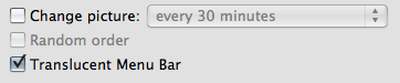
- Transparency in the menu bar is now optional and can be set in Desktop Preferences:
- DVD/CD sharing preferences, allowing you to share your optical drive with the upcoming MacBook Air (or another Mac).
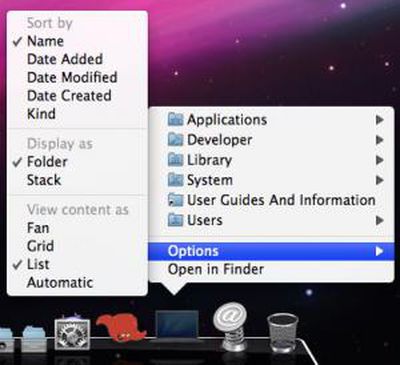
- List view in Stacks as
previously mentioned:
- One screenshot claims that network drives are now enabled with Time Machine. We are looking into this further.
- Meanwhile, we've received word that Apple has included a new Time Machine menubar pulldown that gives you the status of TimeMachine and allows you to initiate a backup, open preferences and see the time of the last backup
MacScoop provides an itemized list of all the fixes and changes in the 10.5.2 seed as described in the seed notes, however, Apple does not detail every change.
Popular Stories
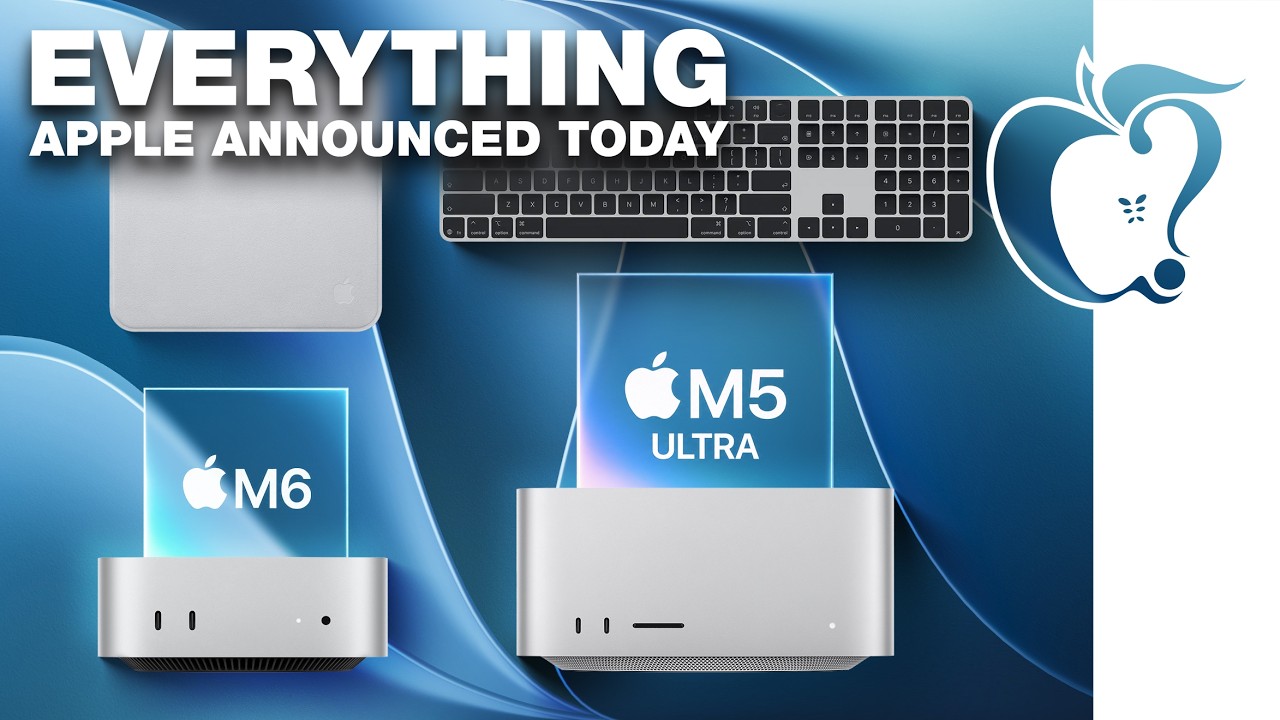
Apple today unveiled a new Mac mini with M6 and M5 Pro chip options, a new Mac Studio with M5 Max and M5 Ultra chip options, a new version of the Polishing Cloth with a lower price, and updated Magic Keyboards for Macs.
To learn more about these products, read our coverage below:
Apple Announces New Mac Mini With M6 and M5 Pro Chips and More
Apple Unveils New Mac Studio With M5 Max and M5...
It is now late August, meaning that Apple's annual iPhone event is just around the corner. Below, we take a look at when the event might be held this year.
This September, Apple is expected to unveil the iPhone 18 Pro, iPhone 18 Pro Max, and an all-new foldable iPhone that will reportedly be named the iPhone Ultra. The regular iPhone 18, a lower-end iPhone 18e, and the iPhone Air 2 are not...
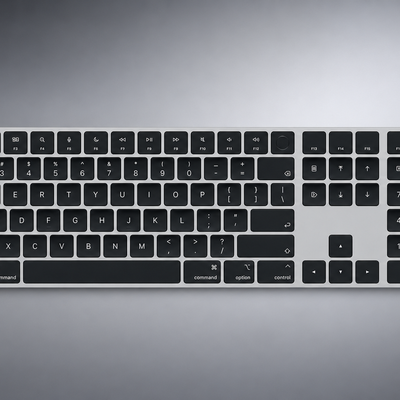
Apple today quietly introduced updated Magic Keyboard models with revised U.S. English key labeling.
On the new keyboards, the tab, caps lock, shift, return, and delete keycaps are labeled with glyphs rather than edge text. On the full-size models with a numeric keypad, the change goes further, with the home, page up, page down, end, clear, and enter keys also swapping their text labels for...