

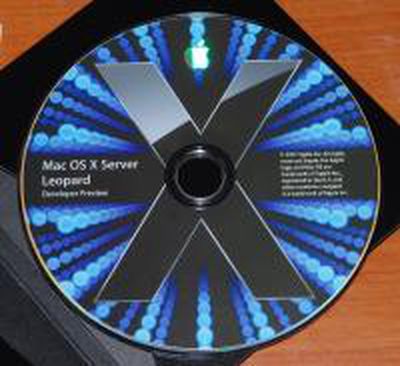
With WWDC in full swing, few first hand reports of Apple's Mac OS X Developer Build of Leopard have been leaked. The reason for this is that beyond the keynote, the remainder of Apple's conference is under a strict non disclosure agreement. A few tidbits, however, have been posted publicly online:
First Hand with Leopard
One blogger posted these positive impressions
Mail is really great, seems super fast
Spotlight much more responsive, no pauses as you type
Safari seems faster and now has that styled text editor as in FireFox (used in blogger for example)
New Finder, not as new as I had expected, seems solid and sensible.
Coverflow everywhere, yeah, whatever..
Quickview is useful I think, certainly seems fast.
Time Machine looks like it works really, really well.
The blog post, however, has since been removed.
Meanwhile, a few forum posts (unverified) report the following about the new Leopard beta:
Completely new mail client. Much faster, better calendar support, keep notes
Stacks are fantastic.
Dock works fine on the sides, 3D but the icons are sideways (proper) with shadow. Looks awesome on the side.
Benchmarks
A Geekbench submission benchmarked new Developer Preview of Leopard on a 3.0GHz Mac Pro (Score 5335), which didn't show a substantial difference compared to results from similar configurations on Mac OS X 10.4.9.
Requirements?
This post lists the requirements of Leopard that are listed in the ReadMe that comes with the developer's preview:
an Intel processor or a PowerPC G4 or G5 processor
a DVD drive
built-in FireWire
at least 256 MB of RAM for a Power-PC based Mac and 512 MB for an Intel-based Mac (additional RAM is recommended for development purposes)
a built-in display or a display connected to an Apple-supplied video card supported by your computer
at least 6 GB of disk space available, or 8 GB if you install the developer tools
As a developer build, this may or may not reflect the final requirement set for Leopard.
Build your Own
Finally, for those who want to pretend that they are running Leopard now, you can download the background image or you can download these applications to approximate the Leopard desktop.















