Websites, apps, and social networks are regularly targeted by hackers who are after valuable user data, which can be sold to those interested in stealing usernames and passwords to various sites.

One of the most recent significant attacks affected more than 553 million Facebook users, with data stolen in 2019. In 2021, that stolen data was published on a website for hackers and made easily available to any bad actor who wants to get their hands on user data.
The hack included phone numbers, Facebook IDs, names, locations, birthdates, and email addresses, which could be used for hacking attempts or social engineering attacks. If you're wondering if your data was leaked in the Facebook hack, there's a way to check using the website "Have I Been Pwned?," with instructions available below.
How to Check if Your Data Was Leaked in the Facebook Hack
- Navigate to the Have I Been Pwned? website.

- Enter your email address.
- Click on "Pwned?"
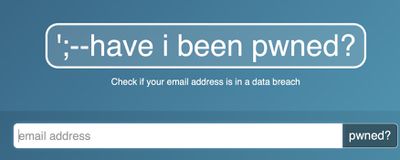
That's all there is to it. Because all of the data from the hack has been uploaded to this website, it will let you know if your data was included. It will also inform you if your email address has been leaked in other attacks as well.
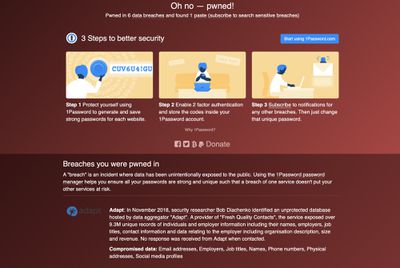
There's not a lot that you can do to mitigate the Facebook hack, but it's a good idea to change your password and possibly even your email address associated with your account even though password data wasn't leaked.
Having a unique password for every site and app is the best way to mitigate any attacks that come from stolen personal data, so we recommend a password management app like 1Password or LastPass.
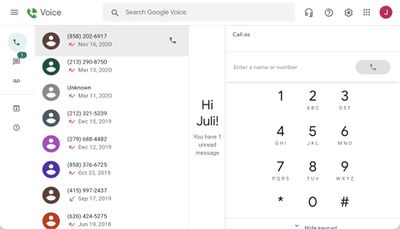
Avoiding having your phone number and address leaked is more difficult depending on the site, but limiting where you share this information is a good idea. You can set up a free alternate phone number using Google Voice, which can be a good idea to protect your real phone number.
Other important tips include never sharing real personal information in security question answers and avoiding sharing personal data like birthdate when possible.
In a digital age where almost everything is online and hackers are continually trying to overcome site and app security, it's impossible to avoid having your data leaked entirely, but you can do your best to stay ahead of the damage and keep your information secure by keeping up with Have I Been Pwned and using a password management app.