Photography
By MacRumors Staff
Photography How Tos
Remotely Control Your iPhone Camera – No Apple Watch Needed
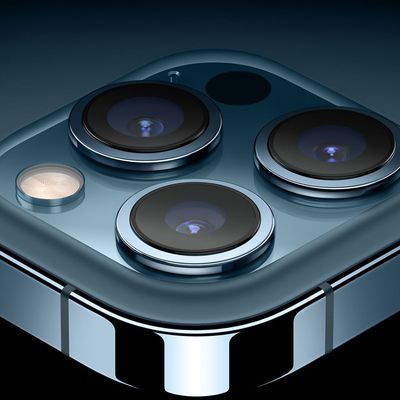
Remotely controlling the shutter on your iPhone's camera lets you include yourself in the photo while avoiding the limitations of a selfie. For example, it allows you to take a picture of a wider scene with you included in the frame, which is ideal for landscape shots or group photos. If your iPhone is on a tripod, taking the shot remotely also reduces the risk of camera shake. Here's how to do...
Read Full Article (50 comments)
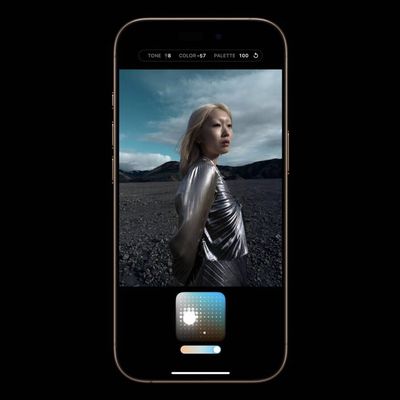
iPhone 16: Adapt Shots With New Photographic Styles
With Apple's latest iPhone 16, iPhone 16 Plus, iPhone 16 Pro, and iPhone 16 Pro Max models, you can use the latest-generation Photographic Styles to adjust specific colors in certain parts of your photos to create the exact look you want.
When you choose a default Photographic Style, it's saved and reflected across all of the photos you take, and you can make adjustments to it in the Camera...
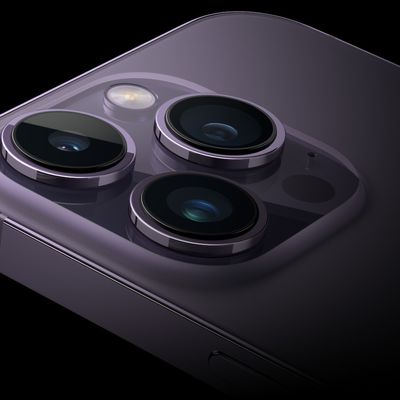
iOS 17: How to Straighten Your Shooting Angle With the New Camera Level Feature
Apple in iOS 17 has introduced a handy new camera feature that helps to straighten up your shooting angle before you even hit the shutter. Running the iOS 17 beta? Then keep reading to learn how to take advantage of the new Level option.
For a while now, Apple's Camera app has included a few optional settings that can help you line up your shots. There's a Grid that can be overlaid on the...
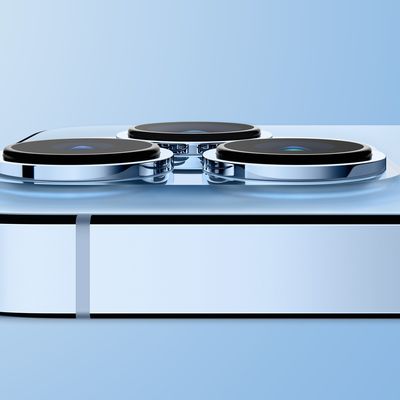
How to Disable Macro Mode on iPhone 13 Pro and iPhone 13 Pro Max
When Apple introduced the iPhone 13 Pro and Pro Max models, it debuted a new camera feature that enables macro photography, allowing users to take close-up photos of flowers, insects, and other objects that are as close as 2cm to the camera lens.
When Macro Mode is enabled, the iPhone camera automatically switches from the Wide lens to the Ultra Wide lens when an object is placed within 5.5...
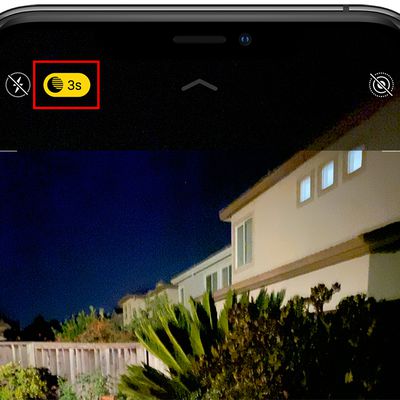
How to Disable Night Mode on Your iPhone's Camera
When using the Camera app on iPhones, the Night Mode feature comes on automatically when the camera sensor registers an indoor or outdoor scene that is dark enough to warrant brightening, resulting in natural colors and reduced noise. That's the idea, anyway. The reality is that Night Mode won't always capture the kind of nighttime image that you want.
If you're aiming to shoot an...
How to Save Storage Space When Shooting in HDR on Older iPhones
Apple's iPhones include a camera feature called HDR, which uses High Dynamic Range to capture better photos when the image includes bright sunlight alongside extreme shade. HDR achieves this by taking three exposures of the same scene which it then combines into one picture, resulting in a more balanced, realistic shot.
On iPhone X and earlier models, when the camera takes an automatic HDR...
How to Mirror Your iPhone's Camera to Take Better Selfies
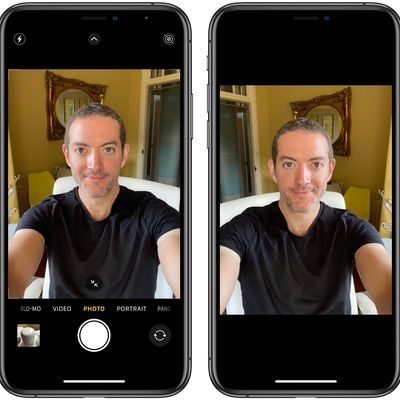
When you take a selfie with your iPhone using the stock Camera app, it automatically flips – or mirrors – the image so that it's an inverted version of the mirror image you see in the preview before you take the shot.
Preview (left) vs actual flipped selfie shot
This can look odd, since it makes a big difference to how selfies look. It can also be annoying, since most third-party social media ...
How to Take a Slow-mo Selfie or 'Slofie' on iPhone 11, iPhone 11 Pro, and iPhone 11 Pro Max
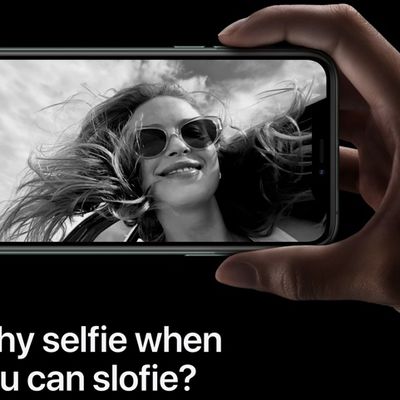
Apple's iPhone 11, iPhone 11 Pro, and iPhone 11 Pro Max all feature an updated 12-megapixel front-facing camera, along with a couple of notable additional shooting options that selfie fans should love.
The first addition is that you can now turn your iPhone to landscape mode to capture a wider shot, which is great for group selfies. The second is a new option that lets you take slow motion...

How to Use Camera Filters on iPhone 11, iPhone 11 Pro, and iPhone 11 Pro Max
With the launch of its 2019 iPhones, Apple introduced some impressive new camera capabilities that are exclusive to the flagship smartphone lineup, such as Night mode, QuickTake Video, and a new ultra-wide lens.
As a result, Apple has updated the design of the Camera app on the iPhone 11 series, which means that some of the existing photo and video functions have been moved around to...
How to Take Burst Photos on iPhone and iPad
Burst Mode refers to when the camera on your iOS device captures a series of photos in rapid succession, at a rate of ten frames per second. It's a great way to shoot an action scene or an unexpected event, since you're always more likely to end up with the picture you were aiming for.
For instance, the picture below was taken when the sun came out momentarily from behind the clouds to throw...
Photography Guides
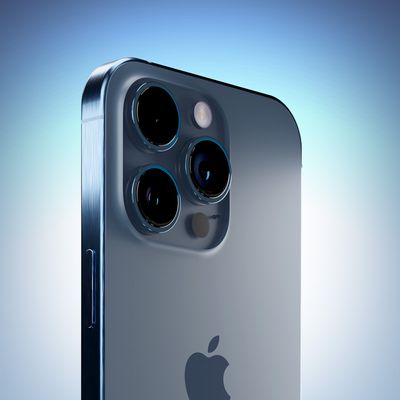
6 iPhone Camera Tips Every User Should Know
Apple's latest iPhones include several headline camera features that are worth using, such as Portrait Mode and Photographic Styles. But if all you want to use is the standard photo mode, there are still several tools and settings that can improve the composition of your pictures and help you capture the perfect shot using more traditional techniques.
Whether you are the owner of a new...
6 iPhone Camera Tips Every User Should Know
Apple's latest iPhones include several headline camera features that are worth using, such as Portrait Mode and Photographic Styles. But if all you want to use is the standard photo mode, there are still several tools and settings that can improve the composition of your pictures and help you capture the perfect shot using more traditional techniques.
Whether you are the owner of a new...