

Dark Mode
By MacRumors Staff
Dark Mode How Tos
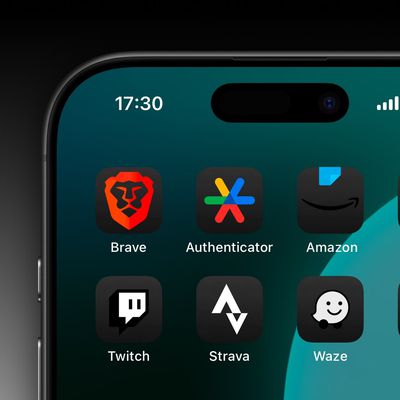
iOS 18: Create Dark Mode Icons for Apps That Won't Go Dark
Have you tried making your iPhone's Home Screen app icons dark using the new customization options in iOS 18? If so, you may have run up against the issue that, despite all efforts, some app icons simply refuse to turn dark. Well, we may have a solution for you.
It's been over two months since Apple released iOS 18, but not all app developers have updated their apps to include equivalent...
Read Full Article (39 comments)
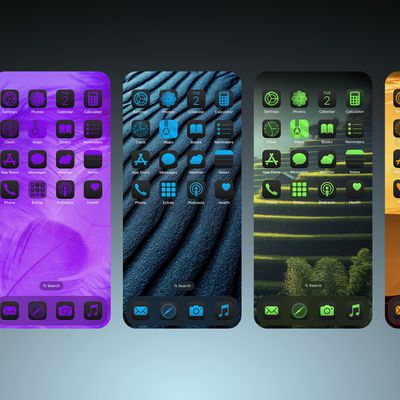
iOS 18: Add a Tint to Your iPhone Home Screen Icons
Apple in iOS 18 has made a wealth of customization options available for your iPhone Home Screen, one of which is the ability to add a tint to your app icons.
Essentially, the tint feature offers a unique way to customize your device's appearance by changing the color of all your icons at once. Unlike individual icon customization, tinting affects every icon on your app pages, Home Screen, ...
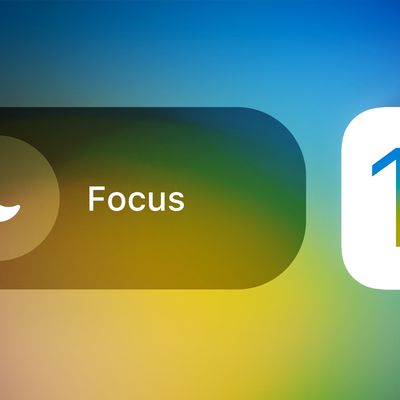
iOS 16: How to Switch On Dark Mode With a Focus
Apple in iOS 15 introduced Focus mode, an expansion of Do Not Disturb that allows you to set up different permissions for apps, contacts, and more depending on what you're doing. In iOS 16, Apple has expanded what Focus modes can do with new features, including the ability to activate Dark Mode on your device when a specific Focus in enabled. Here's how it works.
In iOS 16, the Focus options ...

How to Enable Facebook's Dark Mode on iPhone and iPad
When it came to adding a Dark Mode option to its iOS app, Facebook was late to the game. The social network announced it was coming in June 2020, but dragged its feet for months before eventually rolling it out to mobile users in November the same year, over 400 days after Apple first introduced the feature in iOS 13.
Dark Mode has been available on the social network's website for a while ...

How to Enable Dark Mode in the Gmail iOS App
Since the release of iOS 13, Apple has included a system-wide Dark Mode option for iPhones and iPads, similar to the one it brought to the Mac in 2018 with the release of macOS Mojave.
Many third-party app developers have since added support for Dark mode to their apps, although it has to be said that some popular apps have been quicker than others.
On September 24, 2019, Google announced ...
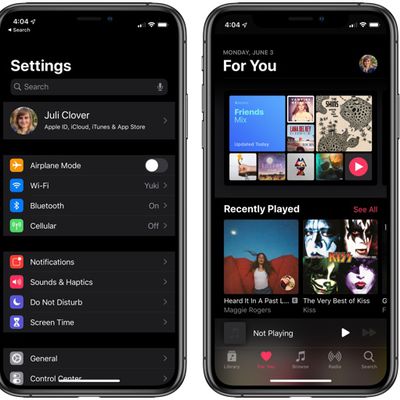
How to Enable Dark Mode in iOS 13
In iOS 13, Apple has included a system-wide Dark Mode option similar to the one it brought to the Mac in 2018 with the release of macOS Mojave.
Dark Mode is designed to be easier on the eyes by providing less harsh display brightness in situations where ambient lighting is lower, while maintaining contrast and vibrancy.
If you have an OLED iPhone, such as an iPhone X, iPhone XS, or...
Dark Mode Guides

When Is iOS 13 Public Release Coming? [Update: It's Out!]
Announced in June at this year's Worldwide Developers Conference, iOS 13 and iPadOS are Apple's next-generation operating systems for iPhones and iPads, and promise one of the biggest overhauls of Apple's mobile operating system in recent years.
During its WWDC keynote, Apple showcased numerous new features and improvements coming with iOS 13, including a systemwide Dark Mode, new photo and ...
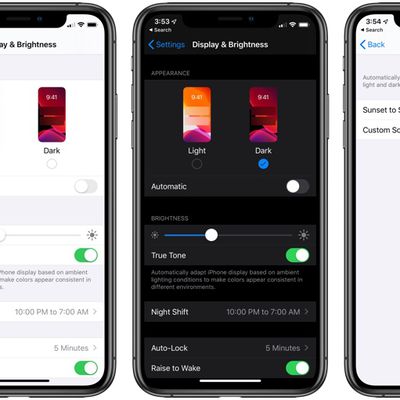
Dark Mode on iPhone and iPad
Starting in iOS 13, Apple made a systemwide Dark Mode option available, and the company has continued to build dark mode features into iOS since then. Most first-party apps and the majority of third-party apps support both Dark Mode and Light Mode, and there are options for automatically using Light Mode during the day and Dark Mode at night if preferred.
Enabling Dark Mode can be done...












