Switching From iPhone to Android Just Got Easier With Android 17
Android 17 includes a wireless native migration experience for transferring more types of data from an iPhone, making the process of switching to an Android device easier.
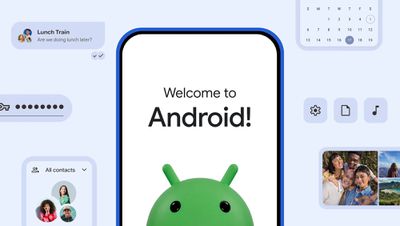
Google says the upgraded method allows Google Accounts, passwords, Wi-Fi credentials, and eSIMs to be transferred. It also supports photos, videos, contacts, messages, and calendars, like the prior version of the switching tool. Data transfers require an iPhone with iOS 26.3 or later.
Both Apple and Google had to implement iPhone and Android transfer tools that work without an app to comply with the European Union's Digital Markets Act. When you set up a new Android smartphone or iPhone, there are now simple built-in options to transfer data from a competing platform. Before the on-device transfer options, Google and Apple offered apps for moving data.
The Digital Markets Act requires services to offer data portability to prevent lock-in to an operating system. It also forced Apple and Google to implement a simplified eSIM transfer process.
Android 17 with the new data transfer method has been rolling out to select Pixel devices since June and will also come to Samsung's newly announced Galaxy Z Flip8 and Z Fold8 smartphones.
Popular Stories
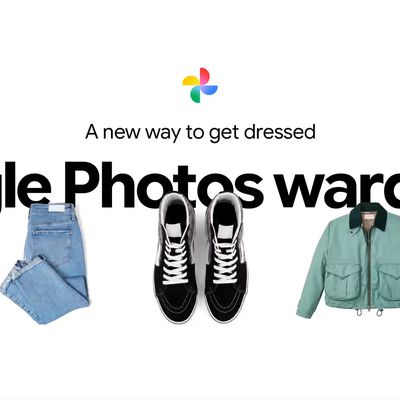
Google today said its digital wardrobe option is available in the Google Photos iOS app in the U.S., India, and Brazil.
Google first announced the feature back in April, but it was limited to Android users until now. The wardrobe option uses AI to pull images of clothing from the Google Photos library, organizing them into a digital closet.
Users can put items together to create outfits ...
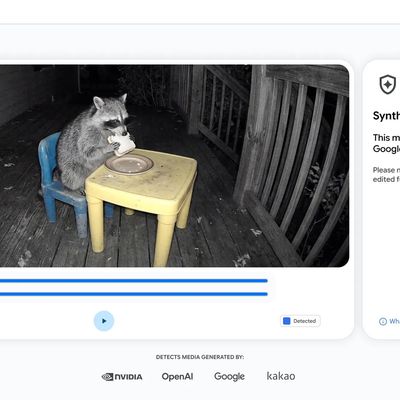
Google today said it is making its SynthID Detector available to everyone for identifying content created using AI.
SynthID Detector first rolled out to members of the media last year, and it is now available worldwide in English. SynthID Detector is a website that lets users upload a photo, video, or audio file to determine whether it has a SynthID watermark that identifies it as...
Some Apple retail employees have been told to warn customers against visiting to purchase an iPhone Duo without a pre-order on Friday, October 23.
Apple Store employees told MacRumors that they have been advised that there will likely be no iPhone Duo stock available for walk-in purchases on launch day. Staff have been instructed to discourage customers without pre-orders from coming in...



























![Apple Watch Ultra 3 Hits New Low Price With Amazon's $299 Discount [Updated]](https://images.macrumors.com/t/BXKI27vT0hWfumJQpYzf41rH3Mw=/112x112/article-new/2026/10/apple-watch-ultra-3-milanese.jpeg)