Switching Between iPhone and Android Will Get Easier With New Apple and Google Collaboration
Apple and Google are teaming up to make it easier for users to switch between iPhone and Android smartphones, according to 9to5Google. There is a new Android Canary build available today that simplifies data transfer between two smartphones, and Apple is going to implement the functionality in an upcoming iOS 26 beta.
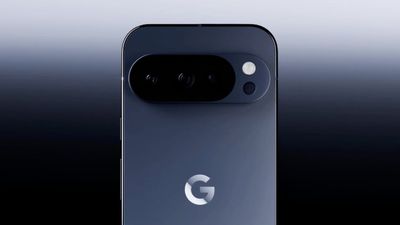
Apple already has a Move to iOS app for transferring data from an Android device to an iPhone, while Google has an Android Switch app that can migrate data from an iPhone to an Android smartphone. The new method will apparently replace the existing apps, offering a transfer function when setting up a new iPhone or Android device.
The collaboration will apparently add "more functionality" and support for transferring data types that are not available to transfer with the current tools.
Both Apple and Google are facing regulatory pressure around the world, with multiple countries scrutinizing practices that might keep customers locked into a platform. Making it simpler for users to transition from one platform to another will be beneficial to both companies.
Popular Stories
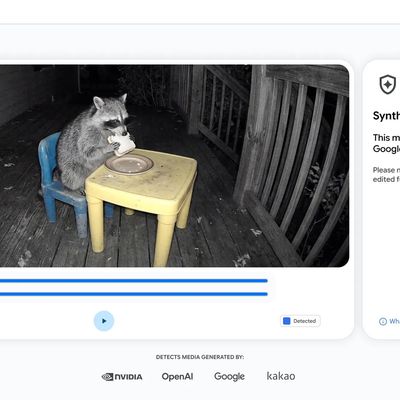
Google today said it is making its SynthID Detector available to everyone for identifying content created using AI.
SynthID Detector first rolled out to members of the media last year, and it is now available worldwide in English. SynthID Detector is a website that lets users upload a photo, video, or audio file to determine whether it has a SynthID watermark that identifies it as...
South Korea has fined Apple 20.8 billion won ($15.5 million) and ordered it to let developers link to external payment options from their apps, The Associated Press reports.
The Korea Media and Communications Commission found that Apple and Google effectively require developers to use their payment systems, violating a 2021 law intended to allow alternatives. Google was fined 42.9 billion...
Shortly after the iPhone Duo launched, a few users reported hinge issues that were causing cracks in the inner display. Apple has now responded to the reports in a statement to MacRumors, saying a small number of units are affected.
The response to iPhone Duo from early users has been incredibly positive, and we are seeing exciting things from developers who are rapidly updating their apps...