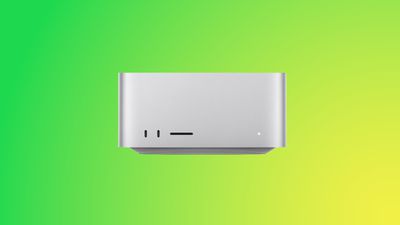
If you have a Mac Studio with an M3 Ultra chip and can't get macOS Tahoe to install, you're not alone. There is a bug that is preventing the update from installing properly on machines that have the M3 Ultra.
Affected users go to install macOS Tahoe, wait through the installation process and see the Mac Studio reboot, and then end up with macOS Sequoia 15.7 still running instead of macOS Tahoe. The macOS Tahoe update fails again and again.
A discussion thread on the Apple Support Communities suggests that the bug is impacting all Mac Studios with an M3 Ultra chip, and we have a Mac Studio that is unable to be upgraded. A Mac user who dug into the error messages suggests that the installer loads the macOS Tahoe driver for the Apple Neural Engine, but then a hardware check fails, and the installation process is aborted.
Mac Studio owners say that attempting to install via standard software update, safe mode, and recovery mode have all failed. There is no known fix right now, and M3 Ultra Mac Studio users will need to wait for Apple to release a fix to solve the issue.
Apple is aware of the problem, so hopefully the problem will be resolved shortly.
Thursday November 5, 2026 12:59 am PST by Tim Hardwick
Apple is launching five new products on Friday, November 6, following pre-orders that opened last week, including its first touchscreen MacBook Pro models.
The following new products will be available from today:
iPad mini with OLED display and A20 Pro chip
iMac with M6 chip
14-inch MacBook Pro with M6 chip
14-inch MacBook Pro with OLED touchscreen
16-inch MacBook Pro with OLED...
Tuesday November 3, 2026 7:34 am PST by Joe Rossignol
Apple today announced that its Festival Place store in Basingstoke, England will be permanently closing on Saturday, November 21.
Apple Festival Place
Apple had already announced that the store would be closing in November, but it had not provided the public with a specific date until now.
Apple's store inside the Festival Place shopping center opened in 2011, so it had a 15-year run....
Thursday November 5, 2026 4:22 pm PST by Juli Clover
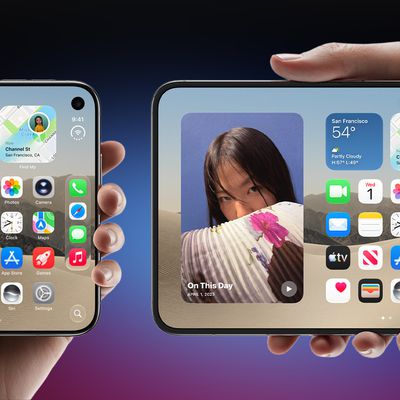
Apple is sending email surveys to some iPhone Duo buyers to get feedback on display size, crease, under-display camera, and other features.
The first question asks why the buyer chose the iPhone Duo now, with answers like "I wanted to try Apple's first foldable," "It was an impulse purchase," and "I expect smartphone prices to increase."
Other questions ask about the size of the iPhone...
Yeah not upgrading for 2-3 months. My m3 ultra is a photo production machine. Can't have any issues. You should never upgrade to first release on machines that make you Money