Apple Releases iOS 18.6 With Photos Bug Fix
Apple today released iOS 18.6 and iPadOS 18.6, the sixth updates to the iOS 18 and iPadOS 18 operating systems. iOS 18.6 and iPadOS 18.6 come more than two months after the release of iOS 18.5 and iPadOS 18.5.
The new software can be downloaded on eligible iPhones and iPads over-the-air by going to Settings > General > Software Update.
iOS 18.6 addresses a Photos-related bug that could prevent users from being able to share memory movies in the Photos app. Apple's release notes are below.
This update provides important bug fixes and security updates, and fixes an issue in Photos that could prevent memory movies from being shared.
The iOS and iPadOS 18.6 updates also bring changes to the App Store rules in the European Union. EU iPhone and iPad users will see a new interface for installing alternative app marketplaces or apps from a developer's website.
Apple's work on iOS 18 and iPadOS 18 is winding down, and the company is already beta testing iOS 26 and iPadOS 26. The updates are set to come out in September alongside new iPhone models.
Popular Stories
Some iPhone Duos are already experiencing hinge issues that cause display cracks, based on photos shared on Reddit and the MacRumors forums. Almost all of the display faults are right along the hinge, and most result in a line of bright pixels across one side of the screen.
An iPhone Duo owner in Australia said his device cracked after being opened fewer than 20 times, and there was no...
Shortly after the iPhone Duo launched, a few users reported hinge issues that were causing cracks in the inner display. Apple has now responded to the reports in a statement to MacRumors, saying a small number of units are affected.
The response to iPhone Duo from early users has been incredibly positive, and we are seeing exciting things from developers who are rapidly updating their apps...
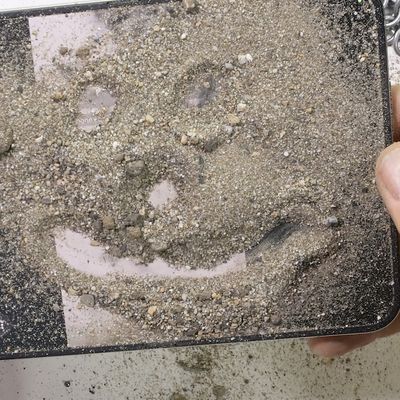
Apple's iPhone Duo has failed JerryRigEverything's latest durability test. Despite its IP68 dust-resistance rating, dust entered the hinge through several ingress points, overwhelming the magnets that hold the phone shut. The bend test then left a permanent green line across the inner display, before the screen became unresponsive.
The outer screen with Ceramic Shield 2 scratched at level 7...