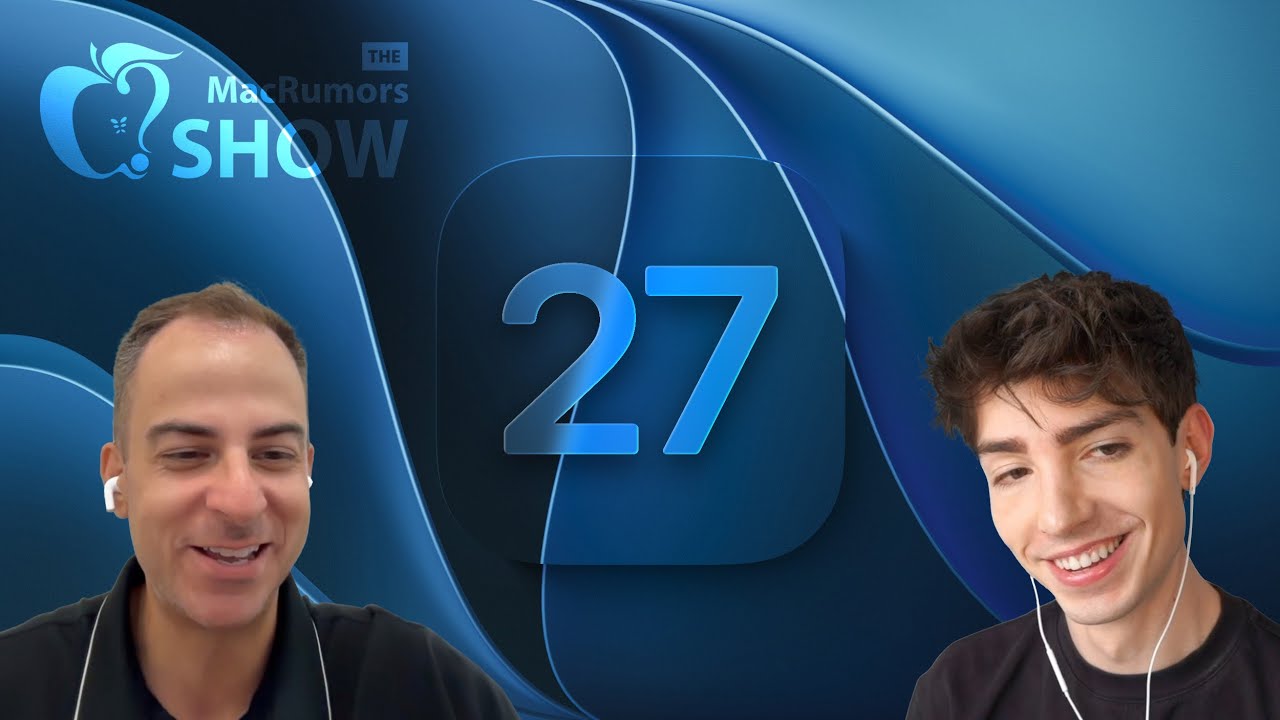
Apple at WWDC announced iOS 26, introducing a comprehensive visual redesign built around its new "Liquid Glass" concept, alongside expanded Apple Intelligence capabilities, updates to core communication apps, and more.
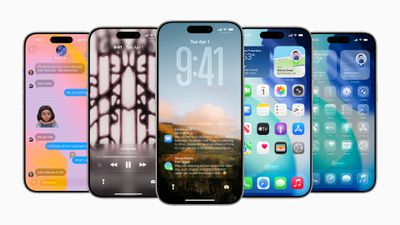
Liquid Glass is a translucent material that reflects and refracts surroundings to create dynamic, responsive interface elements, according to Apple. The new design language transforms the Lock Screen, where the time fluidly adapts to available space in wallpapers, and spatial scenes add 3D effects when users move their iPhone. Meanwhile, app icons and widgets gain new customization options, including a striking clear appearance.
Apple says that throughout the system, Liquid Glass enhances app experiences with greater focus on content. Safari pages now flow edge-to-edge for more viewing space, while the Camera app now has a simplified layout to minimize distractions during capture. The Photos app introduces separate Library and Collections tabs, and tab bars in Apple Music, News, and Podcasts dynamically shrink during browsing to prioritize content.
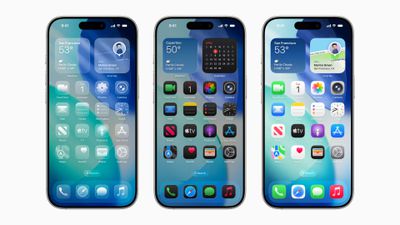
Apple Intelligence is also getting enhancements, with Live Translation integrating across Messages, FaceTime, and Phone for real-time communication across languages using on-device processing. Elsewhere, Visual Intelligence extends beyond the camera to analyze on-screen content, enabling users to search Google, Etsy, or other apps for similar items or ask ChatGPT questions about displayed information. The feature also recognizes events and can automatically populate calendar entries.
Genmoji and Image Playground have had their creative possibilities expanded, with users able to mix their favorite emoji, Genmoji, and descriptions together to create something new. In addition, Shortcuts is gaining intelligent actions powered by Apple Intelligence, with dedicated actions for features like Writing Tools and Image Playground. Apple has also announced the availability of a new Foundation Models framework that allows developers direct access to on-device AI capabilities for free, offline inference.
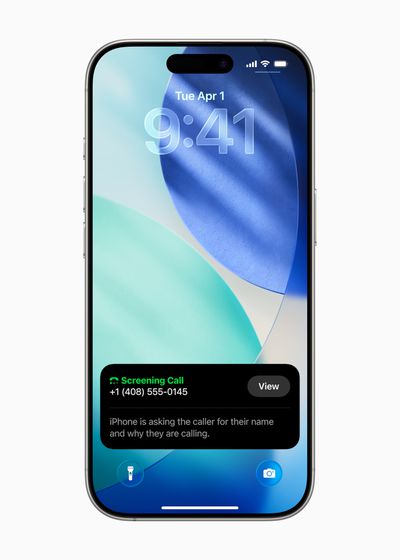
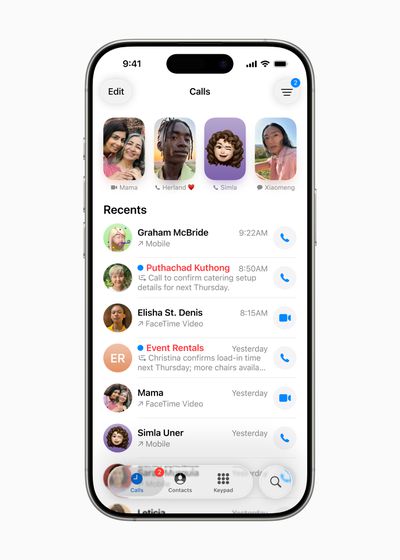
Apple's communication apps have gained some notable updates aimed at reducing interruptions. The Phone app unifies Favorites, Recents, and Voicemails in a single view, while Call Screening builds on Live Voicemail to gather caller information before users decide whether to answer. Then there's Hold Assist, which notifies users when live agents become available during phone queues.
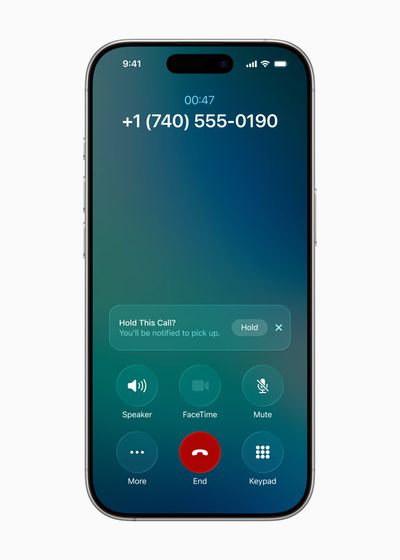
Messages now has screening for unknown senders, and places unrecognized contacts in a dedicated folder until users approve them. The app also adds custom backgrounds, polling capabilities, and typing indicators for group chats, with Apple Intelligence suggesting when polls might be helpful.
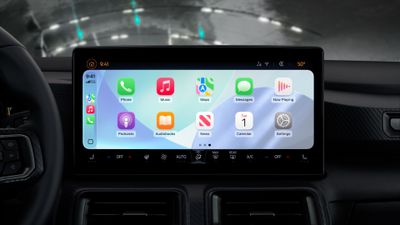
CarPlay has also received visual updates including compact incoming call views that preserve navigation information, plus Tapbacks and pinned conversations in Messages. Meanwhile, widgets and Live Activities now keep users informed without taking the driver's attention off the road.
Additional features include: Apple Music's AutoMix for seamless DJ-style transitions and Lyrics Translation for international songs; Maps gains Visited Places tracking with end-to-end encryption; and Wallet enables installment payments and includes a rewards section for in-store Apple Pay purchases.
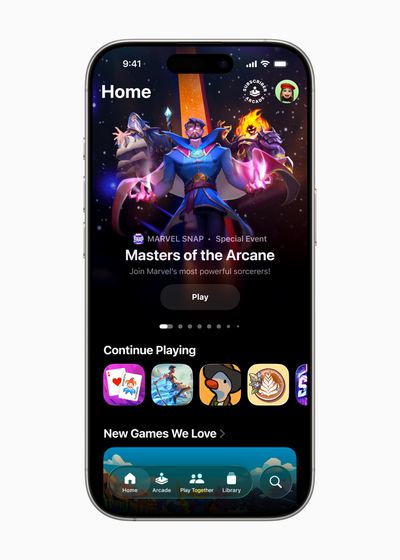
A new Apple Games app centralizes gaming experiences with personalized recommendations and social features, which Apple says now serves as the primary gateway to Apple Arcade's 200+ titles.
iOS 26 enters developer beta today with public beta availability next month and a general release this fall for iPhone 11 and later. Apple Intelligence features require iPhone 15 Pro models or newer. Stay tuned to MacRumors for more coverage on Apple's announcements, including all the little details you may have missed.