Google Search App Can Now 'Simplify' Complex Search Results
Google today said that it's adding a new "Simplify" feature to the Google app for iOS, with the addition aimed at making search results easier to understand.
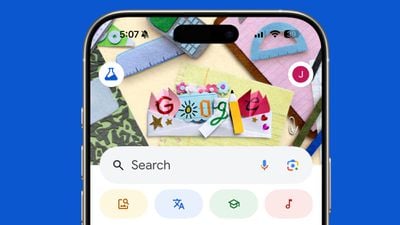
Google says that Simplify is meant to help users understand "jargon" or unfamiliar technical concepts, including medical words that the average person would not know, and technical terms. It uses AI to make "dense text on the web" simpler to comprehend without the user having to leave a website to do more research.
To use Simplify in the Google app for iOS, users can select any complex text on a webpage and then tap on the "Simplify" icon to see a new, simpler version.
Simplify uses a prompt refinement approach that was developed by Google Research, taking advantage of Gemini to make complicated text more digestible without losing key details. In a research paper, Google said that users selected to test the feature were better able to understand complicated medical, financial, legal, and technical websites when queried after using the Simplify feature.
Popular Stories
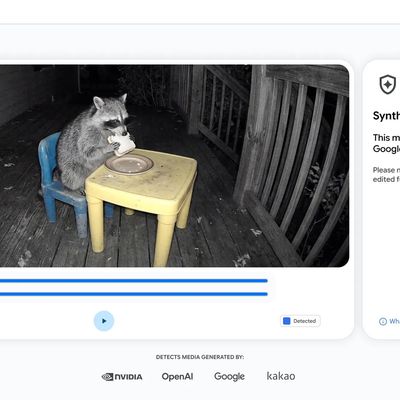
Google today said it is making its SynthID Detector available to everyone for identifying content created using AI.
SynthID Detector first rolled out to members of the media last year, and it is now available worldwide in English. SynthID Detector is a website that lets users upload a photo, video, or audio file to determine whether it has a SynthID watermark that identifies it as...
Google Maps has been updated with improved support for the iPhone Duo's displays, so that the app now fills the foldable iPhone's inner and outer screens rather than leaving unused space along the edge.
The change comes with version 26.44.4, which is available on the App Store. Google doesn't mention Duo-specific changes in its release notes, but the updated support is plainly visible....
South Korea has fined Apple 20.8 billion won ($15.5 million) and ordered it to let developers link to external payment options from their apps, The Associated Press reports.
The Korea Media and Communications Commission found that Apple and Google effectively require developers to use their payment systems, violating a 2021 law intended to allow alternatives. Google was fined 42.9 billion...