Some Apple TV Users Complain of Dolby Atmos Audio Issues
A cluster of Apple TV owners over the last several months have been complaining about several issues when using external speakers with the Apple TV and attempting to listen to Dolby Atmos audio.
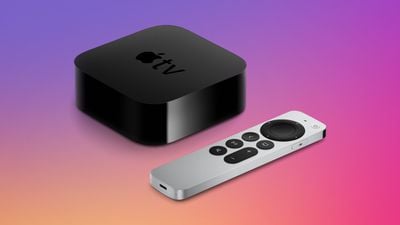
A thread on Apple's support forums, which started in September 2021 and has over 25 pages of users sharing complaints, chronicles how users are experiencing issues with their Apple TV and Dolby Atmos. According to users, when listening to Dolby Atmos content, audio will sometimes either completely cut out and go silent, goes out of sync with the videos on the screen, or is choppy and stutters.
While there are some users who are experiencing the issue across Apple TV apps, a large portion of the complaints come from when users use the Netflix app. Some users have found that changing audio settings and disabling Dolby Atmos entirely solves the issues. Apple released tvOS 15.4.1 last month and that update does not seem to have addressed the bugs. Are you experiencing similar issues? Let us know down in the comments.
Popular Stories
Just two days before Apple's "Welcome home" experience in New York, Bloomberg's Mark Gurman has leaked several details about the new products set to be unveiled, including an all-new smart home hub, a HomePod mini 2, and a new Apple TV 4K.
Here is an all-in-one summary of the details shared by Gurman:Apple's home hub with a touch-enabled display will be named HomeView, seemingly confirming a ...
Apple today announced the fourth-generation Apple TV 4K, with key features including an A19 chip, Siri AI support, an updated Siri Remote that has Find My support with Precision Finding, built in far-field microphones, support for surround sound with four HomePods in front and rear pairs, and more.
The A19 chip in the new Apple TV 4K delivers up to 50% faster CPU performance and up to twice...
Apple likely plans to release MacBook Pro models with OLED displays, 14-inch MacBook Pro and iMac models with M6 chips, and/or an iPad mini 8 with an OLED display on Friday, November 6, according to Bloomberg's Mark Gurman.
The devices are expected to be announced on Tuesday, October 27 or Wednesday, October 28.
If this timeframe proves to be accurate, then Apple will be releasing new...
















































