Apple Approving Mac App Store Apps for OS X Lion
Earlier this week, Apple began inviting developers to submit their OS X Lion apps for inclusion in the Mac App Store, preparing to populate the store with apps capable of taking advantage of some of the new features being deployed in the new operating system.

It's only been a few days, but Apple is already beginning to approve those Lion-capable apps, as noted by OS X Daily in the case of WordCrasher [Mac App Store].
WordCrasher now takes advantage of new OS X Lion features:
- Full-screen. Use the full-screen button or press CONTROL + COMMAND + F to toggle fullscreen mode under OS X Lion.
- Resume. Close WordCrasher at any time and resume your game right where you left it. Restart your Mac, and WordCrasher will resume straight away.
Several other recent app updates have mentioned fixing issues with performance under Lion, but WordCrasher appears to be the first third-party app update to be approved specifically mentioning Lion-only features. Apple has pushed out a number of updates for its own apps this week, including the iLife '11 suite and Aperture, with those updates also quietly adding Lion-only features such as full-screen support.
Popular Stories
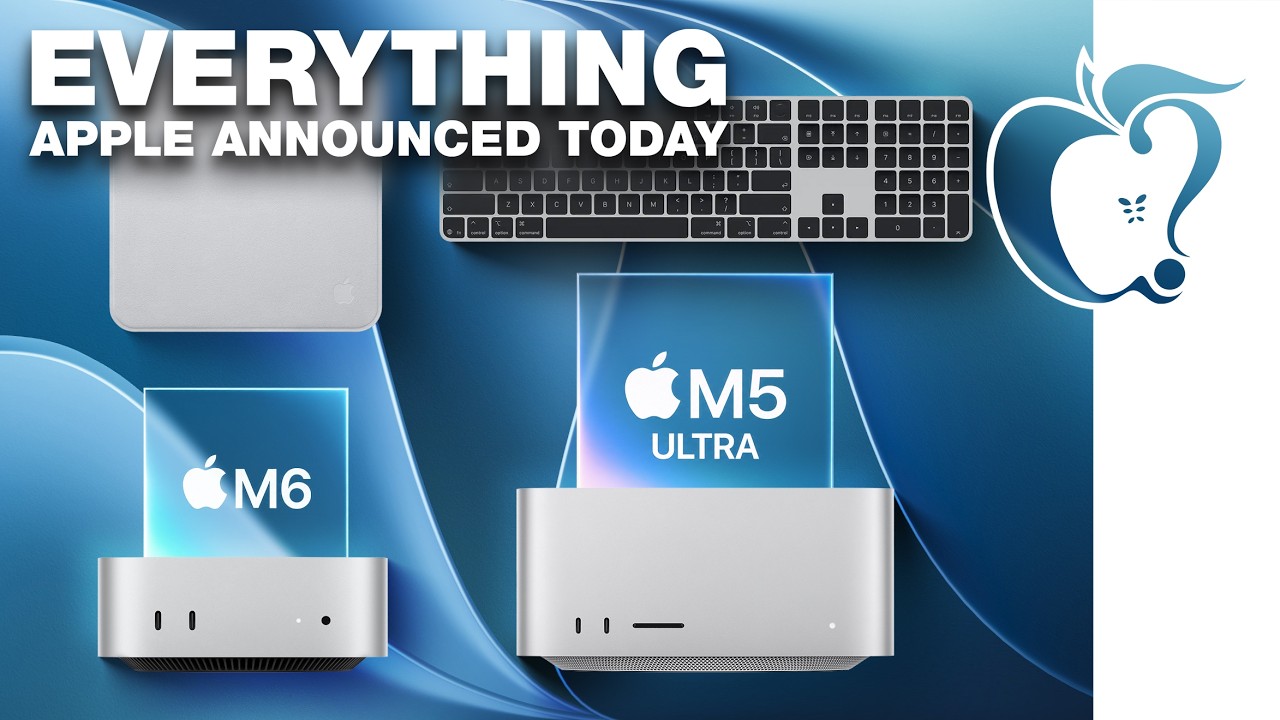
Apple today unveiled a new Mac mini with M6 and M5 Pro chip options, a new Mac Studio with M5 Max and M5 Ultra chip options, a new version of the Polishing Cloth with a lower price, and updated Magic Keyboards for Macs.
To learn more about these products, read our coverage below:
Apple Announces New Mac Mini With M6 and M5 Pro Chips and More
Apple Unveils New Mac Studio With M5 Max and M5...
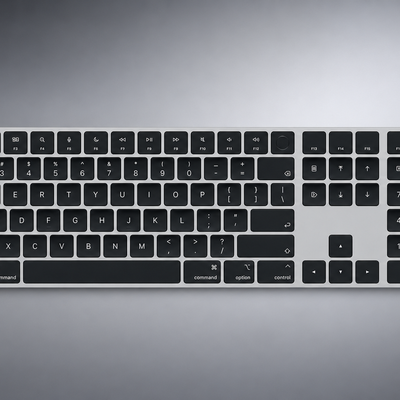
Apple today quietly introduced updated Magic Keyboard models with revised U.S. English key labeling.
On the new keyboards, the tab, caps lock, shift, return, and delete keycaps are labeled with glyphs rather than edge text. On the full-size models with a numeric keypad, the change goes further, with the home, page up, page down, end, clear, and enter keys also swapping their text labels for...
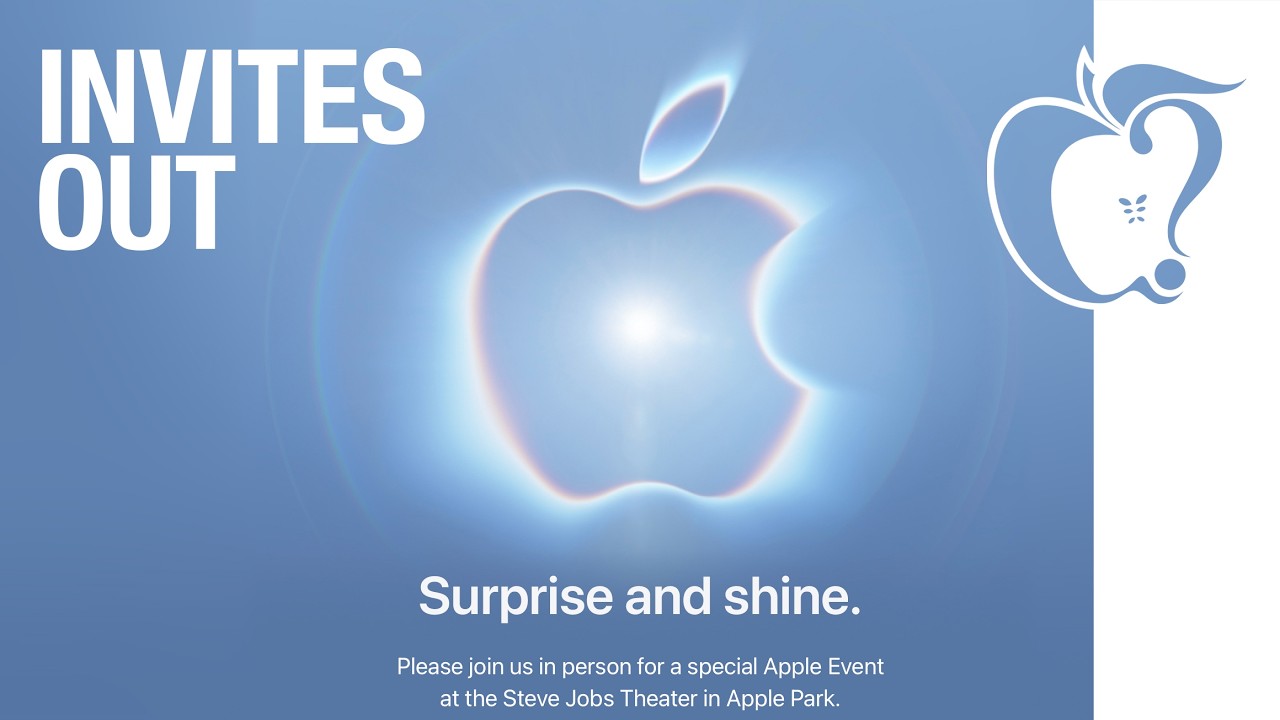
The new Mac mini and Mac Studio models unveiled by Apple this week are the company's first new Macs announced in August since 2020.
It is extremely rare for Apple to announce new products of any kind in August, excluding smaller things like new color options and accessories.
As mentioned, Apple's last notable August product announcement was in 2020, when it updated the 27-inch iMac and a...