Apple Releases MacBook Pro Firmware Update to Fix Unexpected Shutdown Issue
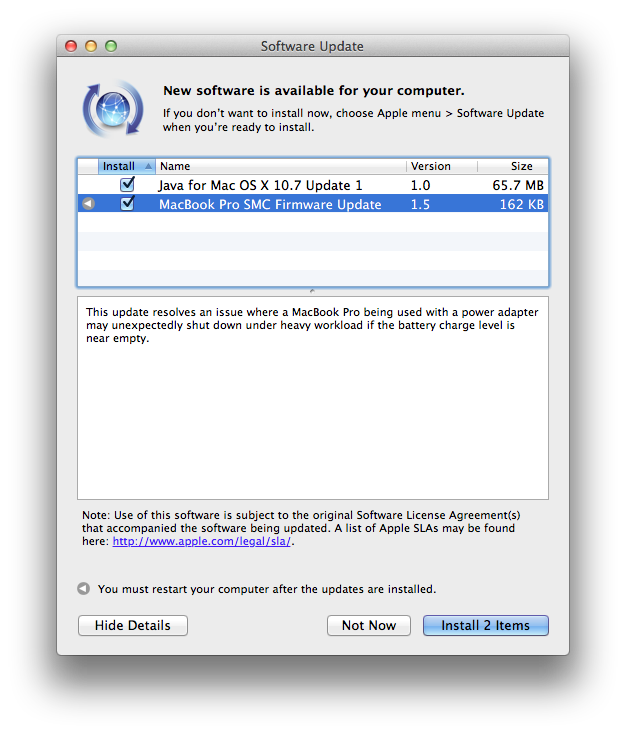
 Apple has released MacBook Pro SMC Firmware Update 1.5. The update fixes an issue where the machine would shut off unexpectedly under heavy processor load, even when plugged in.
This update resolves an issue where a MacBook Pro being used with a power adapter may unexpectedly shut down under heavy workload if the battery charge level is near empty.
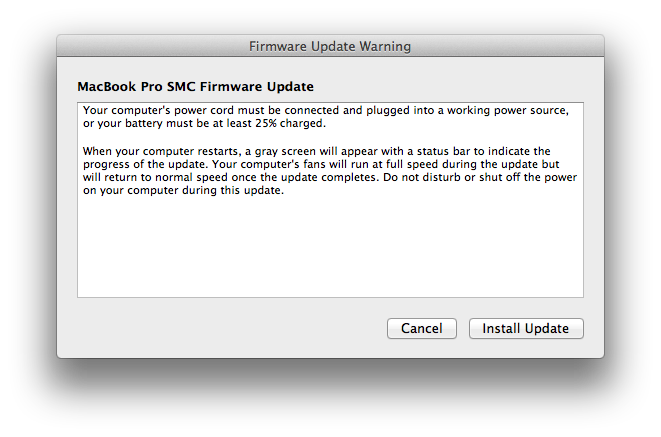
Your computer's power cord must be connected and plugged into a working power source, or your battery must be at least 25% charged.
When your computer restarts a gray screen will appear with a status bar to indicate the progress of the update.
Your computer's fans will run at full speed during the update but will return to normal speed once the update completes.
Do not disturb or shut off the power on your computer during this update.
MacBook Pro SMC Firmware Update 1.5 can be downloaded from Apple's support website.
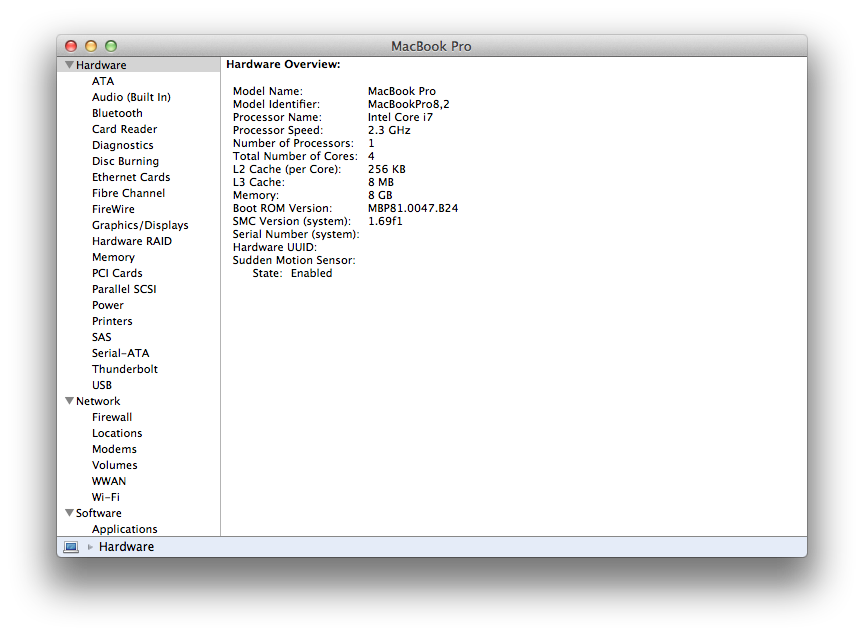
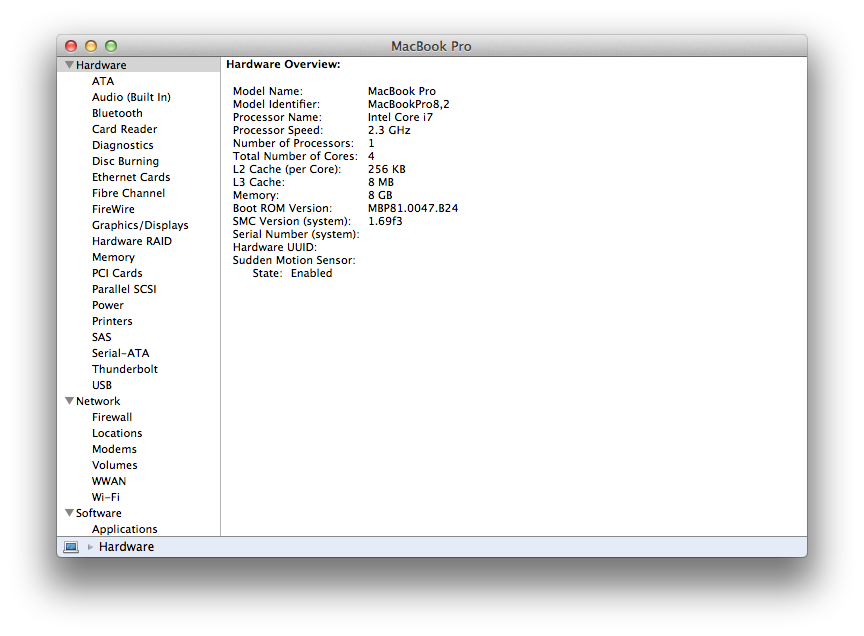
The update applies to owners of MacBook Pro models 8,1, 8,2, and 8,3. These include both MacBook Pro (Early 2011) and MacBook Pro (Late 2011).
Popular Stories
iOS 26.4 was released today, and it includes a couple of new features for CarPlay: an Ambient Music widget and support for voice-based chatbot apps.
To update your iPhone 11 or newer to iOS 26.4, open the Settings app and tap on General → Software Update. CarPlay will automatically offer the new features so long as the iPhone connected to your vehicle is running iOS 26.4 or later....
Apple today released new firmware for the AirPods Pro 2, AirPods Pro 3, and the AirPods 4. The firmware has a version number of 8B39, up from 8B34 on the AirPods Pro 3, 8B28 on the AirPods Pro 2, and 8B21 on the AirPods 4.
There is no word on what's included in the firmware, but Apple has a support document with limited notes. Most updates are limited to bug fixes and performance...
Apple this week released tvOS 26.4, and the software update includes a handful of new features and changes for the Apple TV.
tvOS 26.4 is compatible with all Apple TV 4K and Apple TV HD models released since 2015. To update your Apple TV, open the Settings app on the device, navigate to System → Software Updates, and select Update Software.
Below, we have recapped what is new in tvOS...