

Earlier this evening, MacRumors forum member jav6454 related his story of how his iPhone 4 signal issues had resolved. Essentially, while at the Apple Store for a tech support issue related to his iPhone 4, his SIM card was removed for a period of time and then reinserted. He subsequently found that his reception had improved:
I went on my merry way, but realized something now. No matter what position I held my iPhone 4 in, the signal never decreased. I held it the many ways I know the signal issue pops and nothing. No bar loss, no signal loss, no call drop. NOTHING. So there you have it.
I am theorizing that moving the SIM card had something to do with the signal issue, because the only thing I have done to my iPhone 4 differently is take out and reinsert the SIM card. Other than that no other changes to it. No setting change, no software change no nothing. Just reinsertion of the SIM card.
To prove his theory he asked others to try it themselves. As people investigated, some thought that SIM contact with the SIM tray might be causing the issue.
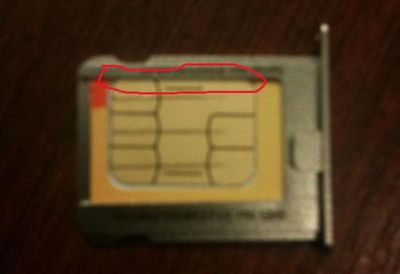
A few people have isolated their SIMs from the tray with electrical tape or even by cutting the SIM on the opposite side. The results have been mixed. A few users have reported full resolution of the signal drops, but at least an equal number have reported no change at all. Here's an example of a positive response:
I just tried this. My sim contacts were under the edge of the tray too. I cut a piece of electrical tape to exactly cover only where the gold contacts of the sim touched the tray. I went back to the exact location in my house where I had 1 signal bar. I now have 3 signal bars. Unreal, I can't believe this did anything. Tested before and after with a bumper on the phone. I'll keep an eye on the performance outside the house tomorrow. I don't want to jump to conclusions that this helped my iPhone reception without more data. Looks promising so far though!
At this point the results are too varied to come to any single conclusion, but we thought it was of enough interest to post and follow along the results. Of interest, if the SIM card is somehow responsible, it would also explain why individuals getting replacement units are unlikely to have seen an improvement, as the SIM card is usually transferred to the replacement phone as well. Alternatively, some are speculating that those that are seeing improvements are simply due to the iPhone's network systems resetting and simply connecting to a different tower or band that maybe be less susceptible to the issue. In fact, at least one user's issue has returned after initially improving.
The full discussion thread is here.















