iPhone 4 In-Hand Signal Issue Isolated to Bottom Left Corner
Earlier this evening, iPhone 4 signal drops had been reported from individuals holding their new iPhones in their hand. The issue seems to have been isolated to a specific location on the device itself. It is demonstrated well in this video by Insanely Great Mac:
The video shows that calls were consistently dropped when the iPhone 4 was held in the left hand while touching the bottom left corner.
It's not clear if the bottom-left sensitivity is a problem with every iPhone 4 or if there is only a batch of iPhone 4s that are affected. Of course, the solution for now would be to avoid holding the iPhone in the manner demonstrated.
Note: the lower number of bars on the iPhone 4 as compared to the 3GS is a known software issue. Apple told Mossberg that it would be addressed in a future software update.
Update: A couple of commenters have said they have been unable to replicate on their iPhone 4, while others have, so it may not affect every device.
Popular Stories
In a memo shared with Apple Stores and Apple Authorized Service Providers this week, and later obtained by MacRumors, Apple provided technicians with guidance on how to diagnose and address the iPhone Duo's inner display cracking issue.
If a customer reports the issue, Apple advised technicians to inspect the iPhone Duo and repair or replace it in accordance with their standard procedures....
Apple is releasing five new products this Friday, November 6, following pre-orders that opened last week, including its first touchscreen MacBook Pro models.
The following new products will be available from Friday:
iPad mini with OLED display and A20 Pro chip
iMac with M6 chip
14-inch MacBook Pro with M6 chip
14-inch MacBook Pro with OLED touchscreen
16-inch MacBook Pro with OLED...
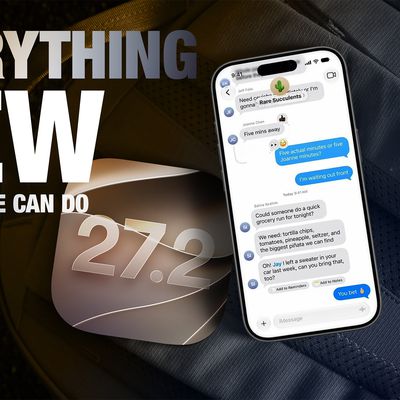
Apple released iOS 27.2 on October 26, bringing enhancements to Siri AI, adding Suggestions in Messages, and sneaking in a string of smaller additions across Photos, Podcasts, Games, Apple TV, and FaceTime.
iOS 27.2 is available to download to your device now via Settings ➝ General ➝ Software Update. Note that some features may not be available in all regions or on all iPhone models....