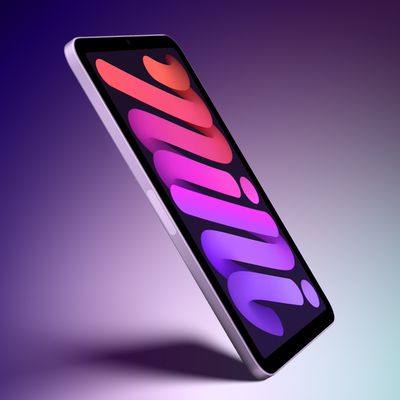
The new iPad Pro models announced last week are the first Apple devices to support Wi-Fi 6E, which uses the 6GHz band to enable faster and more reliable Wi-Fi connectivity. In a new support document, Apple explains how the feature works.

To create a Wi-Fi 6E network, Apple says you need a Wi-Fi 6E router that also has its 2.4GHz or 5GHz bands enabled. For the best Wi-Fi performance, Apple recommends using a single network name across the router's 2.4GHz, 5GHz, and 6GHz bands. Otherwise, the iPad Pro identifies the network as having "limited compatibility," with Apple warning that the "overall experience with some activities over the network might not be as expected."
If you experience any issues with a Wi-Fi 6E network, Apple says you can turn off Wi-Fi 6E mode for that network, and the iPad Pro will no longer use that network's 6GHz band. To do so, open the Settings app, tap on Wi-Fi, tap on the name of the network you are connected to, tap on Wi-Fi 6E Mode and toggle it off. However, Apple says this setting appears only for Wi-Fi 6E networks that use a single network name for all bands.
The new iPad Pro was released today and also features the M2 chip, new hover functionality for the Apple Pencil, ProRes video recording, and Bluetooth 5.3.