Apple Releases Second Public Beta of iOS 11.2 for Public Beta Testers - MacRumors
Skip to Content

Apple Releases Second Public Beta of iOS 11.2 for Public Beta Testers

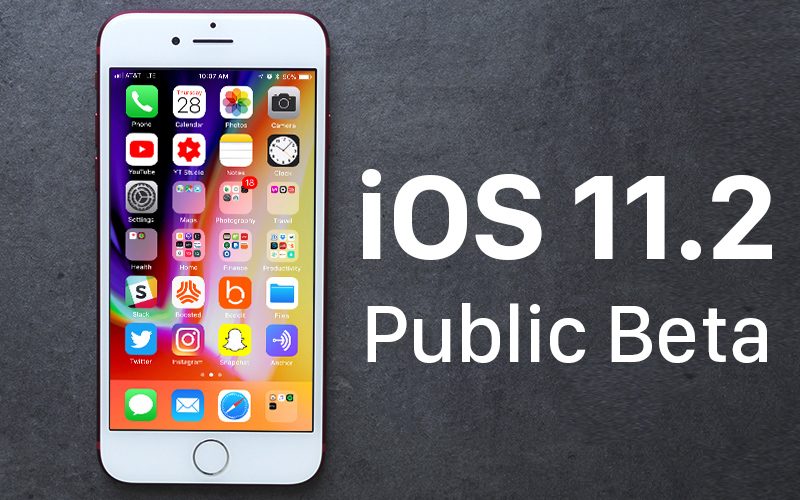
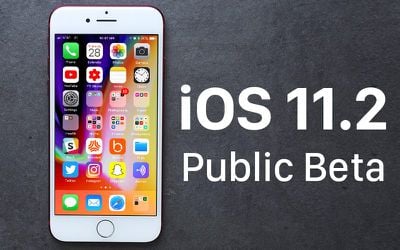
Apple today released the second public beta of iOS 11.2 to its public beta testing group, one week after releasing the first public beta and a little over a week after the release of iOS 11.1, the first major update to the iOS 11 operating system.

Beta testers who are members of Apple's beta testing program will receive the iOS 11.2 beta update over-the-air after installing the proper certificate on an iOS device.
ios11
Those who want to join the beta testing program can sign up on Apple's beta testing website, which gives users access to iOS, macOS, and tvOS betas. iOS betas are not always stable and should not be installed on a primary device.

Apple is allowing public beta testers to test Apple Pay cash starting with today's iOS 11.2 beta. iOS 11.2 beta 2 also fixes an autocorrect bug plaguing many people. The bug autocorrects the letter "i" to "A[?]." Apple has recommended a temporary workaround in the form of a Text Replacement, but the problem will be fixed for good once iOS 11.2 is released.

iOS 11.2 fixes an animation bug in the Calculator app that caused some numbers and symbols to be ignored when entered in rapid succession. The update removes the animations from the calculator app so calculations can be done quickly with no need to pause between entering numbers to obtain the correct result.

In addition to the Calculator bug, iOS 11.2 introduces a new Now Playing option for controlling content on the Apple TV in Control Center, redesigned camera emoji, and a new loading animation for Live Photos effects.
Related Forum: iOS 11

Popular Stories

Four iPhone 18 Pro Colors Mock Feature

iPhone 18 Pro Launching Later This Year With These 10 New Features

Tuesday May 26, 2026 6:32 am PDT by
While the iPhone 18 Pro and iPhone 18 Pro Max are not launching until September, there are already plenty of rumors about the devices. It was initially reported that the iPhone 18 Pro models would have fully under-screen Face ID, with only a front camera visible in the top-left corner of the screen. However, the latest rumors indicate that only one Face ID component will be moved under the...
apple wallet drivers license feature iPhone 15 pro

Apple Just Expanded iPhone Driver's License Feature to Arkansas

Wednesday May 27, 2026 9:41 am PDT by
In select U.S. states, residents can add their driver's license or state ID to the Apple Wallet app on the iPhone and Apple Watch, and then use it to display proof of identity or age at select airports and businesses, and in select apps. Starting today, the feature is available in Arkansas, which is the 14th state to offer it. However, it may take some time to roll out to all users. To...
Apple Watch Blood Glucose Monitoring Feature 2

Apple Watch for Diabetes: The Latest on Apple's Plans for Non-Invasive Blood Sugar Monitoring

Tuesday May 26, 2026 9:30 am PDT by
For many years now, it has been rumored that the Apple Watch will eventually gain non-invasive blood sugar monitoring capabilities, which would enable millions of people with diabetes to track their blood glucose levels without needing to prick their skin with a needle or wear a dedicated continuous glucose monitor. According to Bloomberg's Mark Gurman, Apple recently shifted oversight of...

Top Rated Comments

newjerseydamo Avatar
112 months ago
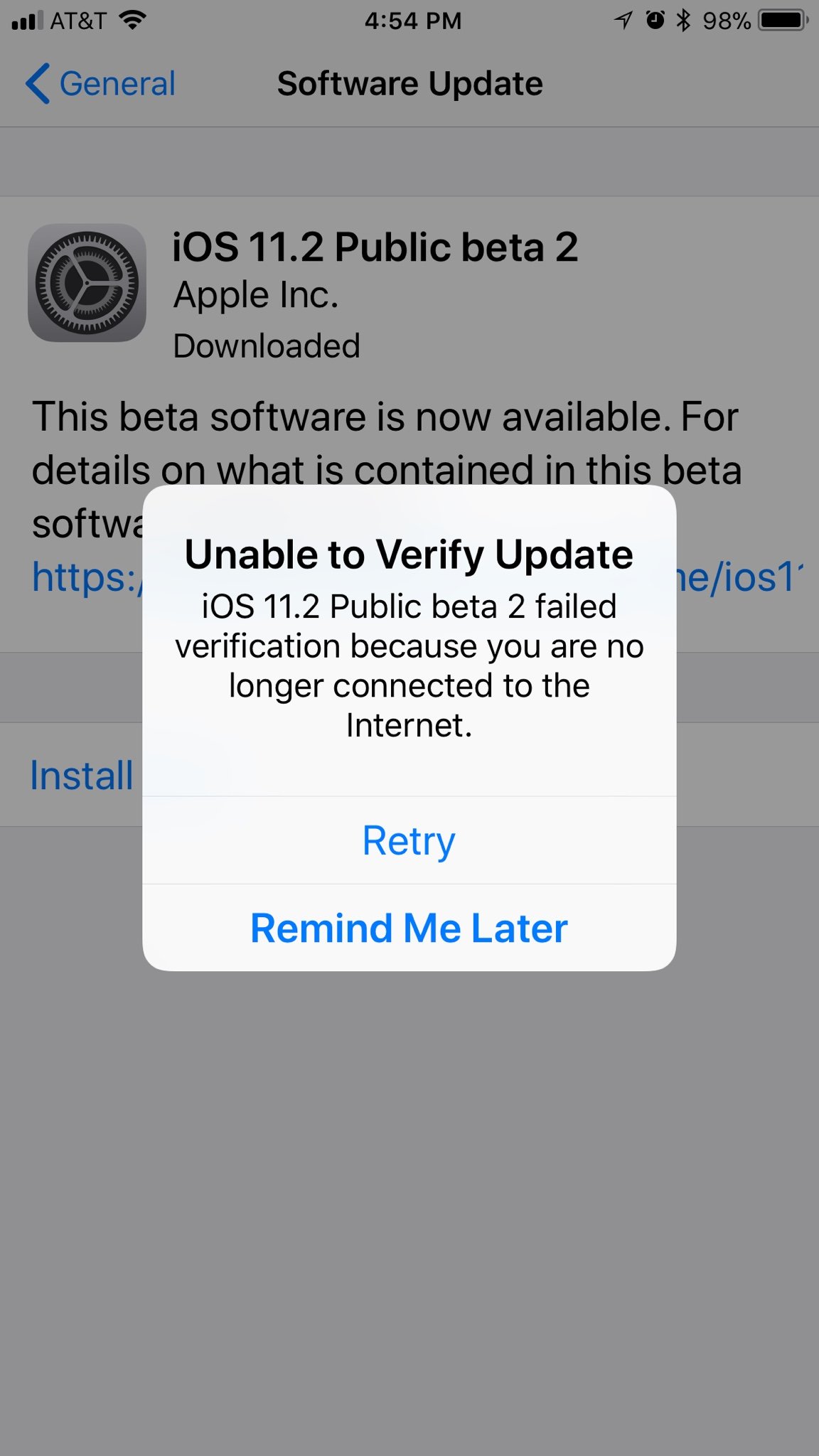
Getting an unable to verify message.
Thinks I'm not connected to the internet.

IPhone 7+.
Score: 13 Votes (Like | Disagree)
Nick Bedsole Avatar
112 months ago
Apple today released the second public beta of iOS 11.2 to its public beta testing group, one week after releasing the first public beta ('https://www.macrumors.com/2017/11/01/apple-first-ios-11-2-public-beta/') and a little over a week after the release of iOS 11.1 ('https://www.macrumors.com/2017/10/31/apple-releases-ios-11-1-with-new-emoji/'), the first major update to the iOS 11 operating system.

Beta testers who are members of Apple's beta testing program will receive the iOS 11.2 beta update over-the-air after installing the proper certificate on an iOS device.


Those who want to join the beta testing program can sign up on Apple's beta testing website, which gives users access to iOS, macOS, and tvOS betas. iOS betas are not always stable and should not be installed on a primary device.

Apple is allowing public beta testers to test Apple Pay cash starting with today's iOS 11.2 beta. iOS 11.2 beta 2 also fixes an autocorrect bug ('https://www.macrumors.com/2017/11/07/fix-autocorrect-bug-developer-beta/') plaguing many people. The bug autocorrects the letter "i" to "A[?]." Apple has recommended a temporary workaround ('https://www.macrumors.com/2017/11/06/apple-workaround-for-autocorrect-bug-ios/') in the form of a Text Replacement, but the problem will be fixed for good once iOS 11.2 is released.

iOS 11.2 fixes an animation bug in the Calculator app that caused some numbers and symbols to be ignored when entered in rapid succession. The update removes the animations from the calculator app so calculations can be done quickly with no need to pause between entering numbers to obtain the correct result.

In addition to the Calculator bug, iOS 11.2 introduces a new Now Playing option for controlling content on the Apple TV in Control Center, redesigned camera emoji, and a new loading animation for Live Photos effects.
Article Link: Apple Releases Second Public Beta of iOS 11.2 for Public Beta Testers ('https://www.macrumors.com/2017/11/07/apple-releases-ios-11-2-public-beta/')
I can't update. I tap the "Download and Install" button, and it just goes back to blue, and nothing happens. Thoughts?
I’ve downloaded the update but it tells me that it cannot be verified due to my WiFi not working correctly. I tested it with safari and it worked. I then disconnected my phone from the internet, forgot the network and put the password back in. It still isn’t working.
Score: 7 Votes (Like | Disagree)
newjerseydamo Avatar
112 months ago
Restarting my phone, deleting and downloading the update again, and even resetting my network settings have not fixed the problem of the update not verifying.
It's not my end that's the issue.
Score: 3 Votes (Like | Disagree)
MozMan68 Avatar
112 months ago
Would be nice to install it if I could get past this...


I could have sworn those three little bars up there meant I was connected...[emoji849]
Score: 2 Votes (Like | Disagree)
112 months ago
How do you delete the download? I OTA’d it on my 8 and Air 2, can’t verify either. UK based.
Found it.

https://support.apple.com/en-us/HT201435

But I don't think that it matters. I think that who managed to get verified just lucked out to get into the Apple servers that must be dysfunctional for some reason
Score: 2 Votes (Like | Disagree)
newjerseydamo Avatar
112 months ago
That's usually fixed by a hard reset. My phone won't even download the update.
Tried that too.
Still won't verify. Something wrong on Apple's end.
Score: 2 Votes (Like | Disagree)